
My_Kampf - Minecraft Skins & Skin History
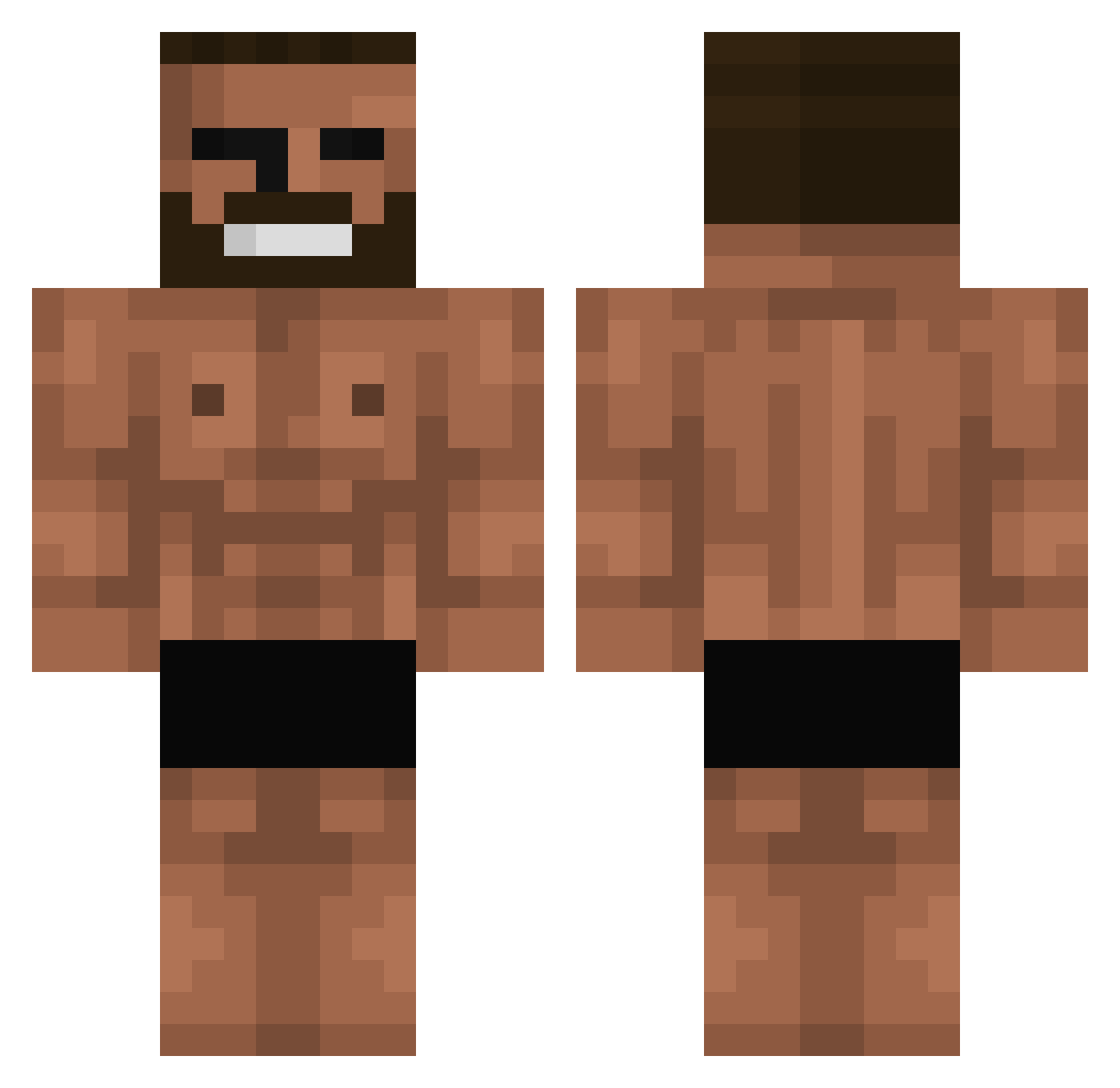
Current Minecraft skin of the player My_Kampf, loaded from the official Mojang API. Rotate the 3D model with your mouse or finger, then download the skin as a PNG file and use it in Minecraft: Bedrock Edition or Java Edition for free. When My_Kampf changes their skin, this page updates automatically and the old skin stays in the history below.
Other players with this skin (700)
My_Kampf was the 489th player we have seen with this skin, first spotted on 06.10.2026. The same skin was seen on these players. Open a nickname to see their current skin and skin history.
 CastanhaLord Jair98 Socartess wulaliii YilmazBaby kaspersan TNP1230 jaysc0tt HaNaper GR_1243 REIDACREM kursiet ruudarg Tilted_Apex Cheekybooj LordRakow couchgaming3939 ninjaboyry Arunakim AFY_MIPASION ss1nya BananKlocki kaaito1192 X8zs wszzj hyunseung1330 ZerGadh DaelinProudmoore Gayful Noosey ByKerim01 Sumifoo joezap Killersim_ dzuz0 lovipuudja1 thorin_04 BORABIL Whillies Sajjmonju Cdog568 Wesley_11 CtrlAltRetreat__ JumboBug9730716 ThiccnessChicken Darkvoid999 Lurcher404 Aratuki101 Beefdvd Worpet7 wahead_nafar Beast_jeon GentleYatsu Eerwvwhehwyzz AliGameXworldX O_oJoseph Oktuberr Hoodie008 Revertzz MOLTAR123
More Gigachad Minecraft skins
How to install the My_Kampf skin
- Press the Download button above to save the skin as a PNG file.
- Minecraft: Bedrock Edition (PE): open the Dressing Room from the main menu (or tap your character → Edit Character), go to Classic Skins → Owned, press the + (new skin) button, choose the downloaded PNG and pick the Classic (Steve) model. Works on PC and mobile; consoles cannot import custom skins.
- Minecraft: Java Edition: open the Minecraft Launcher, go to the Skins tab, click New Skin, load the PNG, pick the Classic (Steve) model and press Save & Use. You can also upload it at minecraft.net → Profile → Change Skin.
The skin does not show up after import - what should I do?
Restart Minecraft and open the Dressing Room again - imported skins sometimes appear only after a restart. Also make sure you selected the imported skin and picked the Classic (Steve) model.
Which model should I choose, Classic or Slim?
This skin is designed for the Classic (Steve) model. If you pick the wrong model, the arms of the skin will look stretched or squeezed.
Is the skin of My_Kampf free to download?
Yes. Press Download, save the PNG file and use it in Minecraft: Bedrock Edition or Java Edition - no payment or registration needed. The skin also works on multiplayer servers and Realms.
More skins
Looking for more? Go back to all Minecraft skins and check the top skins of the week, month and all time, or find any player's skin by nickname.