
MullePigenDK - Minecraft Skins & Skin History
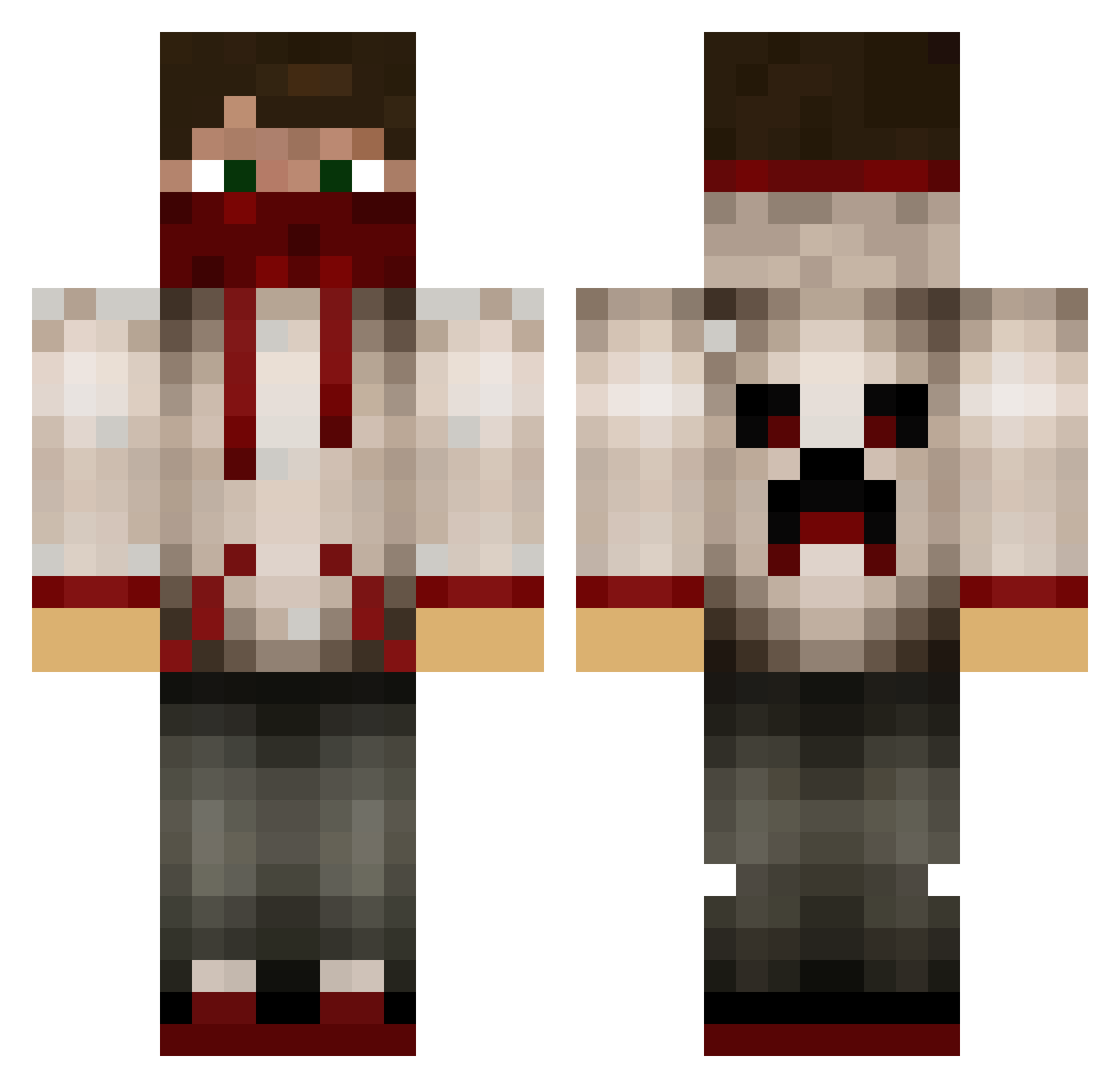
Current Minecraft skin of the player MullePigenDK, loaded from the official Mojang API. Rotate the 3D model with your mouse or finger, then download the skin as a PNG file and use it in Minecraft: Bedrock Edition or Java Edition for free. When MullePigenDK changes their skin, this page updates automatically and the old skin stays in the history below.
Other players with this skin (629)
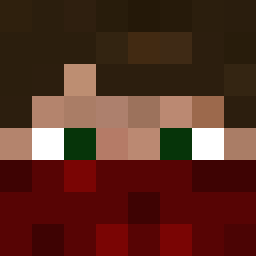
MullePigenDK was the 292nd player we have seen with this skin, first spotted on 09.09.2026. The same skin was seen on these players. Open a nickname to see their current skin and skin history.
 SuperG7 REDGAMER84 Samu_P forest_devil1 venomxsureshot DevoutPower234 rymdjagarn1 skinmonster StairsOfLearning RV47 freerecon n1nj4b0y11 snipermonkey54 CegliaTristan iTsRiCoTeX savagekillz16 CollinSpringer MkIITc WillB2003 pewizz DanDan2004 kid_sticks TheTinySkate CamHov SpiralOrgan Zuper_Duck darkMagician524 Goldkilla3208 Abo0odi_GameR Dumbmes WhiteTrashh PHYGUY kclem217 aleks1812 TypicalJenius Lenaki93 octo_rock _Brucifer_ SleezyGeez Frappapa jaber82 D_PAT Zeusa01 Enceladus377 SDL43 Somo174 GetClickBaitedv2 patryk__1 KillerForElite bandboy1234 HeyoHouston_1016 theghostofbandit august2009 Seaturtle1897 AdamIrakeren BigBlockk swarm_x Necrolica maxis002 KarlToXII
More Bandana Minecraft skins
How to install the MullePigenDK skin
- Press the Download button above to save the skin as a PNG file.
- Minecraft: Bedrock Edition (PE): open the Dressing Room from the main menu (or tap your character → Edit Character), go to Classic Skins → Owned, press the + (new skin) button, choose the downloaded PNG and pick the Classic (Steve) model. Works on PC and mobile; consoles cannot import custom skins.
- Minecraft: Java Edition: open the Minecraft Launcher, go to the Skins tab, click New Skin, load the PNG, pick the Classic (Steve) model and press Save & Use. You can also upload it at minecraft.net → Profile → Change Skin.
The skin does not show up after import - what should I do?
Restart Minecraft and open the Dressing Room again - imported skins sometimes appear only after a restart. Also make sure you selected the imported skin and picked the Classic (Steve) model.
Which model should I choose, Classic or Slim?
This skin is designed for the Classic (Steve) model. If you pick the wrong model, the arms of the skin will look stretched or squeezed.
Is the skin of MullePigenDK free to download?
Yes. Press Download, save the PNG file and use it in Minecraft: Bedrock Edition or Java Edition - no payment or registration needed. The skin also works on multiplayer servers and Realms.
More skins
Looking for more? Go back to all Minecraft skins and check the top skins of the week, month and all time, or find any player's skin by nickname.