
Mrhayzzer - Minecraft Skins & Skin History
Current Minecraft skin of the player Mrhayzzer, loaded from the official Mojang API. Rotate the 3D model with your mouse or finger, then download the skin as a PNG file and use it in Minecraft: Bedrock Edition or Java Edition for free. When Mrhayzzer changes their skin, this page updates automatically and the old skin stays in the history below.
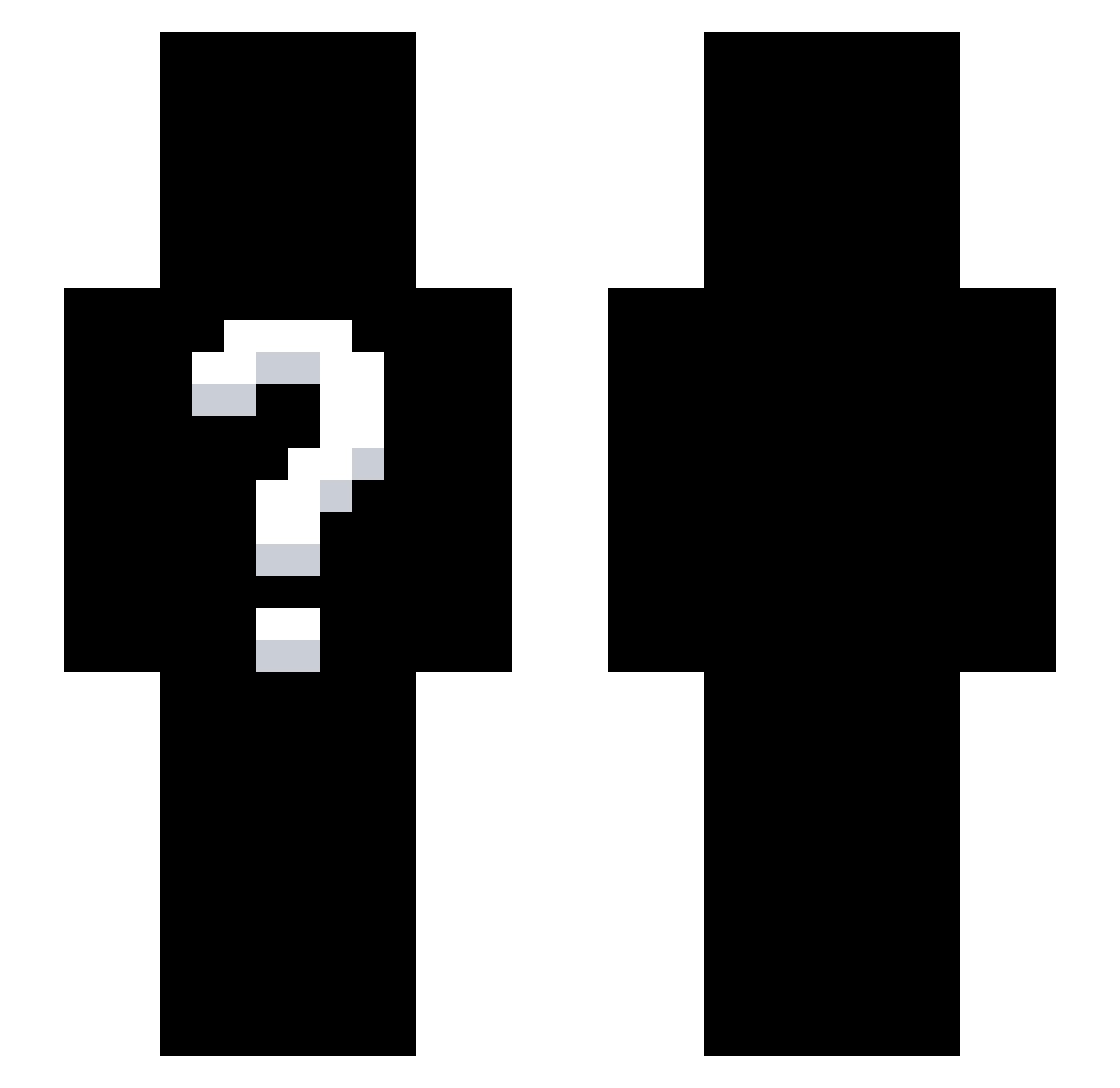
Other players with this skin (265)
Mrhayzzer was the 120th player we have seen with this skin, first spotted on 07.09.2026. The same skin was seen on these players. Open a nickname to see their current skin and skin history.
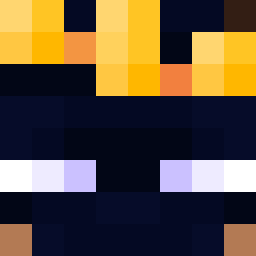 Reca1l
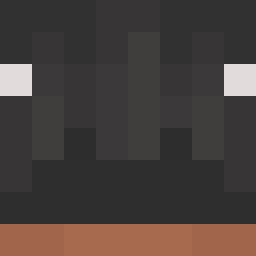 Shad8w_
 CrimsonShxdow Itz_DarkLight ElloLbozo19
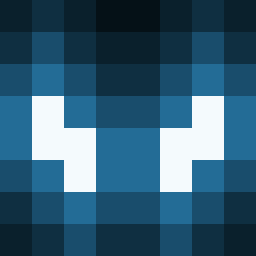 EliasLindbergCHR nightmareeeeee0
 RaysMC
 BubbleMan0509 XeirlosChild
 AllKrystiano Lian_K7 Raqvfz
 soruadam
 Kdinho D_rkNightYT prnv__ ITZ_NULL TheMonkeyTwin
 TgamingxYT Night_Boxer InfernoFlap14 zeyfil Wenzio ___DarkshadoW__ Jxgy _Nightfall_MC
 DarkMaciek tomayyyyy sirnameking crxkyzz Spiritro Massi989 Rumbletodust nxhyr_ peemhq KKGUN Whishero just_da_goat Pow3rcraft Machungry MuhammedRper Lucas_2314
 Momelone crackVr rogikk ItzFakeJosh Maxi9528 ByNasharuu cofurai kimarthur119 sillypurin DienDanh1
 Bloomeed_ c0rona1 Xrios_Dtapper MrxVxnq R5sor ddaddo1113 Kek_Hadeon
How to install the Mrhayzzer skin
- Press the Download button above to save the skin as a PNG file.
- Minecraft: Bedrock Edition (PE): open the Dressing Room from the main menu (or tap your character → Edit Character), go to Classic Skins → Owned, press the + (new skin) button, choose the downloaded PNG and pick the Slim (Alex) model. Works on PC and mobile; consoles cannot import custom skins.
- Minecraft: Java Edition: open the Minecraft Launcher, go to the Skins tab, click New Skin, load the PNG, pick the Slim (Alex) model and press Save & Use. You can also upload it at minecraft.net → Profile → Change Skin.
The skin does not show up after import - what should I do?
Restart Minecraft and open the Dressing Room again - imported skins sometimes appear only after a restart. Also make sure you selected the imported skin and picked the Slim (Alex) model.
Which model should I choose, Classic or Slim?
This skin is designed for the Slim (Alex) model. If you pick the wrong model, the arms of the skin will look stretched or squeezed.
Is the skin of Mrhayzzer free to download?
Yes. Press Download, save the PNG file and use it in Minecraft: Bedrock Edition or Java Edition - no payment or registration needed. The skin also works on multiplayer servers and Realms.
More skins
Looking for more? Go back to all Minecraft skins and check the top skins of the week, month and all time, or find any player's skin by nickname.