
Mrbanaantje - Minecraft Skins & Skin History
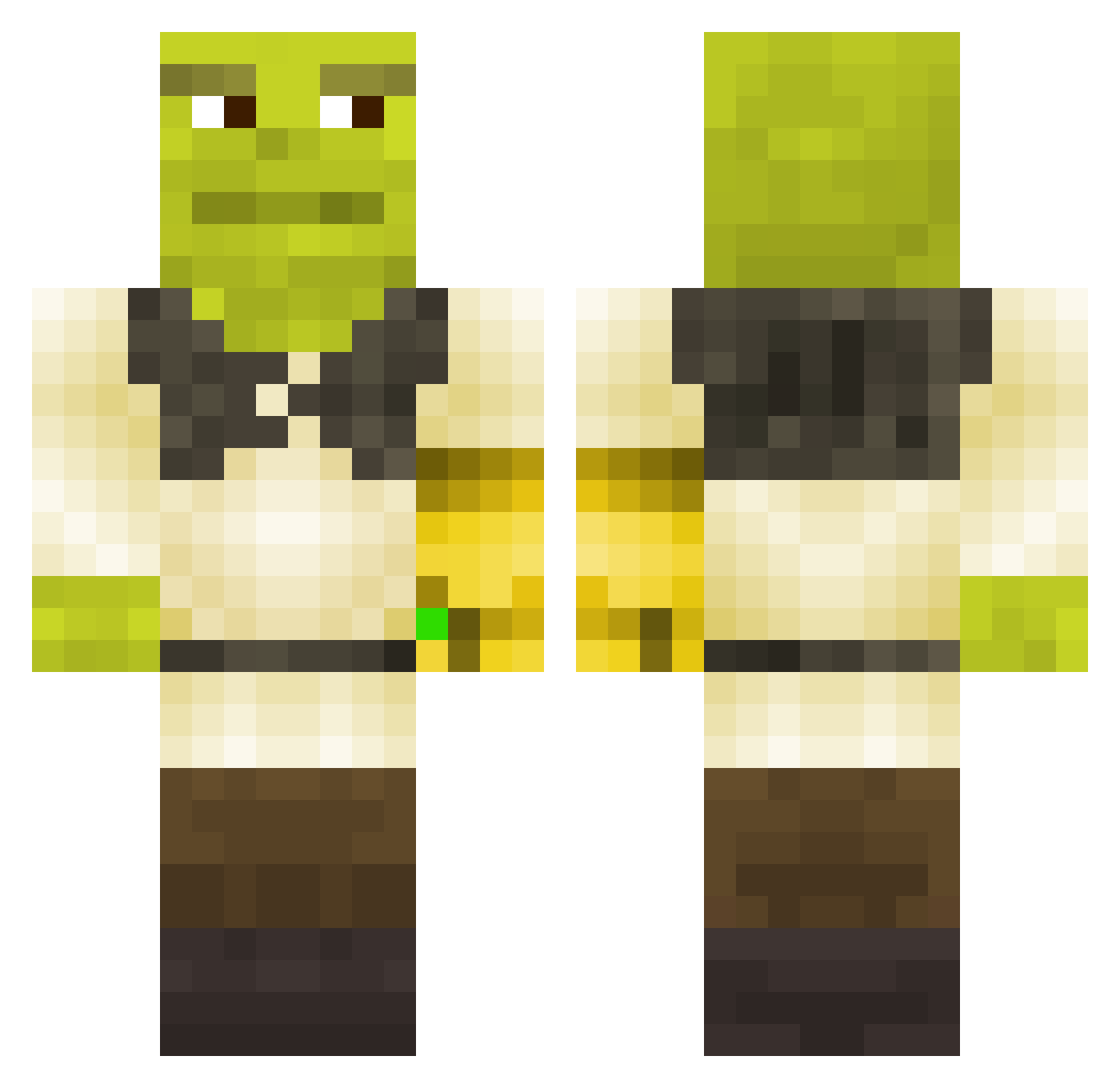
Current Minecraft skin of the player Mrbanaantje, loaded from the official Mojang API. Rotate the 3D model with your mouse or finger, then download the skin as a PNG file and use it in Minecraft: Bedrock Edition or Java Edition for free. When Mrbanaantje changes their skin, this page updates automatically and the old skin stays in the history below.
Other players with this skin (315)
Mrbanaantje was the 140th player we have seen with this skin, first spotted on 10.09.2026. The same skin was seen on these players. Open a nickname to see their current skin and skin history.
 Ripred2 I_am_Shrek itshamzi AndrewMolera TheSaltyBread KKSLIDER415 Amiel2003 Zeppo06 SpongeNut Stefanw LysaBomba AdmanTheBadman lizzzinka kassymaria Drosett Slinser Dinnerman87 smashinggboi Thaiming02 DeniAlpha jespukka Nathaldeth riellya L1LL3N Beer_Bogan ELiANACRAFT8521 jeanutalpaiute SkywarsRusher prettyrico _aquacraft_ danger_pinukim2 banansplitt1997 Shrekje DanteJulian BigDAc 7eremiah mitsubishi2009 Janitastisch GucciManeV2 _RasSsa_ OfficialJamesBob Kacperian Donatini13 Jacesrhapsody KVISTI TikiGod007 madfknmax DS0DA kalIe5709 Arkane5 MakTaleski MikeWestyy hyph_n maaruska8 tanman6789 KNOWLAGE55 Sa1tKing AstroBROd Theman8595 CheezyCrack25
More Thanos Minecraft skins
How to install the Mrbanaantje skin
- Press the Download button above to save the skin as a PNG file.
- Minecraft: Bedrock Edition (PE): open the Dressing Room from the main menu (or tap your character → Edit Character), go to Classic Skins → Owned, press the + (new skin) button, choose the downloaded PNG and pick the Classic (Steve) model. Works on PC and mobile; consoles cannot import custom skins.
- Minecraft: Java Edition: open the Minecraft Launcher, go to the Skins tab, click New Skin, load the PNG, pick the Classic (Steve) model and press Save & Use. You can also upload it at minecraft.net → Profile → Change Skin.
The skin does not show up after import - what should I do?
Restart Minecraft and open the Dressing Room again - imported skins sometimes appear only after a restart. Also make sure you selected the imported skin and picked the Classic (Steve) model.
Which model should I choose, Classic or Slim?
This skin is designed for the Classic (Steve) model. If you pick the wrong model, the arms of the skin will look stretched or squeezed.
Is the skin of Mrbanaantje free to download?
Yes. Press Download, save the PNG file and use it in Minecraft: Bedrock Edition or Java Edition - no payment or registration needed. The skin also works on multiplayer servers and Realms.
More skins
Looking for more? Go back to all Minecraft skins and check the top skins of the week, month and all time, or find any player's skin by nickname.