
Mr_Croc0 - Minecraft Skins & Skin History
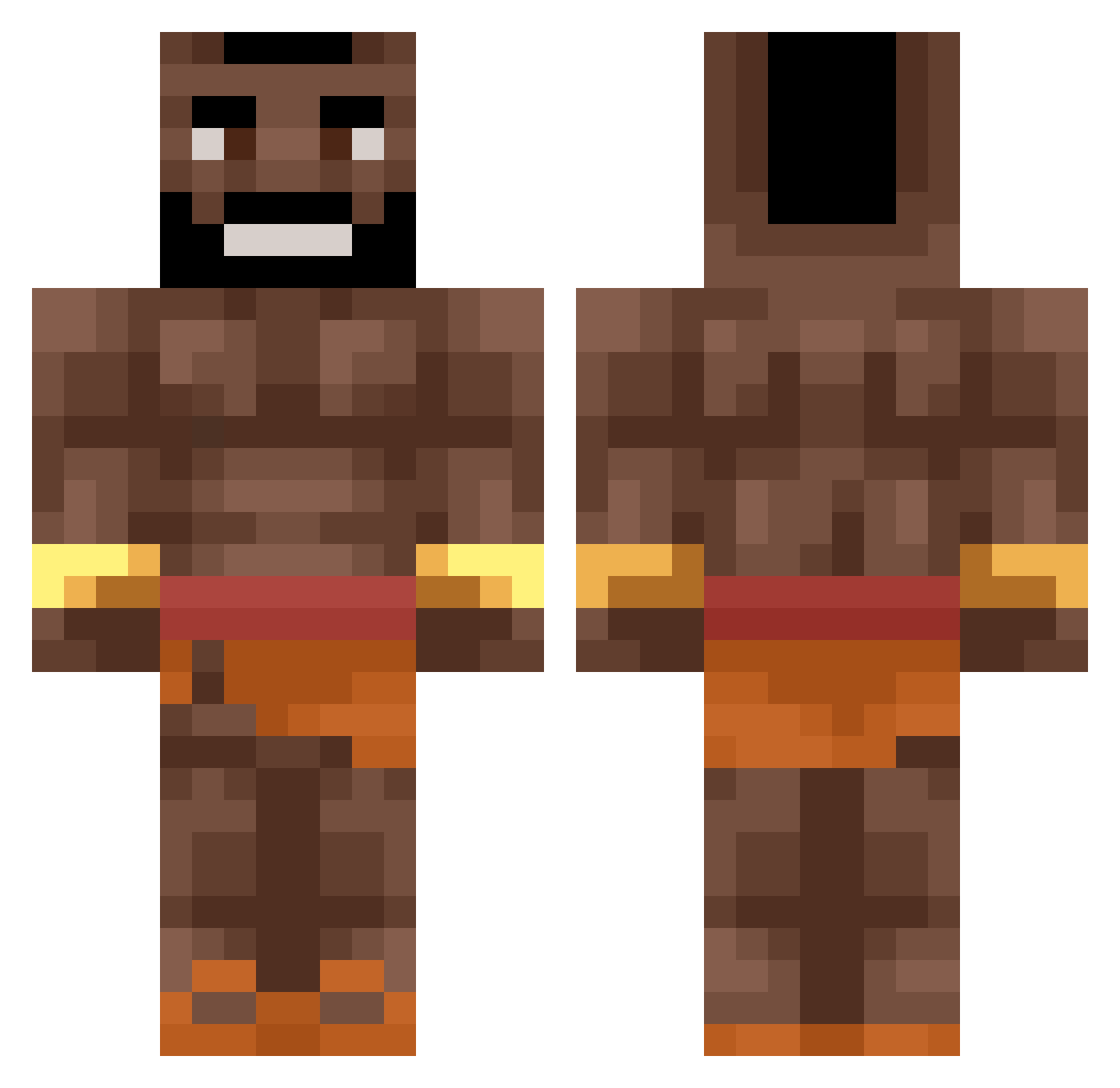
Current Minecraft skin of the player Mr_Croc0, loaded from the official Mojang API. Rotate the 3D model with your mouse or finger, then download the skin as a PNG file and use it in Minecraft: Bedrock Edition or Java Edition for free. When Mr_Croc0 changes their skin, this page updates automatically and the old skin stays in the history below.
Other players with this skin (490)
Mr_Croc0 was the 475th player we have seen with this skin, first spotted on 19.10.2026. The same skin was seen on these players. Open a nickname to see their current skin and skin history.
 y0ha_ noobPeaRcE abdulthagamer Cheeseburgerus Siri_San olifanttt luiami567 Lebronsfeet41 jahpinkman Julian_is_koning Edzio_Rap Mister_Freese Vansickle69 Darksom Osiemosiemosiem Erkol20 Nath974 HoliestLlama riccio008 Ultimateblackman PabloEscobarRich Normal_gever theviggos retartacc Kovar43 FuZe_48 usukks Katzenherrscherd duckydance wezqq Terter060708 almeidadograu123 Goldaniga Matyi13 Purplews SenorS0UL Jente64 herpie22 ProfGidi52 iTzCrazyMoDz Alejandro_Aguard Zkcc turbosprezara997 GinoTartapodis Gibiskus_1337 ELTOREN mauerbrecher Pitisburcio WengefuI Kkwang0419 Aidenchung0527 YotiPoti_ RocketTurtle750 KizoKsg JrdWz IkBenErKlaarMee BeliWeeknd HIX32 CanSeeUrHitBox SauseBrause2505
More Actor Minecraft skins
How to install the Mr_Croc0 skin
- Press the Download button above to save the skin as a PNG file.
- Minecraft: Bedrock Edition (PE): open the Dressing Room from the main menu (or tap your character → Edit Character), go to Classic Skins → Owned, press the + (new skin) button, choose the downloaded PNG and pick the Classic (Steve) model. Works on PC and mobile; consoles cannot import custom skins.
- Minecraft: Java Edition: open the Minecraft Launcher, go to the Skins tab, click New Skin, load the PNG, pick the Classic (Steve) model and press Save & Use. You can also upload it at minecraft.net → Profile → Change Skin.
The skin does not show up after import - what should I do?
Restart Minecraft and open the Dressing Room again - imported skins sometimes appear only after a restart. Also make sure you selected the imported skin and picked the Classic (Steve) model.
Which model should I choose, Classic or Slim?
This skin is designed for the Classic (Steve) model. If you pick the wrong model, the arms of the skin will look stretched or squeezed.
Is the skin of Mr_Croc0 free to download?
Yes. Press Download, save the PNG file and use it in Minecraft: Bedrock Edition or Java Edition - no payment or registration needed. The skin also works on multiplayer servers and Realms.
More skins
Looking for more? Go back to all Minecraft skins and check the top skins of the week, month and all time, or find any player's skin by nickname.