
MrEndermin - Minecraft Skins & Skin History
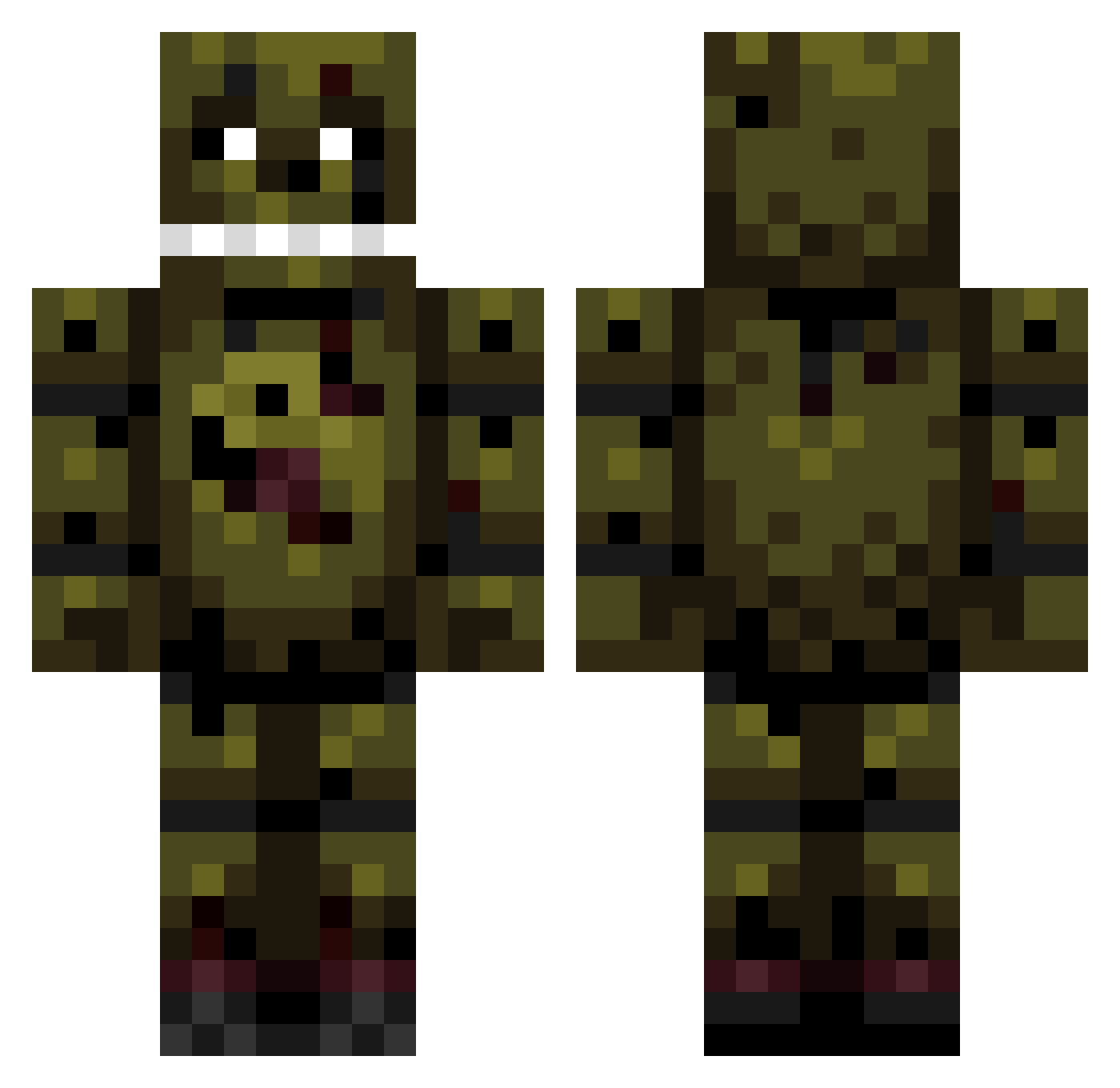
Current Minecraft skin of the player MrEndermin, loaded from the official Mojang API. Rotate the 3D model with your mouse or finger, then download the skin as a PNG file and use it in Minecraft: Bedrock Edition or Java Edition for free. When MrEndermin changes their skin, this page updates automatically and the old skin stays in the history below.
Other players with this skin (192)
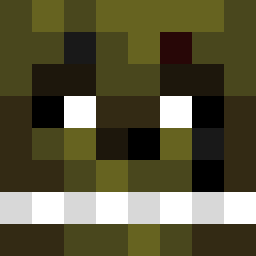
MrEndermin was the 173rd player we have seen with this skin, first spotted on 22.10.2026. The same skin was seen on these players. Open a nickname to see their current skin and skin history.
 CAT_EARS Pedepuup LordMeliodasMPGH PersianRugs allycat2005 Papagoy Minecraftjaboy BRAD307 trmptplyr2368 yellowstonegamer DamonHarper toxicbird XGamingcraft789 ChubToadSUN Ank1009 sandman0823 NathanRuth ikickedyourass xvdesignz ZorroCraft MRMcGee05 cereal_addict11 Evil_Knieval SonicTboy Mikafanboy atticus10 MeP8799 FredBear360 LAGGZ88 dmfior arcadelegends FreddyTheBEAR flyingdog27 lintking Skr4wn3r thornypower5 ehd09 xSou1collecteRx smokerbait Noblee1 Skeleton_Boy3 Killgannon Silent_Trap crocky775 FUrMom Pendinq Haakonlr littleman35120 jrcool101 juarro0 Doodles001 PattyMurphy audicurt Gavin_2600 puppett101 Radek030 toadmansunburn Creepah_Hunter nbtiger Treewood100
More Springtrap Minecraft skins
How to install the MrEndermin skin
- Press the Download button above to save the skin as a PNG file.
- Minecraft: Bedrock Edition (PE): open the Dressing Room from the main menu (or tap your character → Edit Character), go to Classic Skins → Owned, press the + (new skin) button, choose the downloaded PNG and pick the Classic (Steve) model. Works on PC and mobile; consoles cannot import custom skins.
- Minecraft: Java Edition: open the Minecraft Launcher, go to the Skins tab, click New Skin, load the PNG, pick the Classic (Steve) model and press Save & Use. You can also upload it at minecraft.net → Profile → Change Skin.
The skin does not show up after import - what should I do?
Restart Minecraft and open the Dressing Room again - imported skins sometimes appear only after a restart. Also make sure you selected the imported skin and picked the Classic (Steve) model.
Which model should I choose, Classic or Slim?
This skin is designed for the Classic (Steve) model. If you pick the wrong model, the arms of the skin will look stretched or squeezed.
Is the skin of MrEndermin free to download?
Yes. Press Download, save the PNG file and use it in Minecraft: Bedrock Edition or Java Edition - no payment or registration needed. The skin also works on multiplayer servers and Realms.
More skins
Looking for more? Go back to all Minecraft skins and check the top skins of the week, month and all time, or find any player's skin by nickname.