
Moutaz1 - Minecraft Skins & Skin History
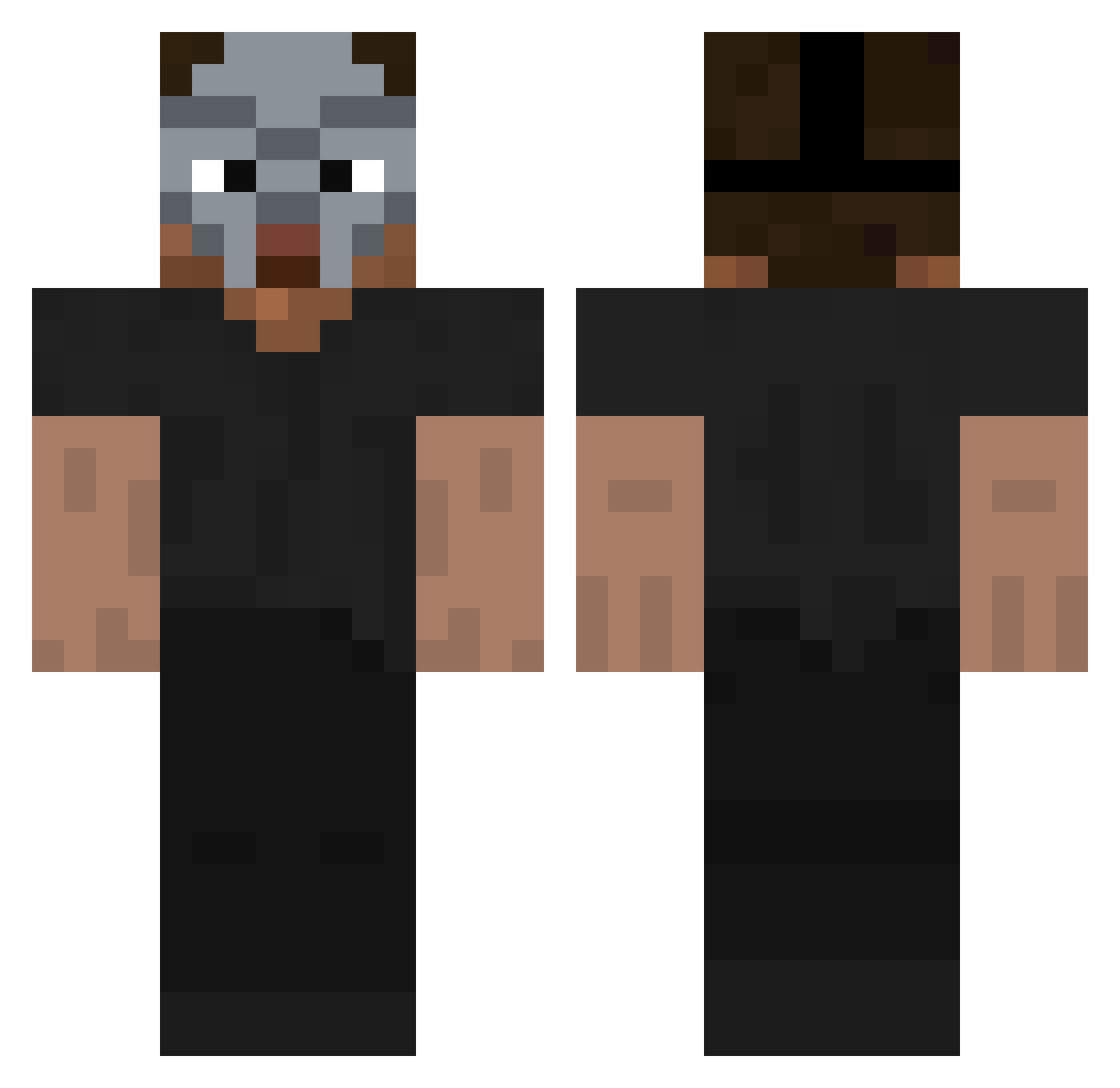
Current Minecraft skin of the player Moutaz1, loaded from the official Mojang API. Rotate the 3D model with your mouse or finger, then download the skin as a PNG file and use it in Minecraft: Bedrock Edition or Java Edition for free. When Moutaz1 changes their skin, this page updates automatically and the old skin stays in the history below.
Other players with this skin (120)
Moutaz1 was the 24th player we have seen with this skin, first spotted on 11.08.2026. The same skin was seen on these players. Open a nickname to see their current skin and skin history.
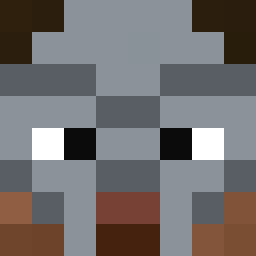 D444RK Lil_Chlebek
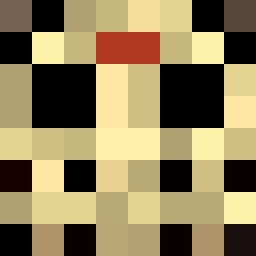 Shelmp4 wrgfa drearyirl kasti_masti ryknosta Ennis265 OG_s4lman Aquace Maciuss83 tryhardruim Alexmini10 Pucktim antertino Peygo_ Kubaa_op
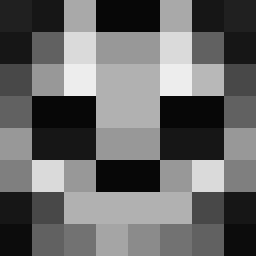 Ralvian OhRazy_YT blvckhill FreshH4 Veroner
 Sohlen_ RAINYONTOP
 BIGJOHN833 Naijee Delihnan PaddyWolf exaltys xanxito_
 Archadian23 Lord_Lasse10 quexionn foundnil geekGoblin Br3ndan14 KimGapryong JamalClarkII mvfe123 BananitaDolca camion_chistoso Favorit_ xr6caleb nvr0o OreoLava pietoro21 cashyboo ElBaeroo st_ew komo369 rzukgnojasz EstiOrfan 12CENT22 Tornscales xavzz_ ajyf Myktybek nativekiller GumbyEBG duskarii
More Hip Hop Minecraft skins
How to install the Moutaz1 skin
- Press the Download button above to save the skin as a PNG file.
- Minecraft: Bedrock Edition (PE): open the Dressing Room from the main menu (or tap your character → Edit Character), go to Classic Skins → Owned, press the + (new skin) button, choose the downloaded PNG and pick the Classic (Steve) model. Works on PC and mobile; consoles cannot import custom skins.
- Minecraft: Java Edition: open the Minecraft Launcher, go to the Skins tab, click New Skin, load the PNG, pick the Classic (Steve) model and press Save & Use. You can also upload it at minecraft.net → Profile → Change Skin.
The skin does not show up after import - what should I do?
Restart Minecraft and open the Dressing Room again - imported skins sometimes appear only after a restart. Also make sure you selected the imported skin and picked the Classic (Steve) model.
Which model should I choose, Classic or Slim?
This skin is designed for the Classic (Steve) model. If you pick the wrong model, the arms of the skin will look stretched or squeezed.
Is the skin of Moutaz1 free to download?
Yes. Press Download, save the PNG file and use it in Minecraft: Bedrock Edition or Java Edition - no payment or registration needed. The skin also works on multiplayer servers and Realms.
More skins
Looking for more? Go back to all Minecraft skins and check the top skins of the week, month and all time, or find any player's skin by nickname.