
MonringStar - Minecraft Skins & Skin History
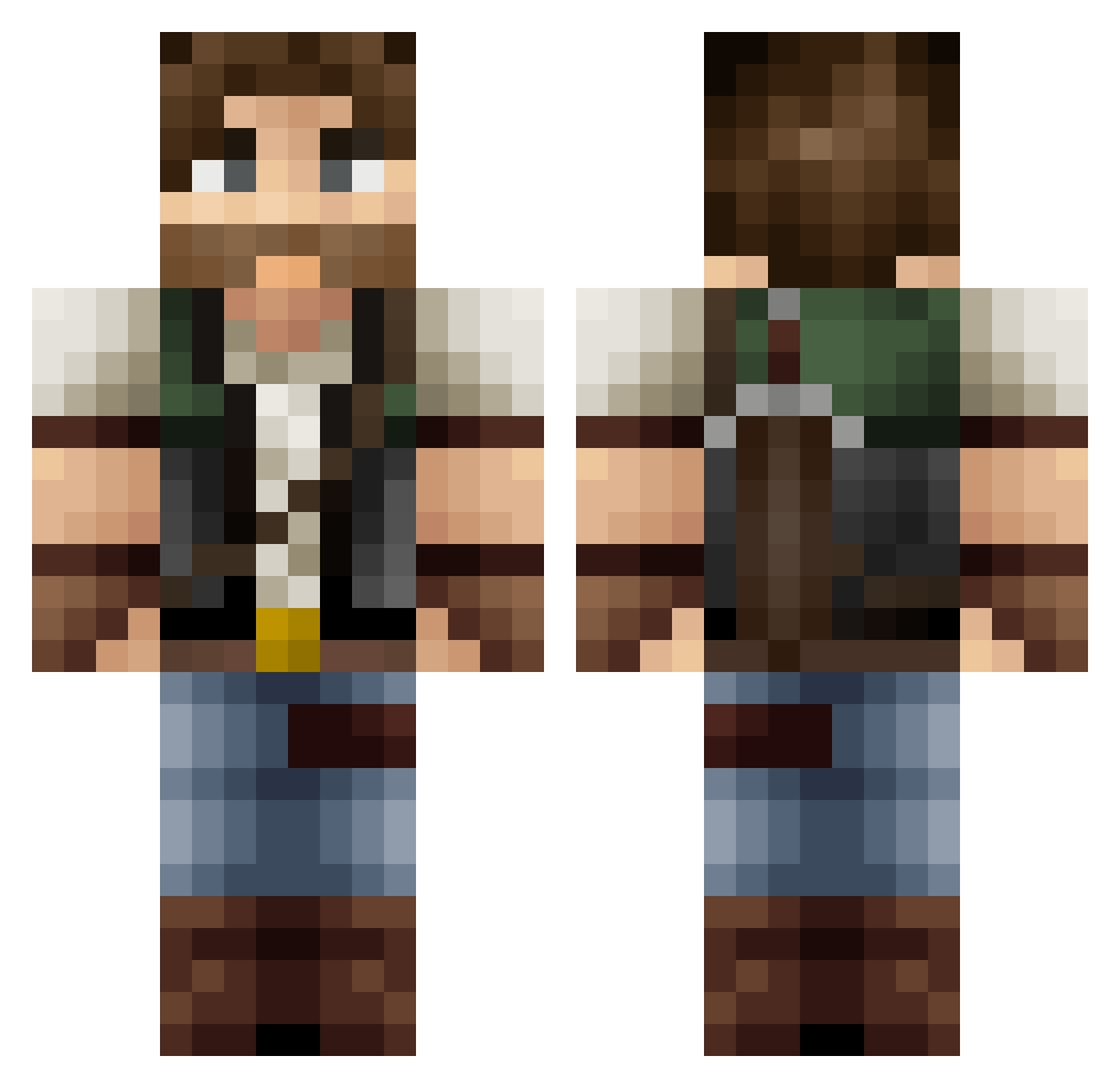
Current Minecraft skin of the player MonringStar, loaded from the official Mojang API. Rotate the 3D model with your mouse or finger, then download the skin as a PNG file and use it in Minecraft: Bedrock Edition or Java Edition for free. When MonringStar changes their skin, this page updates automatically and the old skin stays in the history below.
Other players with this skin (369)
MonringStar was the 50th player we have seen with this skin, first spotted on 10.08.2026. The same skin was seen on these players. Open a nickname to see their current skin and skin history.
 rhoover05 GokaiGoblin WellLuke NaritaBoy0101 Lohker mrcavallo Zemillon Hanvlex madk306 Cook77 MrBeanbastic vZMC Dark_453 Eloctar UncleCatjam Oggster461 daanepic Kacz0rex ITzBjoern CreamCrafterHD Xen1503 Frizbin98 3trueman Orlinen Danz5904 itsDidou_ Ragenhild Bins14 Arktonex Devil351 Loopcake KreaeTerra
 Memegm0 Vchthal lembeced Harmondez DSB_Beezy Lemur_56 MChump_ Pepsy Chipsrhino LuQ510 JuanFranciscoO camaleao27 Mxth73 VENYA2008 Mc_Murph_M Pr1deAT xHoudek Sicario_Virtuoso Gus7 prostyle17 BushyOtter Lakeviewsparrta MaverickFischer TitioChubaca Sauce0505 H4wks0501 Kevinthedevil AJin_AXin
More Hunter Minecraft skins
How to install the MonringStar skin
- Press the Download button above to save the skin as a PNG file.
- Minecraft: Bedrock Edition (PE): open the Dressing Room from the main menu (or tap your character → Edit Character), go to Classic Skins → Owned, press the + (new skin) button, choose the downloaded PNG and pick the Classic (Steve) model. Works on PC and mobile; consoles cannot import custom skins.
- Minecraft: Java Edition: open the Minecraft Launcher, go to the Skins tab, click New Skin, load the PNG, pick the Classic (Steve) model and press Save & Use. You can also upload it at minecraft.net → Profile → Change Skin.
The skin does not show up after import - what should I do?
Restart Minecraft and open the Dressing Room again - imported skins sometimes appear only after a restart. Also make sure you selected the imported skin and picked the Classic (Steve) model.
Which model should I choose, Classic or Slim?
This skin is designed for the Classic (Steve) model. If you pick the wrong model, the arms of the skin will look stretched or squeezed.
Is the skin of MonringStar free to download?
Yes. Press Download, save the PNG file and use it in Minecraft: Bedrock Edition or Java Edition - no payment or registration needed. The skin also works on multiplayer servers and Realms.
More skins
Looking for more? Go back to all Minecraft skins and check the top skins of the week, month and all time, or find any player's skin by nickname.