
Molto - Minecraft Skins & Skin History
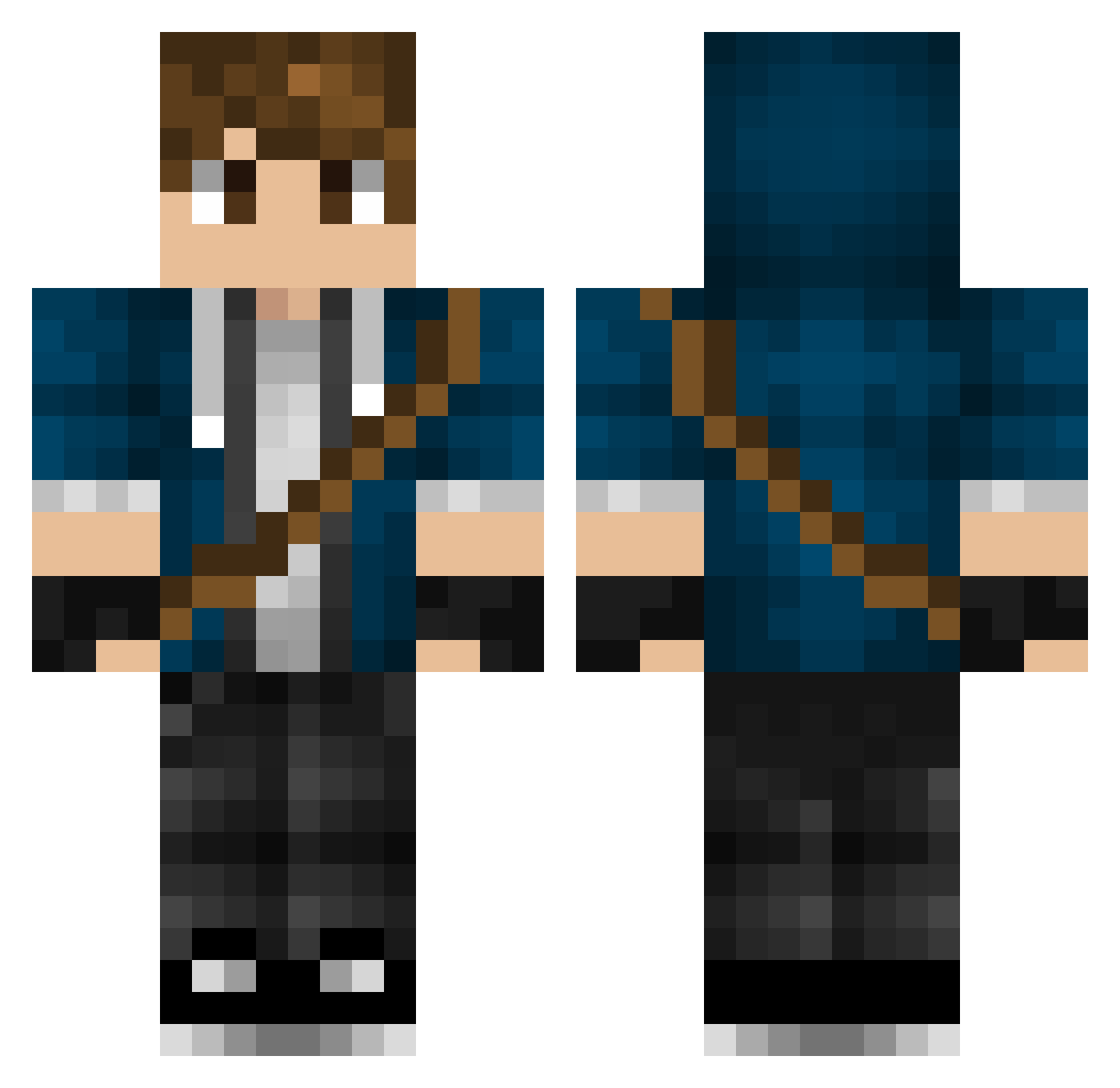
Current Minecraft skin of the player Molto, loaded from the official Mojang API. Rotate the 3D model with your mouse or finger, then download the skin as a PNG file and use it in Minecraft: Bedrock Edition or Java Edition for free. When Molto changes their skin, this page updates automatically and the old skin stays in the history below.
Other players with this skin (317)
Molto was the 274th player we have seen with this skin, first spotted on 20.10.2026. The same skin was seen on these players. Open a nickname to see their current skin and skin history.
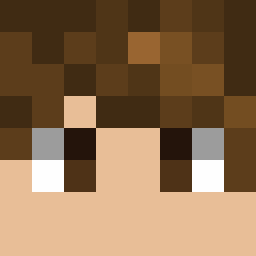 SuperNandoJoe Lilleman_playz WilliamMinion yukikaze90 Platinum_XXX Gaela_ Drakkhim Timmeke25 Lynild_2004 AntoinePxl Dante_Ravenkin saints73 LucasJon52 Darkcreeper08 volkerkearltje MK_Studio EPiet AutumnNeverCame AtomBoy_17 dejokerchaim Manila_man Pistache007 Sho3y150 phinnnnn wolfmaster322 Hercuz Angry_Devil tjacobhi u3lf JUSTONY01 Shawminer358 dragontaker Why_Kay SiemenM Alkuz PownzNL Izzybuilder efemud22 seearin xXxProntoxXx HenkM2000 WANLOK Mr_bluks LuciferRises01 Colin_Harrison Jaegger94 noxbro18 FreestyleWombat Jace_Xanthos jasperende Rizkmix niekio2000 Skulbulka Scarecrowman906 Zyfradax Guybrush1993 Assassinsib Jack698321 Giacomo8193 c_wolf_1
More Messenger Bag Minecraft skins
See all 535 Messenger Bag skins
How to install the Molto skin
- Press the Download button above to save the skin as a PNG file.
- Minecraft: Bedrock Edition (PE): open the Dressing Room from the main menu (or tap your character → Edit Character), go to Classic Skins → Owned, press the + (new skin) button, choose the downloaded PNG and pick the Classic (Steve) model. Works on PC and mobile; consoles cannot import custom skins.
- Minecraft: Java Edition: open the Minecraft Launcher, go to the Skins tab, click New Skin, load the PNG, pick the Classic (Steve) model and press Save & Use. You can also upload it at minecraft.net → Profile → Change Skin.
The skin does not show up after import - what should I do?
Restart Minecraft and open the Dressing Room again - imported skins sometimes appear only after a restart. Also make sure you selected the imported skin and picked the Classic (Steve) model.
Which model should I choose, Classic or Slim?
This skin is designed for the Classic (Steve) model. If you pick the wrong model, the arms of the skin will look stretched or squeezed.
Is the skin of Molto free to download?
Yes. Press Download, save the PNG file and use it in Minecraft: Bedrock Edition or Java Edition - no payment or registration needed. The skin also works on multiplayer servers and Realms.
More skins
Looking for more? Go back to all Minecraft skins and check the top skins of the week, month and all time, or find any player's skin by nickname.