
Mols - Minecraft Skins & Skin History
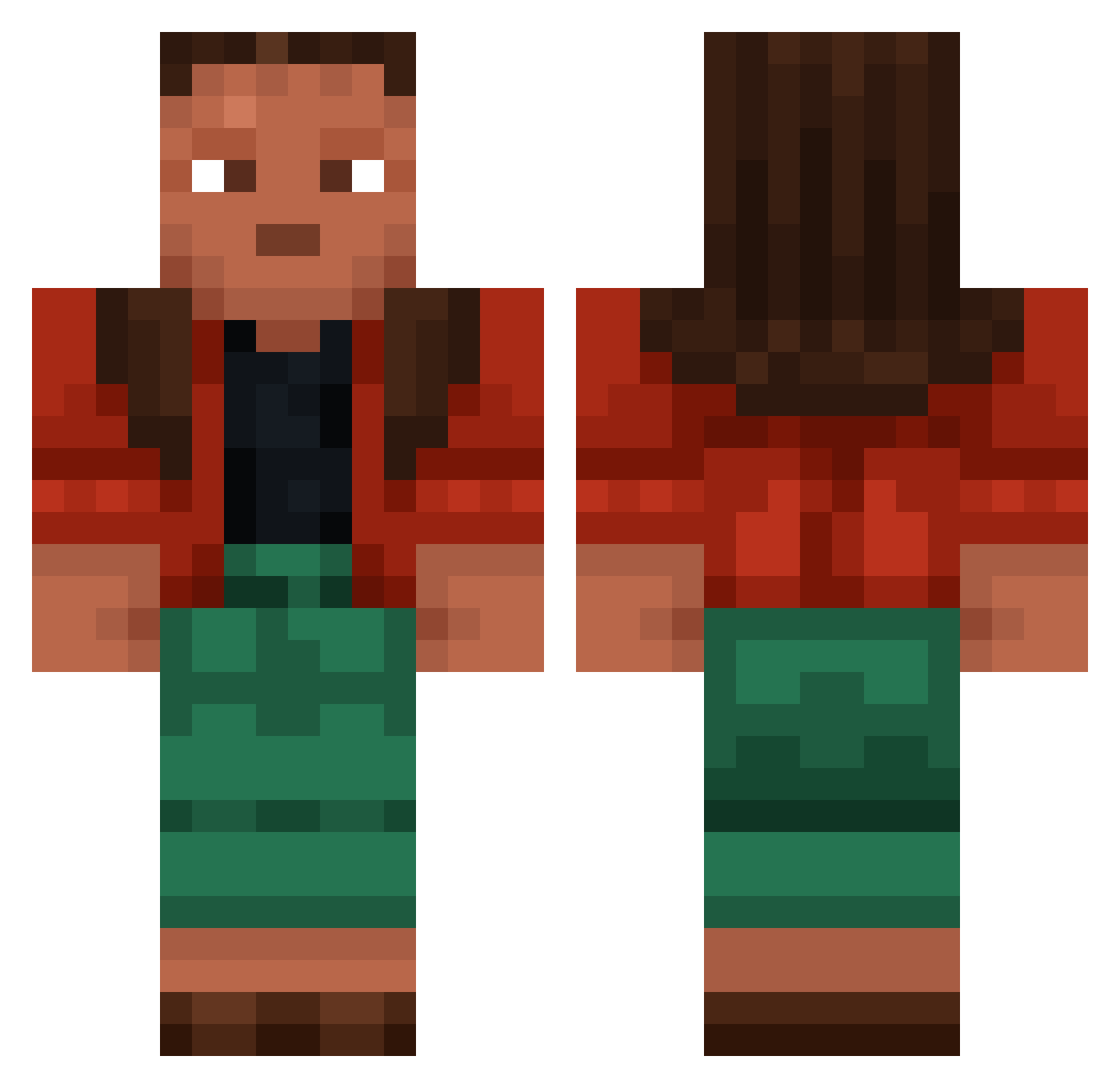
Current Minecraft skin of the player Mols, loaded from the official Mojang API. Rotate the 3D model with your mouse or finger, then download the skin as a PNG file and use it in Minecraft: Bedrock Edition or Java Edition for free. When Mols changes their skin, this page updates automatically and the old skin stays in the history below.
Other players with this skin (1186)
Mols was the 1058th player we have seen with this skin, first spotted on 11.11.2026. The same skin was seen on these players. Open a nickname to see their current skin and skin history.
 kra SabriLK Sk8_19230 uzumwmy serinette JoyfulPotato KnownGlint1 SoFocleL mcelblag6 hejiras Shrimper boltcutter LiPiNS xArthurG_ res_humiliating9 tunicate GGEzPzz Dukxs_ _Bysev3n kamur_kox bookers dongdongE514 coexistent Adinfinitum2608 nemosnuts stegh StormyCross KingDarkblade Ratbag Emasculator abridges birdlife speduno6 Vortekxy marres137 PittsBurgher Kalin_nb6c Dizzyingly mythicalartist L0w0ngFangmed_ Teague Nazoo_k corrinasmiles Jmcruiser Eponymous cerated vapemerchant 6029 Sabby152 Exilian Ewacz Primulas Fornitebad SIEGHI Cuir Telecast LittleKidsLover Tolu hibitos arter
More Moana Minecraft skins
How to install the Mols skin
- Press the Download button above to save the skin as a PNG file.
- Minecraft: Bedrock Edition (PE): open the Dressing Room from the main menu (or tap your character → Edit Character), go to Classic Skins → Owned, press the + (new skin) button, choose the downloaded PNG and pick the Classic (Steve) model. Works on PC and mobile; consoles cannot import custom skins.
- Minecraft: Java Edition: open the Minecraft Launcher, go to the Skins tab, click New Skin, load the PNG, pick the Classic (Steve) model and press Save & Use. You can also upload it at minecraft.net → Profile → Change Skin.
The skin does not show up after import - what should I do?
Restart Minecraft and open the Dressing Room again - imported skins sometimes appear only after a restart. Also make sure you selected the imported skin and picked the Classic (Steve) model.
Which model should I choose, Classic or Slim?
This skin is designed for the Classic (Steve) model. If you pick the wrong model, the arms of the skin will look stretched or squeezed.
Is the skin of Mols free to download?
Yes. Press Download, save the PNG file and use it in Minecraft: Bedrock Edition or Java Edition - no payment or registration needed. The skin also works on multiplayer servers and Realms.
More skins
Looking for more? Go back to all Minecraft skins and check the top skins of the week, month and all time, or find any player's skin by nickname.