
Molphas - Minecraft Skins & Skin History
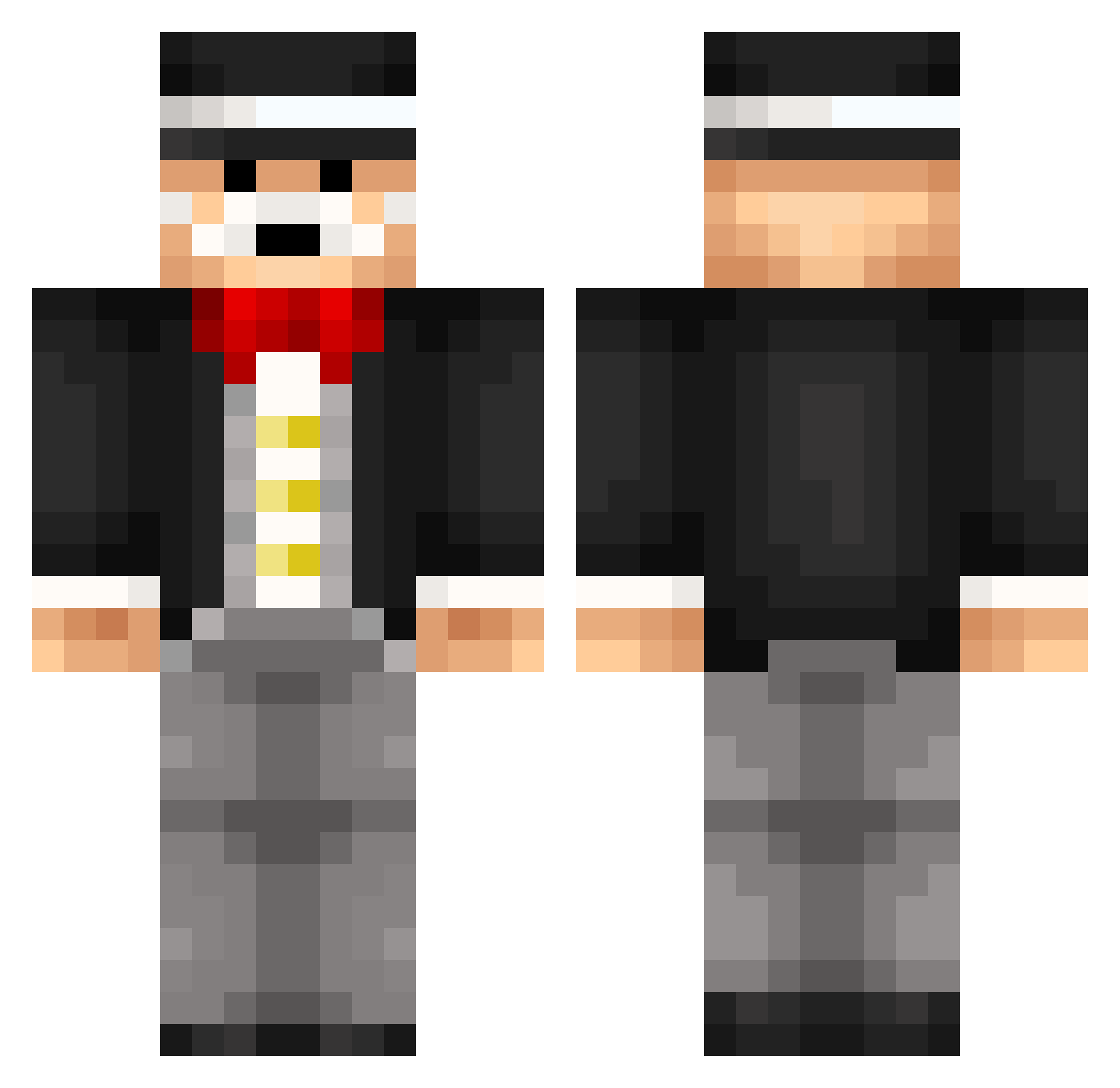
Current Minecraft skin of the player Molphas, loaded from the official Mojang API. Rotate the 3D model with your mouse or finger, then download the skin as a PNG file and use it in Minecraft: Bedrock Edition or Java Edition for free. When Molphas changes their skin, this page updates automatically and the old skin stays in the history below.
Other players with this skin (319)
Molphas was the 260th player we have seen with this skin, first spotted on 29.10.2026. The same skin was seen on these players. Open a nickname to see their current skin and skin history.
 eBambus seaburgerwang Cataclysme10 sigma700 xDuRaKoKiLLeRx petercraft1 BlubXtreme mgdio Mounkei AldiGC orangebasketball JohannesHoekstra prodigysock Hyqixel_ Foxplume InVistor Natza09 Soorenn brucewayne_101 noaj96 mofsen Szymson3k nonokink lemon_seeds CrackBoyWonder Necstrom Toodur MrMonopolySR LOLMANLIKEPIE Meeshary philipp97svw mikeespain Bloobfish Q_MAN62 josurl22 Mendelt DiFondle Janx2020 CaptainAnusHD Be3T0P6mota Domener RafaelGallo cgeld8 Syaze MartynT_V Charboos MellowJack Izakimak KUBE_ _ZippoKonlorXD_ Bragebanana LADunn09 lily647 I_Clutch_Zombies MakiZachary MRxxDuck Mr28Vo MrCash71 boxedbox i_Bahng
More Monopoly Minecraft skins
How to install the Molphas skin
- Press the Download button above to save the skin as a PNG file.
- Minecraft: Bedrock Edition (PE): open the Dressing Room from the main menu (or tap your character → Edit Character), go to Classic Skins → Owned, press the + (new skin) button, choose the downloaded PNG and pick the Classic (Steve) model. Works on PC and mobile; consoles cannot import custom skins.
- Minecraft: Java Edition: open the Minecraft Launcher, go to the Skins tab, click New Skin, load the PNG, pick the Classic (Steve) model and press Save & Use. You can also upload it at minecraft.net → Profile → Change Skin.
The skin does not show up after import - what should I do?
Restart Minecraft and open the Dressing Room again - imported skins sometimes appear only after a restart. Also make sure you selected the imported skin and picked the Classic (Steve) model.
Which model should I choose, Classic or Slim?
This skin is designed for the Classic (Steve) model. If you pick the wrong model, the arms of the skin will look stretched or squeezed.
Is the skin of Molphas free to download?
Yes. Press Download, save the PNG file and use it in Minecraft: Bedrock Edition or Java Edition - no payment or registration needed. The skin also works on multiplayer servers and Realms.
More skins
Looking for more? Go back to all Minecraft skins and check the top skins of the week, month and all time, or find any player's skin by nickname.