
Mokka98 - Minecraft Skins & Skin History
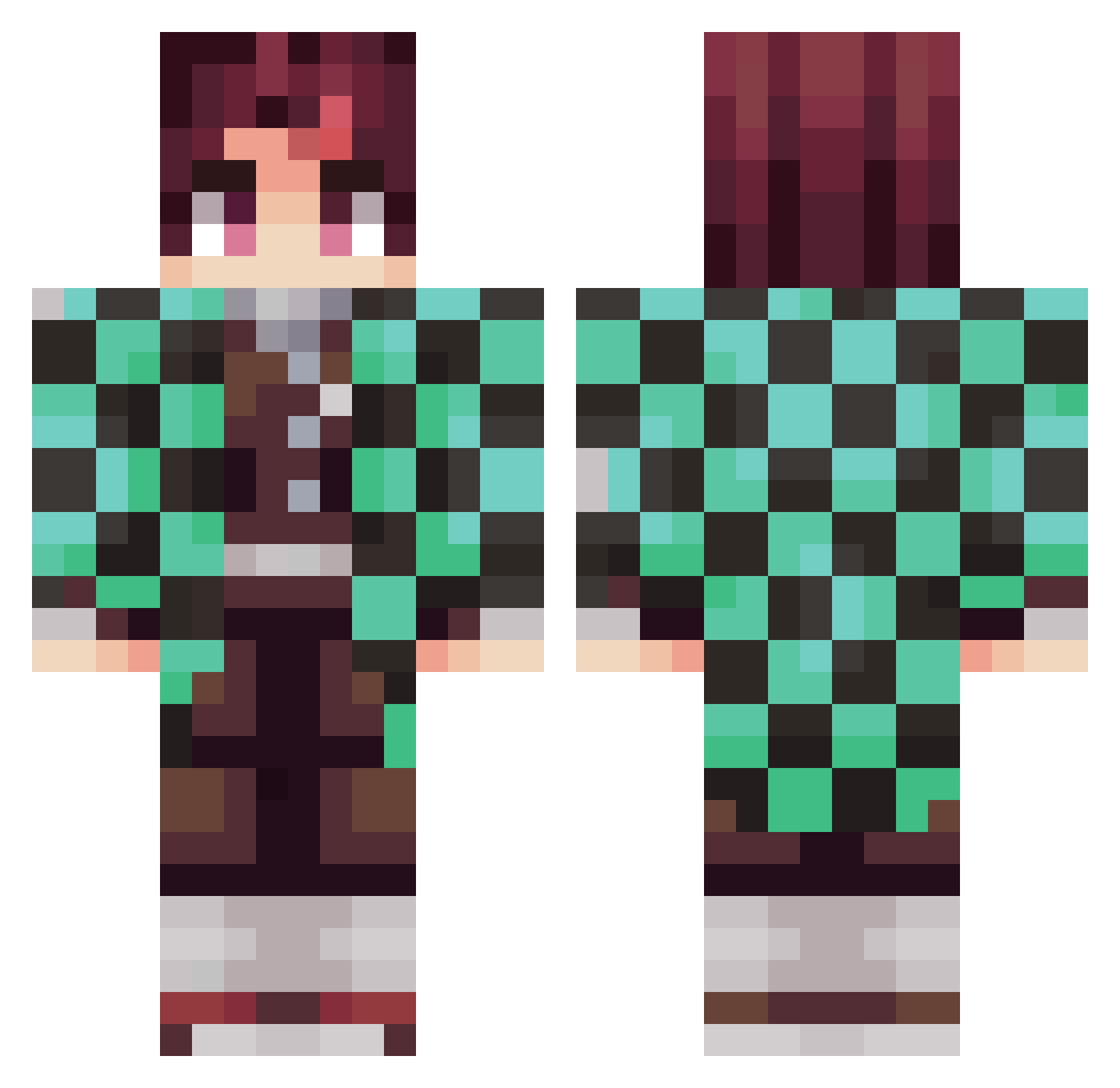
Current Minecraft skin of the player Mokka98, loaded from the official Mojang API. Rotate the 3D model with your mouse or finger, then download the skin as a PNG file and use it in Minecraft: Bedrock Edition or Java Edition for free. When Mokka98 changes their skin, this page updates automatically and the old skin stays in the history below.
Other players with this skin (372)
Mokka98 was the 58th player we have seen with this skin, first spotted on 14.08.2026. The same skin was seen on these players. Open a nickname to see their current skin and skin history.
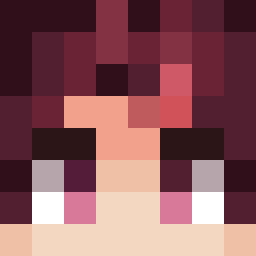 Dextia TANjIR0_KAMAD0 Efcees SniperSquirrel29 Dxedra
 Stella9000 AIiceSM martinaguilar ____Son____ fepilex 101nom xXKellXx Arci404 Kijiro03 Norman009 RockyDocky6 i3ks C9Pasi Toddynho1001 RodrigoBaggio 47deadmen SrBatBat itscleetus rookierabid sameermc supDJ4 oriolo_controlo YunoRad Mortaja_Plateada daaPeep yishai946 leon_invizible08 LtLand007 Joemama837 23PROPRIO23 Ahmps tutuizera_Sharck Marcio2013
 IloveRoman0425 rad0k NicoNi_02 Hypnotoxx SoyPi Emmanolo19 ColinG18 maxbox9999 Takilsito ranq105 ZomblizK
 Christian_Smith TuemmlerKelch05 CRoNiiK11 Luizinho22 Ahmad550
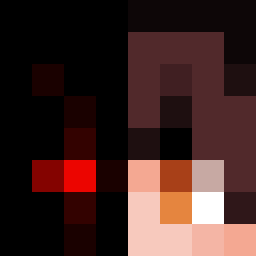 Tartatiiin Skizo01 iiinscope23 RenzoSan diatomic69 andrii0618
More Tanjiro Kamado Minecraft skins
See all 436 Tanjiro Kamado skins
How to install the Mokka98 skin
- Press the Download button above to save the skin as a PNG file.
- Minecraft: Bedrock Edition (PE): open the Dressing Room from the main menu (or tap your character → Edit Character), go to Classic Skins → Owned, press the + (new skin) button, choose the downloaded PNG and pick the Classic (Steve) model. Works on PC and mobile; consoles cannot import custom skins.
- Minecraft: Java Edition: open the Minecraft Launcher, go to the Skins tab, click New Skin, load the PNG, pick the Classic (Steve) model and press Save & Use. You can also upload it at minecraft.net → Profile → Change Skin.
The skin does not show up after import - what should I do?
Restart Minecraft and open the Dressing Room again - imported skins sometimes appear only after a restart. Also make sure you selected the imported skin and picked the Classic (Steve) model.
Which model should I choose, Classic or Slim?
This skin is designed for the Classic (Steve) model. If you pick the wrong model, the arms of the skin will look stretched or squeezed.
Is the skin of Mokka98 free to download?
Yes. Press Download, save the PNG file and use it in Minecraft: Bedrock Edition or Java Edition - no payment or registration needed. The skin also works on multiplayer servers and Realms.
More skins
Looking for more? Go back to all Minecraft skins and check the top skins of the week, month and all time, or find any player's skin by nickname.