
Mkarl9 - Minecraft Skins & Skin History
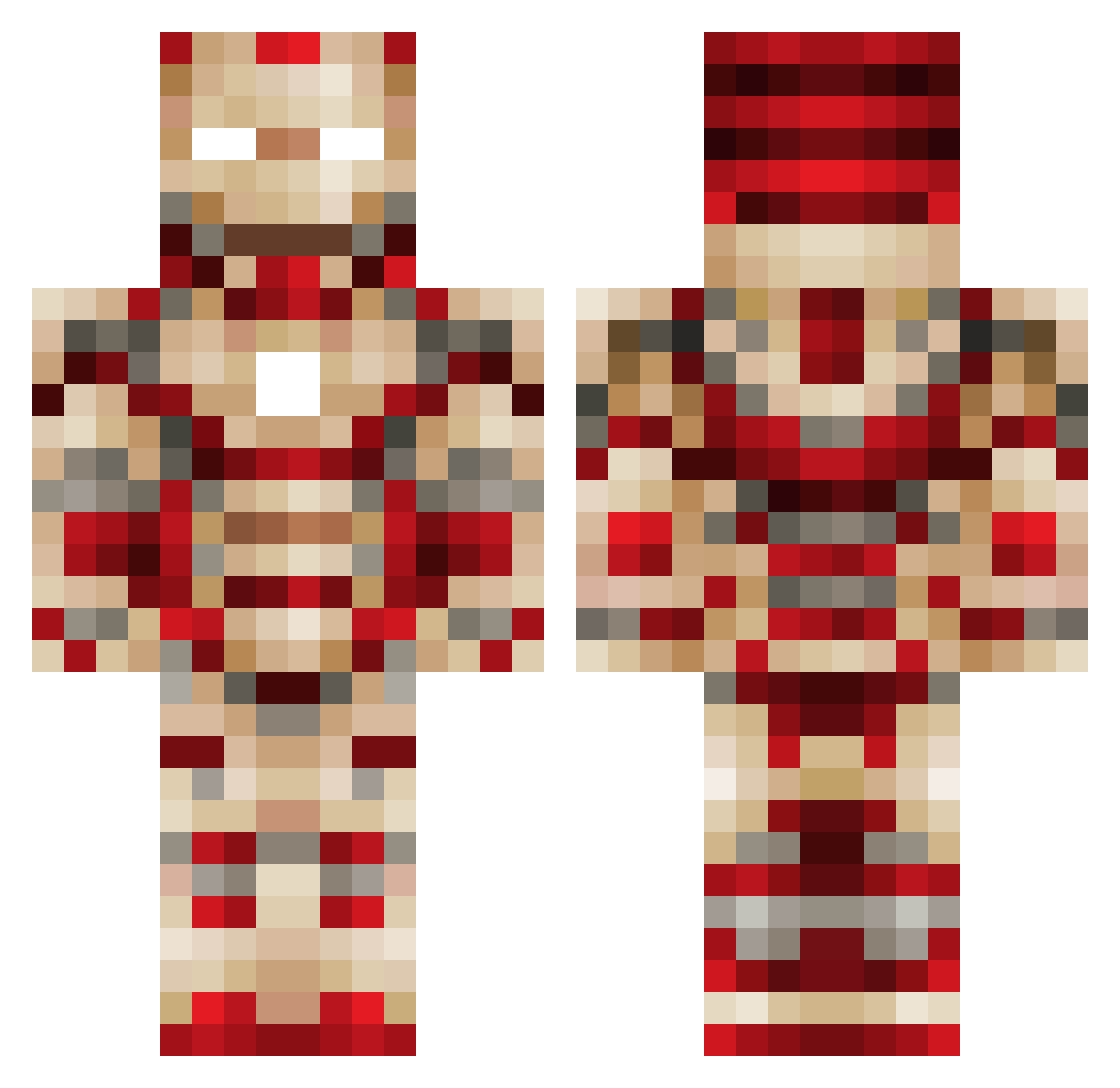
Current Minecraft skin of the player Mkarl9, loaded from the official Mojang API. Rotate the 3D model with your mouse or finger, then download the skin as a PNG file and use it in Minecraft: Bedrock Edition or Java Edition for free. When Mkarl9 changes their skin, this page updates automatically and the old skin stays in the history below.
Other players with this skin (449)
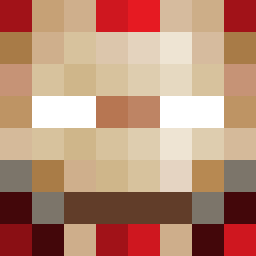
Mkarl9 was the 203rd player we have seen with this skin, first spotted on 03.09.2026. The same skin was seen on these players. Open a nickname to see their current skin and skin history.
 hosigi69 Nick900 BlinkiePie linxing Frank_Wu16 shotarou2 bobob1182 ironwolf2020 Tlsims120 Screwbacca94 Dodstro surger098 Taeyoun kriegerrano jakester1310 alexismontoya009 laurens2016 jtgamer123 Doodledoo78 goldenman7 Jordon_ace Jooostt DG_RaPiD jokkeno91 ABBAAG unhorse41 Iron_Dinosaur KingTj09 Vontes_Vengence lukscool lukestacey Annimanniz TimoMoritz The_CopyNinja_15 Blasian_Wonder Kybax iShadow_HD heum0428 yohandu21 FuwaAika rkddmsrn98 ratedlolxmgp metrofan33 whoopwhoop33 Schwerion Hallink hawainstyl Hockey939 sportsboys4 BrojanXV Amenakojim mafiaboss11 7143km Newmanz13 bindrian Min0927 Suyk kylekthompson PsyZiro ehdgus9002
More Iron Man Minecraft skins
How to install the Mkarl9 skin
- Press the Download button above to save the skin as a PNG file.
- Minecraft: Bedrock Edition (PE): open the Dressing Room from the main menu (or tap your character → Edit Character), go to Classic Skins → Owned, press the + (new skin) button, choose the downloaded PNG and pick the Classic (Steve) model. Works on PC and mobile; consoles cannot import custom skins.
- Minecraft: Java Edition: open the Minecraft Launcher, go to the Skins tab, click New Skin, load the PNG, pick the Classic (Steve) model and press Save & Use. You can also upload it at minecraft.net → Profile → Change Skin.
The skin does not show up after import - what should I do?
Restart Minecraft and open the Dressing Room again - imported skins sometimes appear only after a restart. Also make sure you selected the imported skin and picked the Classic (Steve) model.
Which model should I choose, Classic or Slim?
This skin is designed for the Classic (Steve) model. If you pick the wrong model, the arms of the skin will look stretched or squeezed.
Is the skin of Mkarl9 free to download?
Yes. Press Download, save the PNG file and use it in Minecraft: Bedrock Edition or Java Edition - no payment or registration needed. The skin also works on multiplayer servers and Realms.
More skins
Looking for more? Go back to all Minecraft skins and check the top skins of the week, month and all time, or find any player's skin by nickname.