
MixtapeProdigy - Minecraft Skins & Skin History
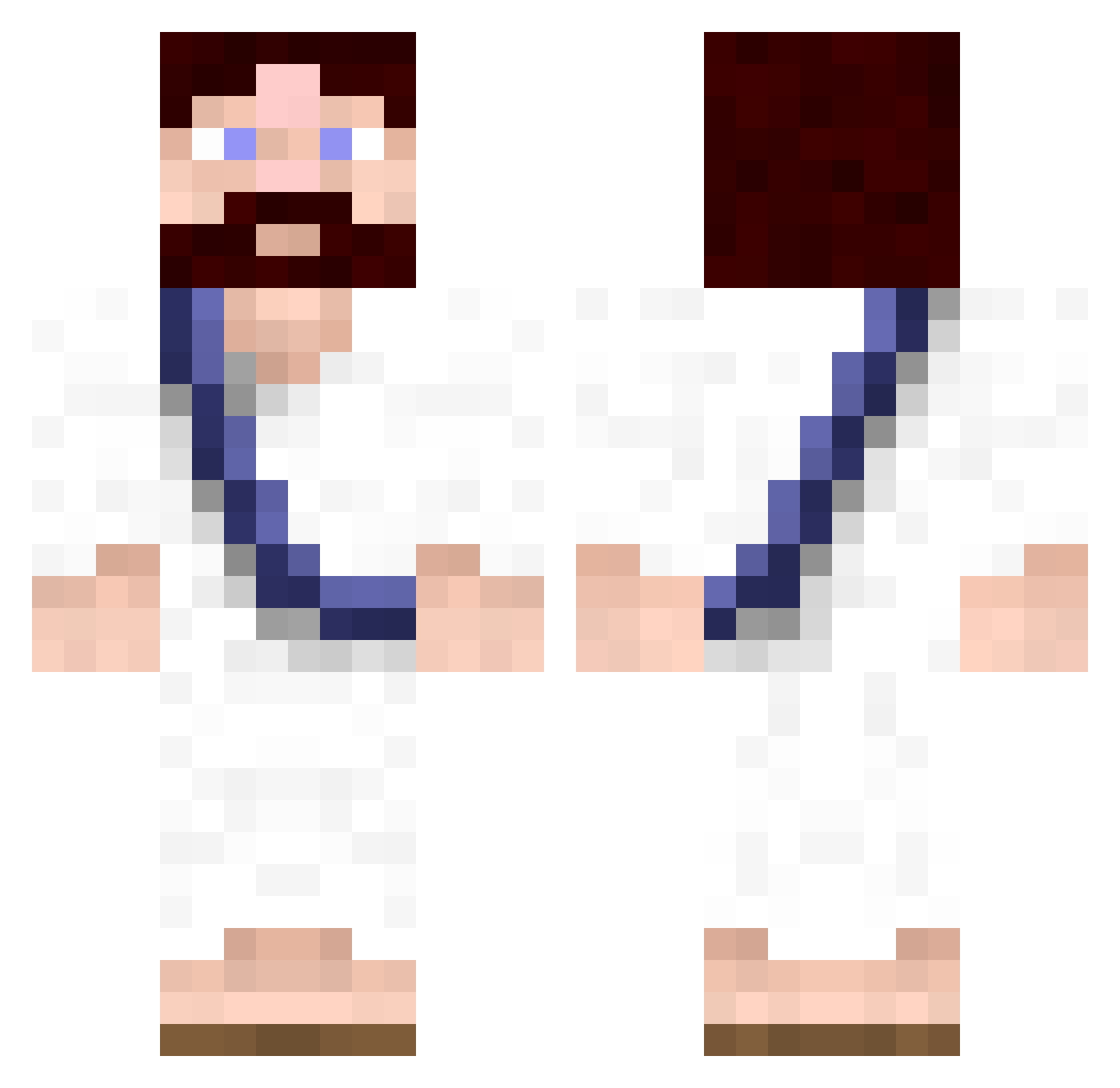
Current Minecraft skin of the player MixtapeProdigy, loaded from the official Mojang API. Rotate the 3D model with your mouse or finger, then download the skin as a PNG file and use it in Minecraft: Bedrock Edition or Java Edition for free. When MixtapeProdigy changes their skin, this page updates automatically and the old skin stays in the history below.
Other players with this skin (727)
MixtapeProdigy was the 629th player we have seen with this skin, first spotted on 02.11.2026. The same skin was seen on these players. Open a nickname to see their current skin and skin history.
 HSGUDEN xPaRkYx96 Jarbell LouYu Baiver badass64 Kylethecool voicebox9 VinsDiams mbrown845 Jebus86 5yn0n1m JfmNL hobo johnny321 Ajaiste barbredis Tiefen8er MCnutts RECTALDEATH gitsum Jaywalllace PetitPoissonDort pirofreak smoshy124 dijon20 nwaples MReimes mrblockslayer ShanesMajestic RandomMexican kwck mm3diablo oneibm03 curlierkilla121 Beemingham LMargo Pretzel1253 KoutarouAmon Cheriooz AutismDisorder a_gebai whowrotethis elmontel53 Rafinx Dnorth42 Kopfsalat Velvioon Slawnk souty JMarti36 airtroop28 JuSer_KAZUKI Nolaqz xCreateDx bramblepan mikkisboj Billybobjoesteve Stonhage JdotAdotD
More Bible Minecraft skins
How to install the MixtapeProdigy skin
- Press the Download button above to save the skin as a PNG file.
- Minecraft: Bedrock Edition (PE): open the Dressing Room from the main menu (or tap your character → Edit Character), go to Classic Skins → Owned, press the + (new skin) button, choose the downloaded PNG and pick the Classic (Steve) model. Works on PC and mobile; consoles cannot import custom skins.
- Minecraft: Java Edition: open the Minecraft Launcher, go to the Skins tab, click New Skin, load the PNG, pick the Classic (Steve) model and press Save & Use. You can also upload it at minecraft.net → Profile → Change Skin.
The skin does not show up after import - what should I do?
Restart Minecraft and open the Dressing Room again - imported skins sometimes appear only after a restart. Also make sure you selected the imported skin and picked the Classic (Steve) model.
Which model should I choose, Classic or Slim?
This skin is designed for the Classic (Steve) model. If you pick the wrong model, the arms of the skin will look stretched or squeezed.
Is the skin of MixtapeProdigy free to download?
Yes. Press Download, save the PNG file and use it in Minecraft: Bedrock Edition or Java Edition - no payment or registration needed. The skin also works on multiplayer servers and Realms.
More skins
Looking for more? Go back to all Minecraft skins and check the top skins of the week, month and all time, or find any player's skin by nickname.