
Misterkkkjk - Minecraft Skins & Skin History
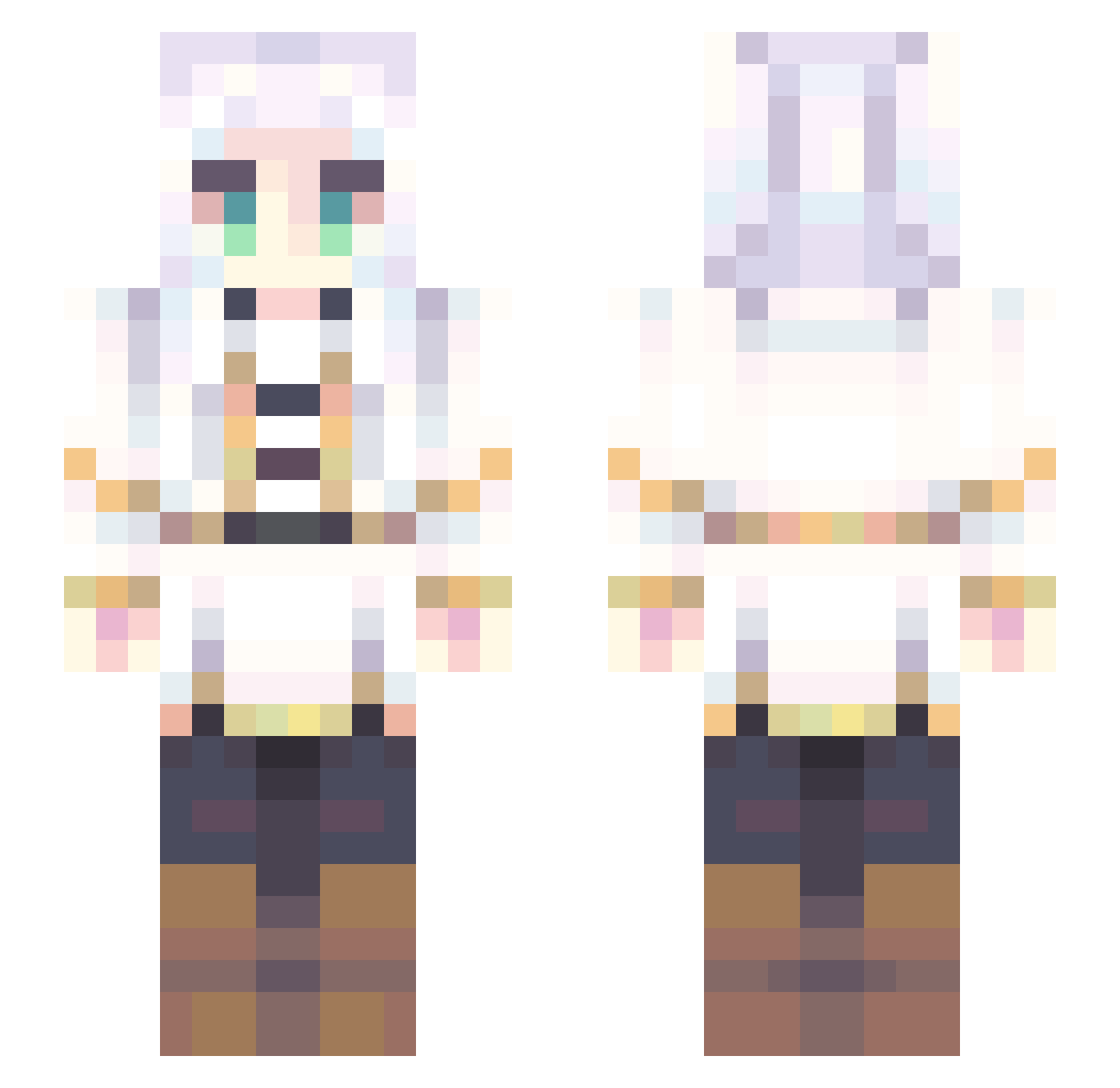
Current Minecraft skin of the player Misterkkkjk, loaded from the official Mojang API. Rotate the 3D model with your mouse or finger, then download the skin as a PNG file and use it in Minecraft: Bedrock Edition or Java Edition for free. When Misterkkkjk changes their skin, this page updates automatically and the old skin stays in the history below.
Other players with this skin (707)
Misterkkkjk was the 389th player we have seen with this skin, first spotted on 23.09.2026. The same skin was seen on these players. Open a nickname to see their current skin and skin history.
 Naeww FaithFairy19 IVine FrieaAndCheese Chilbo_Swagins Chingern Y00nsai Nikumisol araesgenial Gumshoosh Eduad Enaliwoo Dralhya Tbolopik Nicky_003 NMZ_13 Dai_shu bird1120 Lunarieax austiinlee Marielow ITzMitz153 Zugaimani NAN0_014 ADXDE ckeyzin ProffeC sungnom r_dud_p Great_Ashling Qooysl SlimeNogaknight c0wball BatMatheus JHB30 ONNNO1 gabifei mrpalta EthansLeftNut Spac3N0mad Valuthia Feaana zombikiZ Angel252525 Maru2896 IlVeroAbuso Howl222 yvyuh youisgoodest Tomsabbb Aenaro charlese_3 VisageMasque Nexoniys Ansggi SpicyCat69 Skygamer89 Halexgar aki_hykw beavergoose
More Fantasy Minecraft skins
How to install the Misterkkkjk skin
- Press the Download button above to save the skin as a PNG file.
- Minecraft: Bedrock Edition (PE): open the Dressing Room from the main menu (or tap your character → Edit Character), go to Classic Skins → Owned, press the + (new skin) button, choose the downloaded PNG and pick the Slim (Alex) model. Works on PC and mobile; consoles cannot import custom skins.
- Minecraft: Java Edition: open the Minecraft Launcher, go to the Skins tab, click New Skin, load the PNG, pick the Slim (Alex) model and press Save & Use. You can also upload it at minecraft.net → Profile → Change Skin.
The skin does not show up after import - what should I do?
Restart Minecraft and open the Dressing Room again - imported skins sometimes appear only after a restart. Also make sure you selected the imported skin and picked the Slim (Alex) model.
Which model should I choose, Classic or Slim?
This skin is designed for the Slim (Alex) model. If you pick the wrong model, the arms of the skin will look stretched or squeezed.
Is the skin of Misterkkkjk free to download?
Yes. Press Download, save the PNG file and use it in Minecraft: Bedrock Edition or Java Edition - no payment or registration needed. The skin also works on multiplayer servers and Realms.
More skins
Looking for more? Go back to all Minecraft skins and check the top skins of the week, month and all time, or find any player's skin by nickname.