
MisterNickyjam - Minecraft Skins & Skin History
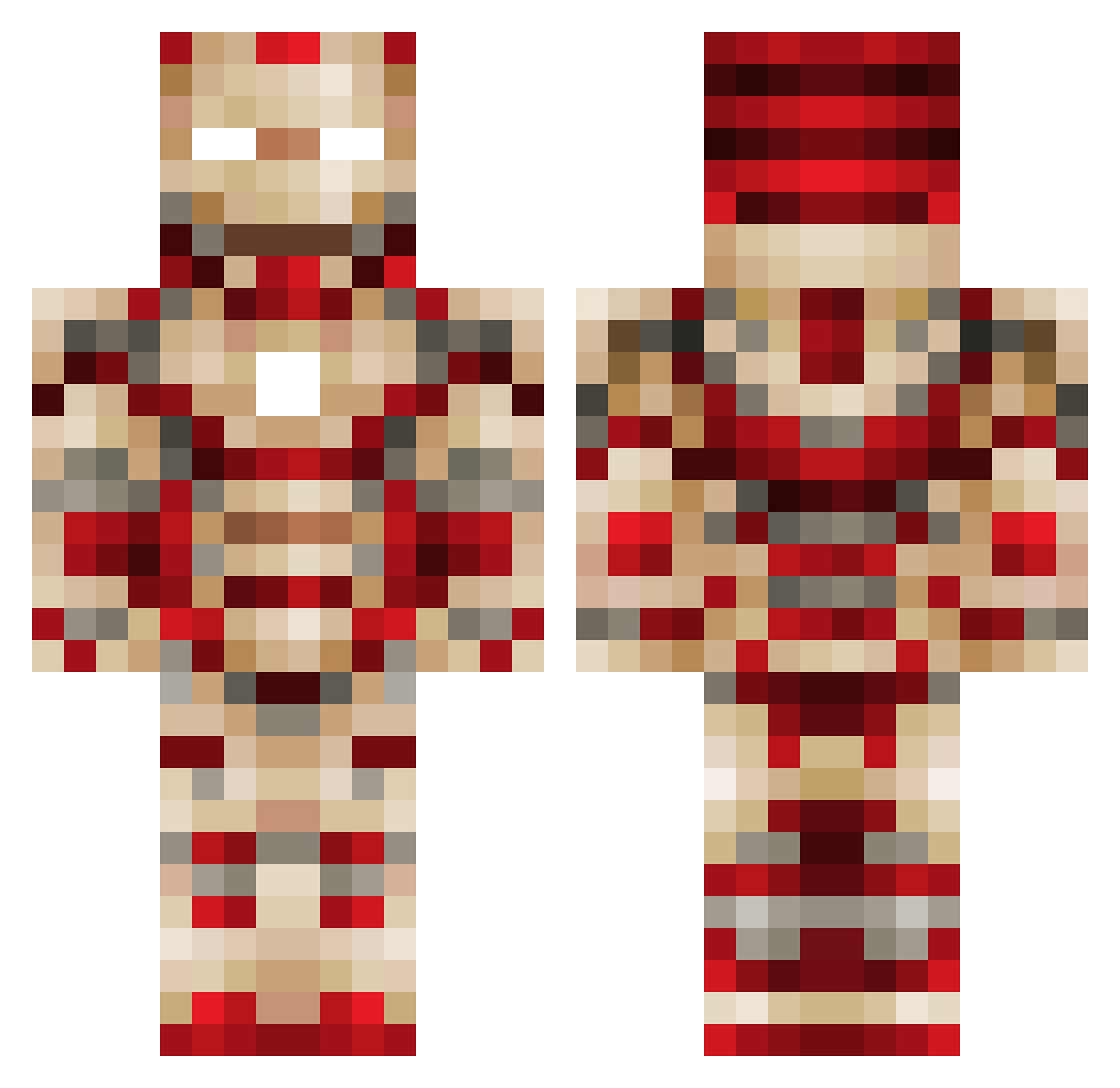
Current Minecraft skin of the player MisterNickyjam, loaded from the official Mojang API. Rotate the 3D model with your mouse or finger, then download the skin as a PNG file and use it in Minecraft: Bedrock Edition or Java Edition for free. When MisterNickyjam changes their skin, this page updates automatically and the old skin stays in the history below.
Other players with this skin (120)
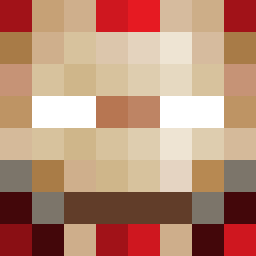
MisterNickyjam was the 95th player we have seen with this skin, first spotted on 08.10.2026. The same skin was seen on these players. Open a nickname to see their current skin and skin history.
 PassiveAmine CobaItDragon oceansiu kwanWOOD Uncontroversial stolzinho_ Ric_zzy Benigno_Boy Tony_Stork3000 AshNismo Hugeltaja Hawji_Satarku _Huarachi_ howto_autism mdnatx Hunter006 youbigfather WolfBaby76 crash3006 xy142857 aBER3 Jack_7112 aidslane ce_ban xuanyuan233 Capo_03 kkk_evil Admitone1010 AQuin21 Stas_motras Razor_Alex Destroyer10543 BBQ80 Real_AnoTher orten132 Xi_Sir ATF8750 RENJI0087 Bambusstern69 ForYours blackdunder Slacks69 Deymiaen _JonasK_ HugeBisch Bili_ARM StephenTheMovie mrRoxsigN zoldic8 BlueyFFA PCPAI MegaDW97 a1234675twz Swerv15 clt2001 Carter_ray5 Helpless_Scrub SharpenedPickle TheWorldBH Scookie233
More Iron Man Minecraft skins
How to install the MisterNickyjam skin
- Press the Download button above to save the skin as a PNG file.
- Minecraft: Bedrock Edition (PE): open the Dressing Room from the main menu (or tap your character → Edit Character), go to Classic Skins → Owned, press the + (new skin) button, choose the downloaded PNG and pick the Classic (Steve) model. Works on PC and mobile; consoles cannot import custom skins.
- Minecraft: Java Edition: open the Minecraft Launcher, go to the Skins tab, click New Skin, load the PNG, pick the Classic (Steve) model and press Save & Use. You can also upload it at minecraft.net → Profile → Change Skin.
The skin does not show up after import - what should I do?
Restart Minecraft and open the Dressing Room again - imported skins sometimes appear only after a restart. Also make sure you selected the imported skin and picked the Classic (Steve) model.
Which model should I choose, Classic or Slim?
This skin is designed for the Classic (Steve) model. If you pick the wrong model, the arms of the skin will look stretched or squeezed.
Is the skin of MisterNickyjam free to download?
Yes. Press Download, save the PNG file and use it in Minecraft: Bedrock Edition or Java Edition - no payment or registration needed. The skin also works on multiplayer servers and Realms.
More skins
Looking for more? Go back to all Minecraft skins and check the top skins of the week, month and all time, or find any player's skin by nickname.