
Miselko - Minecraft Skins & Skin History
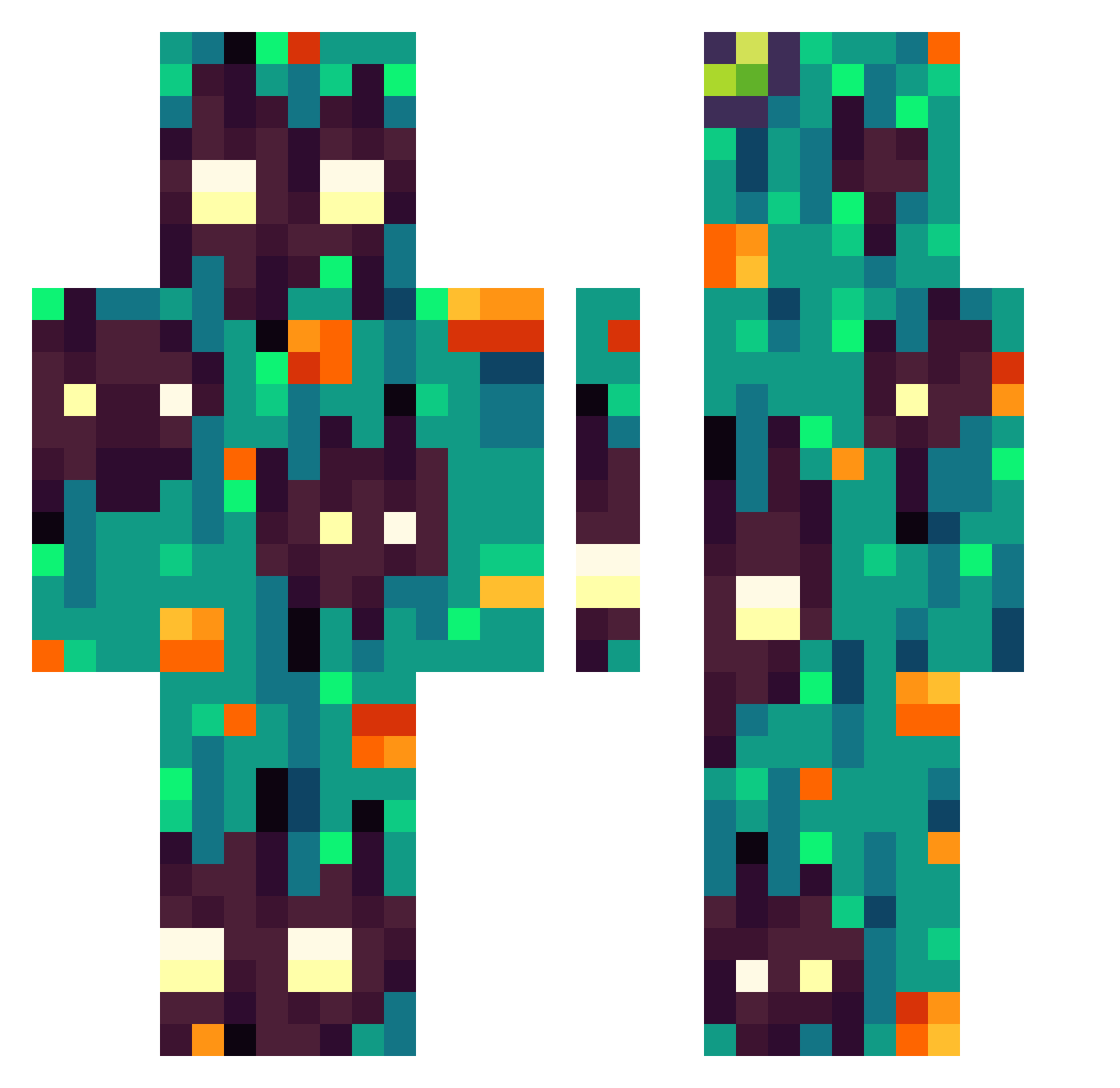
Current Minecraft skin of the player Miselko, loaded from the official Mojang API. Rotate the 3D model with your mouse or finger, then download the skin as a PNG file and use it in Minecraft: Bedrock Edition or Java Edition for free. When Miselko changes their skin, this page updates automatically and the old skin stays in the history below.
Other players with this skin (303)
Miselko was the 111th player we have seen with this skin, first spotted on 01.09.2026. The same skin was seen on these players. Open a nickname to see their current skin and skin history.
 LockSheiir Plockjo Destoh REDKIDof MrVbJp Bun_hit_dog SfarkedJust Skoumi98 PShark135 Lilislander6795 lotionlips pumpkynluna GrixkC Varyen_ DaftBrick885956 Coulis Nz_gul IgarrohI
 mumie_fjaes SammyGecko MyNameIsNotOscar
 DarkDaras tedoshimodo RosaMelano96 Wizard4747 Subxz YSG5409 VidarTory kz_treek Piluc4 Kevreez garenaman Halosymph _sovs_ xxxswer XlTROZ Gangrkoleoglu ViskasNFO DrawSnow Xontaro zoeloar Pangolin_Bear Rett_R kushycat 1X_XD Oganesson_118 AlexxiHno tanoshimisoda Drigzor32 MrSahiko Stargazeing watsonator4284 Rubenchl06 Pierozek8156 oloide Jud3nTretter3000 SputnikFalke iiNxs4 Paint3DYT BatuhanToxic
How to install the Miselko skin
- Press the Download button above to save the skin as a PNG file.
- Minecraft: Bedrock Edition (PE): open the Dressing Room from the main menu (or tap your character → Edit Character), go to Classic Skins → Owned, press the + (new skin) button, choose the downloaded PNG and pick the Classic (Steve) model. Works on PC and mobile; consoles cannot import custom skins.
- Minecraft: Java Edition: open the Minecraft Launcher, go to the Skins tab, click New Skin, load the PNG, pick the Classic (Steve) model and press Save & Use. You can also upload it at minecraft.net → Profile → Change Skin.
The skin does not show up after import - what should I do?
Restart Minecraft and open the Dressing Room again - imported skins sometimes appear only after a restart. Also make sure you selected the imported skin and picked the Classic (Steve) model.
Which model should I choose, Classic or Slim?
This skin is designed for the Classic (Steve) model. If you pick the wrong model, the arms of the skin will look stretched or squeezed.
Is the skin of Miselko free to download?
Yes. Press Download, save the PNG file and use it in Minecraft: Bedrock Edition or Java Edition - no payment or registration needed. The skin also works on multiplayer servers and Realms.
More skins
Looking for more? Go back to all Minecraft skins and check the top skins of the week, month and all time, or find any player's skin by nickname.