
Mintchoco_97 - Minecraft Skins & Skin History
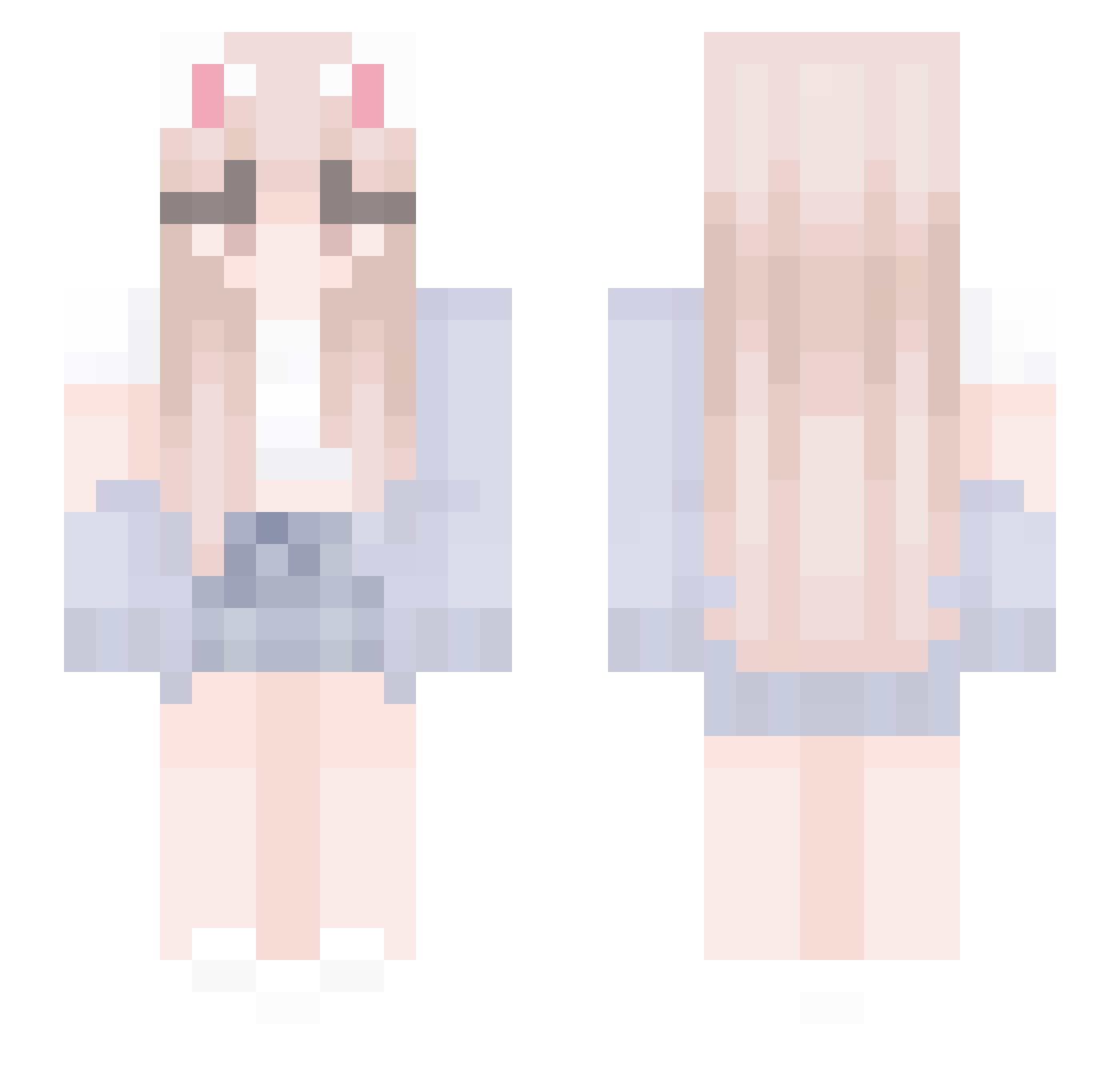
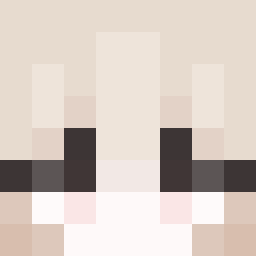
Current Minecraft skin of the player Mintchoco_97, loaded from the official Mojang API. Rotate the 3D model with your mouse or finger, then download the skin as a PNG file and use it in Minecraft: Bedrock Edition or Java Edition for free. When Mintchoco_97 changes their skin, this page updates automatically and the old skin stays in the history below.
Other players with this skin (436)
Mintchoco_97 was the 81st player we have seen with this skin, first spotted on 14.08.2026. The same skin was seen on these players. Open a nickname to see their current skin and skin history.
 KongMuen galaxystars10 sinkerr Ella12659445 achachanJP Purpled69420 Mina_Ji RITA1020 IvyMinami CrazyCat_3000 vAlina_ Joon_D MEGURA_ pydiyong Anika0905 eruszer siimoOvO Dana_Aftermarket hxyst bakubboi strawbettii TheZag2 Morbid_1 littlecabs EvenMG Hongshu0325 Moiste_ Vystek_ tingyu20
 King_Julio69420 ShashaHaunts kuragoni
 S_K_R AlissonDMC Upisnotjump Hunni_Bnnuy xxninja0710 CSP2619 ifkuy craz1gre0 YTIANLI Blairreilly79 B_E_D_L_E_S_S Fantisque bebesopi Marc72
 SUPERCIAO min_ddaeng xxeeeeee Shiinahai epicbuilder15 Yummriy Bentaiiiii capricorn2525 Kadypu binawastaken646
 Dusty0snake Dyoa_O3O JessicaGraydon aydenquack
More Cardigan Minecraft skins
How to install the Mintchoco_97 skin
- Press the Download button above to save the skin as a PNG file.
- Minecraft: Bedrock Edition (PE): open the Dressing Room from the main menu (or tap your character → Edit Character), go to Classic Skins → Owned, press the + (new skin) button, choose the downloaded PNG and pick the Slim (Alex) model. Works on PC and mobile; consoles cannot import custom skins.
- Minecraft: Java Edition: open the Minecraft Launcher, go to the Skins tab, click New Skin, load the PNG, pick the Slim (Alex) model and press Save & Use. You can also upload it at minecraft.net → Profile → Change Skin.
The skin does not show up after import - what should I do?
Restart Minecraft and open the Dressing Room again - imported skins sometimes appear only after a restart. Also make sure you selected the imported skin and picked the Slim (Alex) model.
Which model should I choose, Classic or Slim?
This skin is designed for the Slim (Alex) model. If you pick the wrong model, the arms of the skin will look stretched or squeezed.
Is the skin of Mintchoco_97 free to download?
Yes. Press Download, save the PNG file and use it in Minecraft: Bedrock Edition or Java Edition - no payment or registration needed. The skin also works on multiplayer servers and Realms.
More skins
Looking for more? Go back to all Minecraft skins and check the top skins of the week, month and all time, or find any player's skin by nickname.