
MiniCaseOh - Minecraft Skins & Skin History
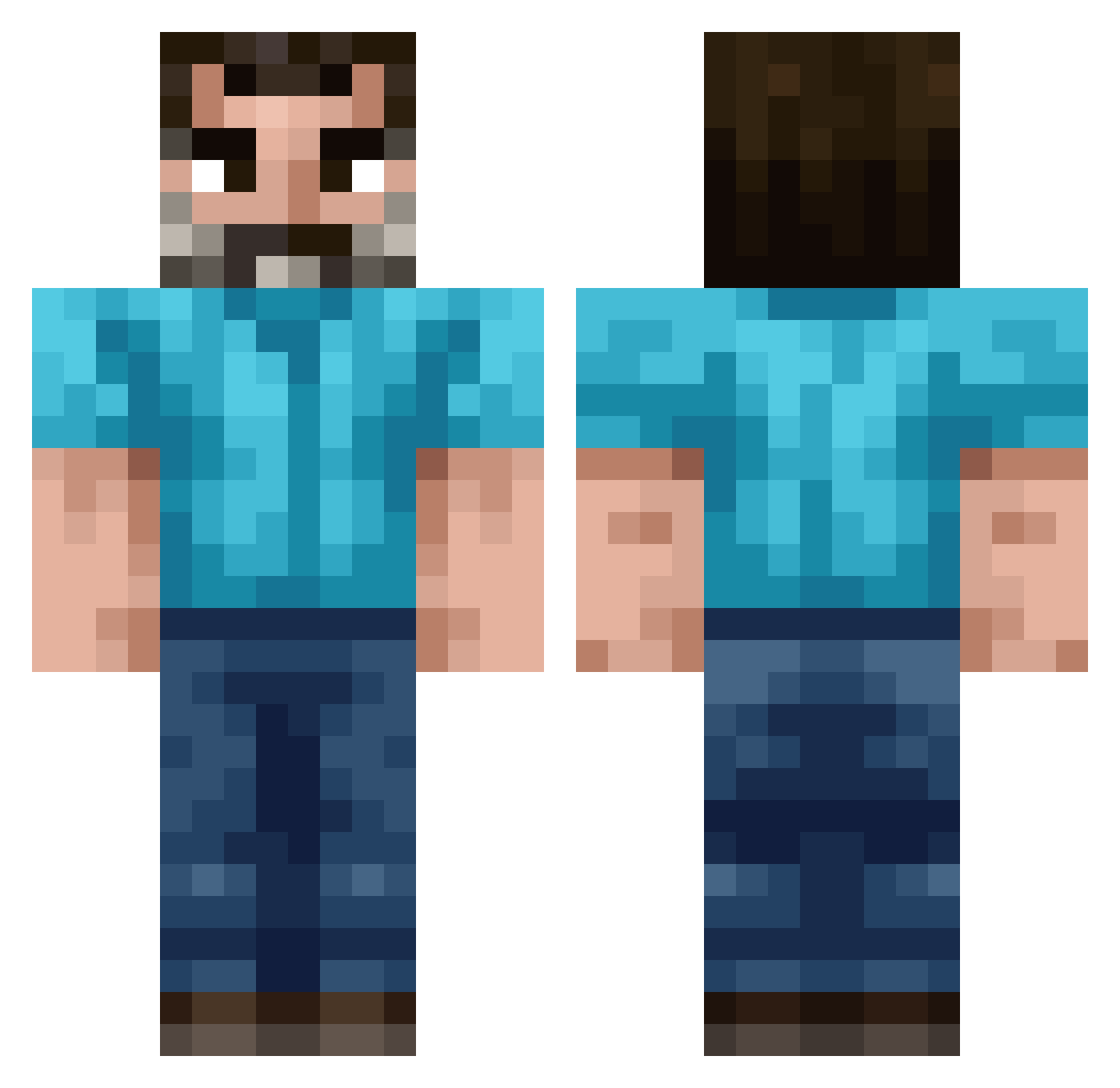
Current Minecraft skin of the player MiniCaseOh, loaded from the official Mojang API. Rotate the 3D model with your mouse or finger, then download the skin as a PNG file and use it in Minecraft: Bedrock Edition or Java Edition for free. When MiniCaseOh changes their skin, this page updates automatically and the old skin stays in the history below.
Other players with this skin (222)
MiniCaseOh was the 14th player we have seen with this skin, first spotted on 01.08.2026. The same skin was seen on these players. Open a nickname to see their current skin and skin history.
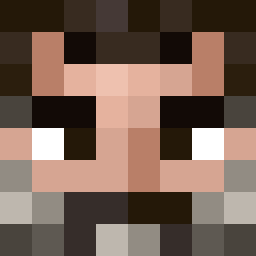 Bezi90003 TADASIUS redheavyweapons xboxares Abiurfi dknsffdkn Linkara Gr1mbo PideMan Straggles Dusting_Monsters miniblur ConnyKonge Fart_money69 airpoduser183874
 SiegmundGaz BennyFTW Pirth Carbon3373 Erishhhh Beanpot3 rasski
 OLEKSU7 Jukebox_Her0 Deeptricksy Peter_1998 PesDeath Spartacos30 nich0las_ Sush1boy BurrMan Dankey909 simonkalle123
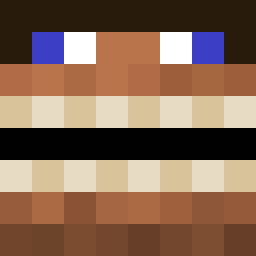 EnderTomik Jedda987 Tung_Sahur_69 julekg Serensin Hjalte_Orup DuskietheHuskie XyoeQ7 GEEL1 JoaquinSali getdropper
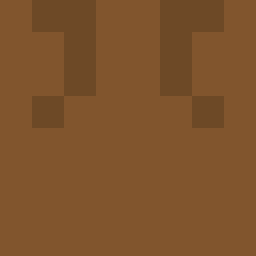 SteveIsKey YJ_snowball Da1YoungMoney MX_TACHIRO jackman02f dozingisaac chiwi507 369IQ BoraTheKing
 AftonNoodle
 SigmaSigmington jmkatracho Spixx90 Jarvo809 DadiXing Shoigy
How to install the MiniCaseOh skin
- Press the Download button above to save the skin as a PNG file.
- Minecraft: Bedrock Edition (PE): open the Dressing Room from the main menu (or tap your character → Edit Character), go to Classic Skins → Owned, press the + (new skin) button, choose the downloaded PNG and pick the Classic (Steve) model. Works on PC and mobile; consoles cannot import custom skins.
- Minecraft: Java Edition: open the Minecraft Launcher, go to the Skins tab, click New Skin, load the PNG, pick the Classic (Steve) model and press Save & Use. You can also upload it at minecraft.net → Profile → Change Skin.
The skin does not show up after import - what should I do?
Restart Minecraft and open the Dressing Room again - imported skins sometimes appear only after a restart. Also make sure you selected the imported skin and picked the Classic (Steve) model.
Which model should I choose, Classic or Slim?
This skin is designed for the Classic (Steve) model. If you pick the wrong model, the arms of the skin will look stretched or squeezed.
Is the skin of MiniCaseOh free to download?
Yes. Press Download, save the PNG file and use it in Minecraft: Bedrock Edition or Java Edition - no payment or registration needed. The skin also works on multiplayer servers and Realms.
More skins
Looking for more? Go back to all Minecraft skins and check the top skins of the week, month and all time, or find any player's skin by nickname.