
MineFamBE2 - Minecraft Skins & Skin History
Current Minecraft skin of the player MineFamBE2, loaded from the official Mojang API. Rotate the 3D model with your mouse or finger, then download the skin as a PNG file and use it in Minecraft: Bedrock Edition or Java Edition for free. When MineFamBE2 changes their skin, this page updates automatically and the old skin stays in the history below.
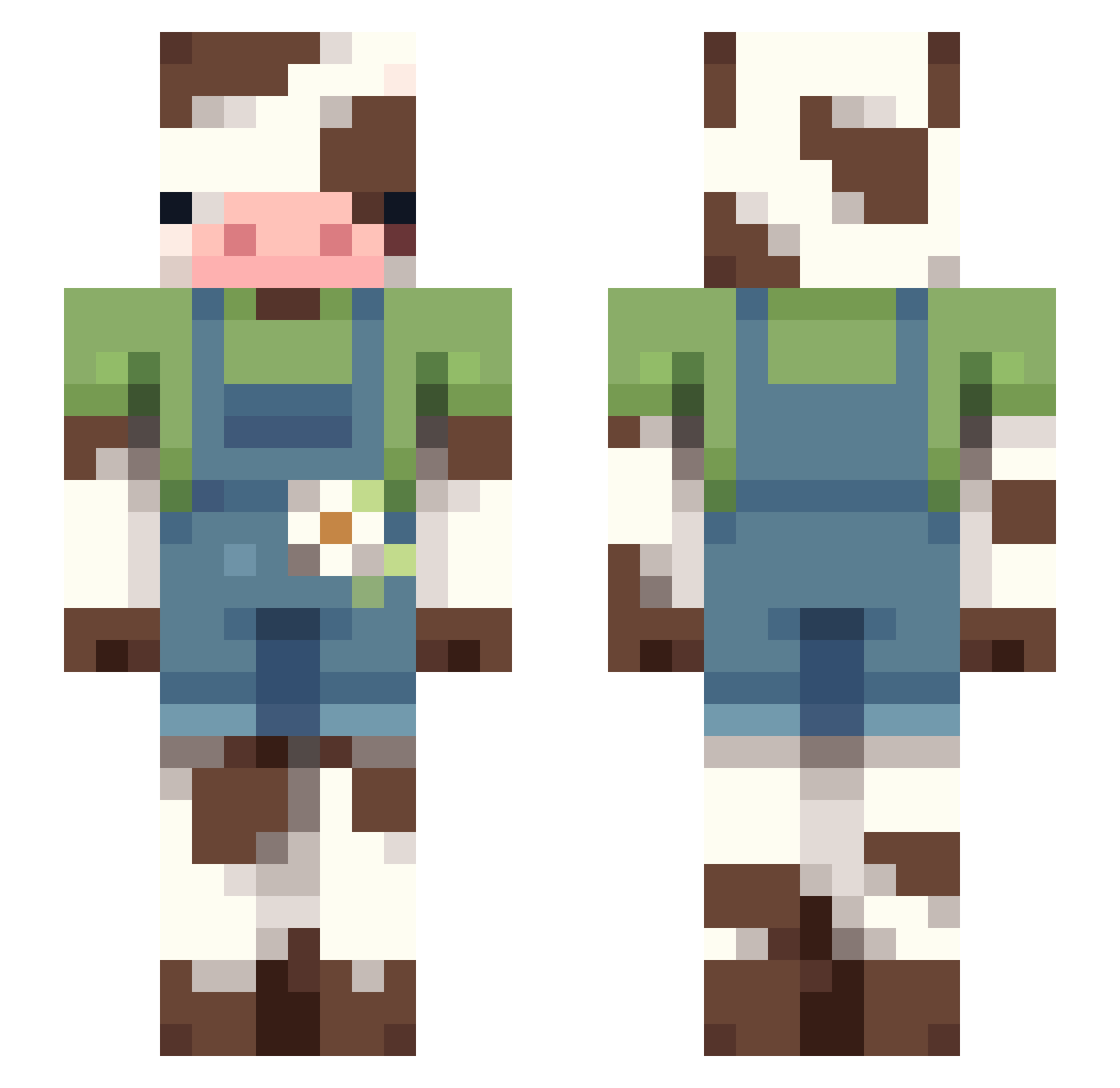
Other players with this skin (108)
MineFamBE2 was the 18th player we have seen with this skin, first spotted on 11.08.2026. The same skin was seen on these players. Open a nickname to see their current skin and skin history.
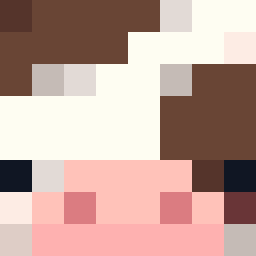 Legoliat Gucciklipklaps69 Poulopot9935 jake7568 Artie00 SoupSpoun
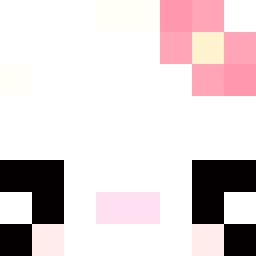 ibitetoenails umi_bread_wizard lwonderland iceicegrass Natsukunnn Laura22351 igniousrock walruss_
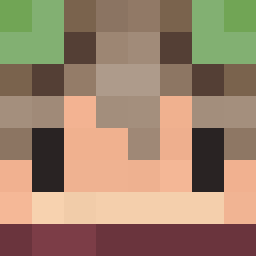 zGumori michou194 Miseee mabeloo TheluGG saltyvibee KimOverz Lylabell areiofsunshine DuskyDay Eruil pelah Potato666777 Kingofallsquares YoungFlyme m0_obles Rainbowwwwwwwwww titi1630 EsmacColwil Atlaasuwu BritwitchedTTV _Sammie_ CrocTBird sbrewer Phantom908 misia1243 redpaddington HARVEN_ aelonka_ NovaClaw_ itsHTx No0t_N0ot DakusTheSad VerreNice ChristSavesSouls SebbiBoy187 celia1311 JoelRodr0804 Gqwd LillyMad Sockx_ cuidaww RyeBreadd1_ JoHimbeere carraskilla Sermoc
More Cow Minecraft skins
How to install the MineFamBE2 skin
- Press the Download button above to save the skin as a PNG file.
- Minecraft: Bedrock Edition (PE): open the Dressing Room from the main menu (or tap your character → Edit Character), go to Classic Skins → Owned, press the + (new skin) button, choose the downloaded PNG and pick the Slim (Alex) model. Works on PC and mobile; consoles cannot import custom skins.
- Minecraft: Java Edition: open the Minecraft Launcher, go to the Skins tab, click New Skin, load the PNG, pick the Slim (Alex) model and press Save & Use. You can also upload it at minecraft.net → Profile → Change Skin.
The skin does not show up after import - what should I do?
Restart Minecraft and open the Dressing Room again - imported skins sometimes appear only after a restart. Also make sure you selected the imported skin and picked the Slim (Alex) model.
Which model should I choose, Classic or Slim?
This skin is designed for the Slim (Alex) model. If you pick the wrong model, the arms of the skin will look stretched or squeezed.
Is the skin of MineFamBE2 free to download?
Yes. Press Download, save the PNG file and use it in Minecraft: Bedrock Edition or Java Edition - no payment or registration needed. The skin also works on multiplayer servers and Realms.
More skins
Looking for more? Go back to all Minecraft skins and check the top skins of the week, month and all time, or find any player's skin by nickname.