
Milan_07 - Minecraft Skins & Skin History
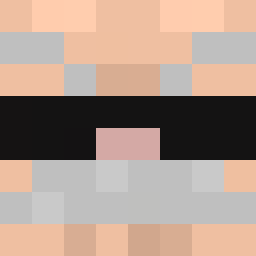
Current Minecraft skin of the player Milan_07, loaded from the official Mojang API. Rotate the 3D model with your mouse or finger, then download the skin as a PNG file and use it in Minecraft: Bedrock Edition or Java Edition for free. When Milan_07 changes their skin, this page updates automatically and the old skin stays in the history below.
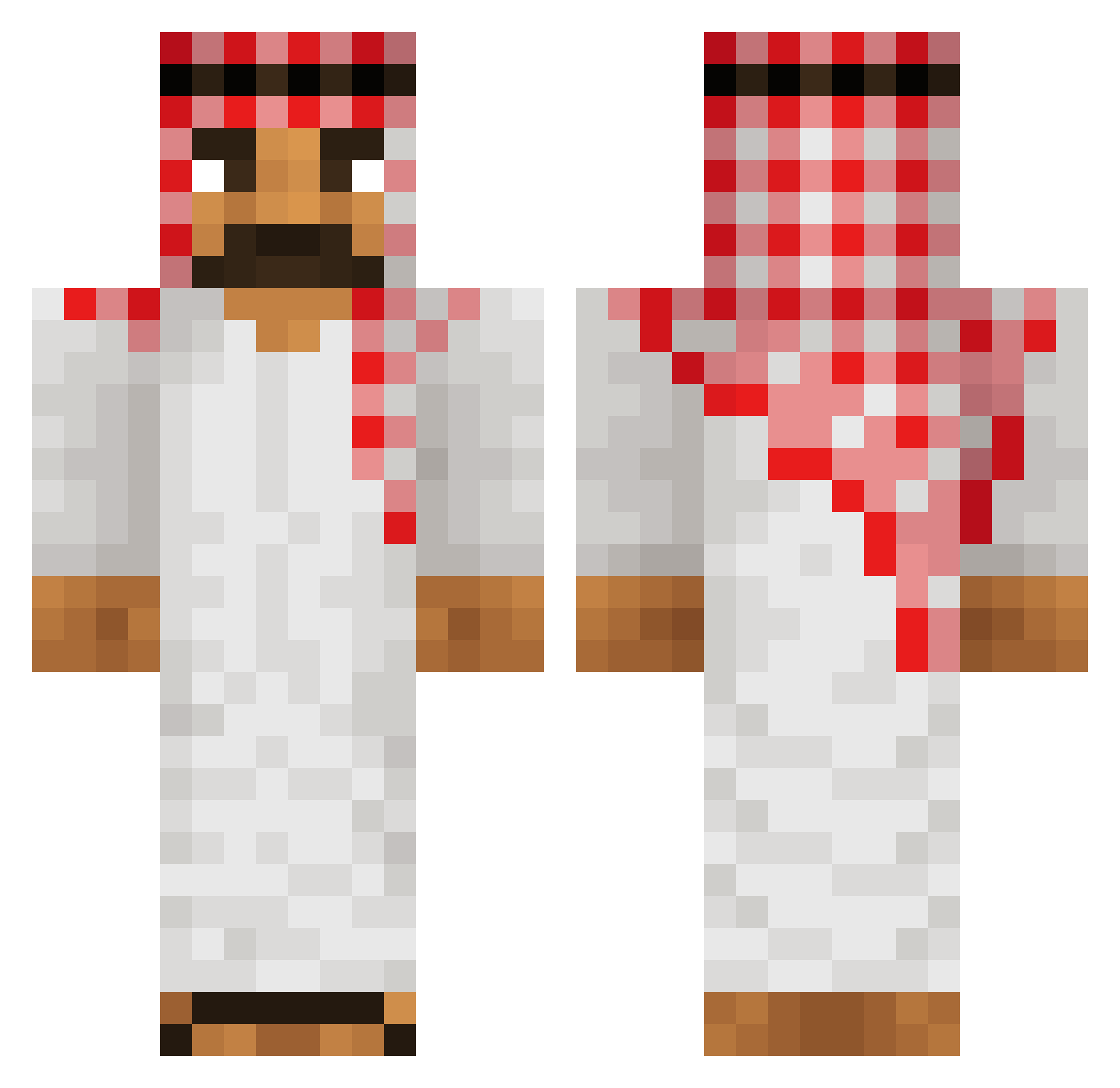
Other players with this skin (555)
Milan_07 was the 92nd player we have seen with this skin, first spotted on 13.08.2026. The same skin was seen on these players. Open a nickname to see their current skin and skin history.
 Boebiii Kodro YourFatMom28 chromoscope kenji9896 chugunito SoreIsland51289 Jeon_son_racer daniraba luisoo_ Vibing_pnut pschent dlalswo9 maxence1407 freetrolex Asfalt71 AhMeD_TRX Gameboy_2 Hosenbein Masterbyk GloopyBoopy JoswimmerFR5 eady Lm3allem Ahmedokuska JoonaQ sakanikadiik realismu Kayel56 TaboretGr0zy DOG2018 CravyCove xZenopher DerJJgamer
 milik11 cookies1523 Gitarasiema323
 TRAZHSTAR ErikoLion x_LeoZ_x jfisha HARBOR3D imehk123 Mrbombell ploq_x reltuC smuga2011 abbas_12
 Rizx187 FreezeDragon386 qlfsymbv
 kickywickies L1Cj92 Nono4463 paiivaa lanceuse2bombe Supermanushka Fanatic_Shark_ F_Level
 luke_di
More Traditional Minecraft skins
How to install the Milan_07 skin
- Press the Download button above to save the skin as a PNG file.
- Minecraft: Bedrock Edition (PE): open the Dressing Room from the main menu (or tap your character → Edit Character), go to Classic Skins → Owned, press the + (new skin) button, choose the downloaded PNG and pick the Classic (Steve) model. Works on PC and mobile; consoles cannot import custom skins.
- Minecraft: Java Edition: open the Minecraft Launcher, go to the Skins tab, click New Skin, load the PNG, pick the Classic (Steve) model and press Save & Use. You can also upload it at minecraft.net → Profile → Change Skin.
The skin does not show up after import - what should I do?
Restart Minecraft and open the Dressing Room again - imported skins sometimes appear only after a restart. Also make sure you selected the imported skin and picked the Classic (Steve) model.
Which model should I choose, Classic or Slim?
This skin is designed for the Classic (Steve) model. If you pick the wrong model, the arms of the skin will look stretched or squeezed.
Is the skin of Milan_07 free to download?
Yes. Press Download, save the PNG file and use it in Minecraft: Bedrock Edition or Java Edition - no payment or registration needed. The skin also works on multiplayer servers and Realms.
More skins
Looking for more? Go back to all Minecraft skins and check the top skins of the week, month and all time, or find any player's skin by nickname.