
Mikolaich - Minecraft Skins & Skin History
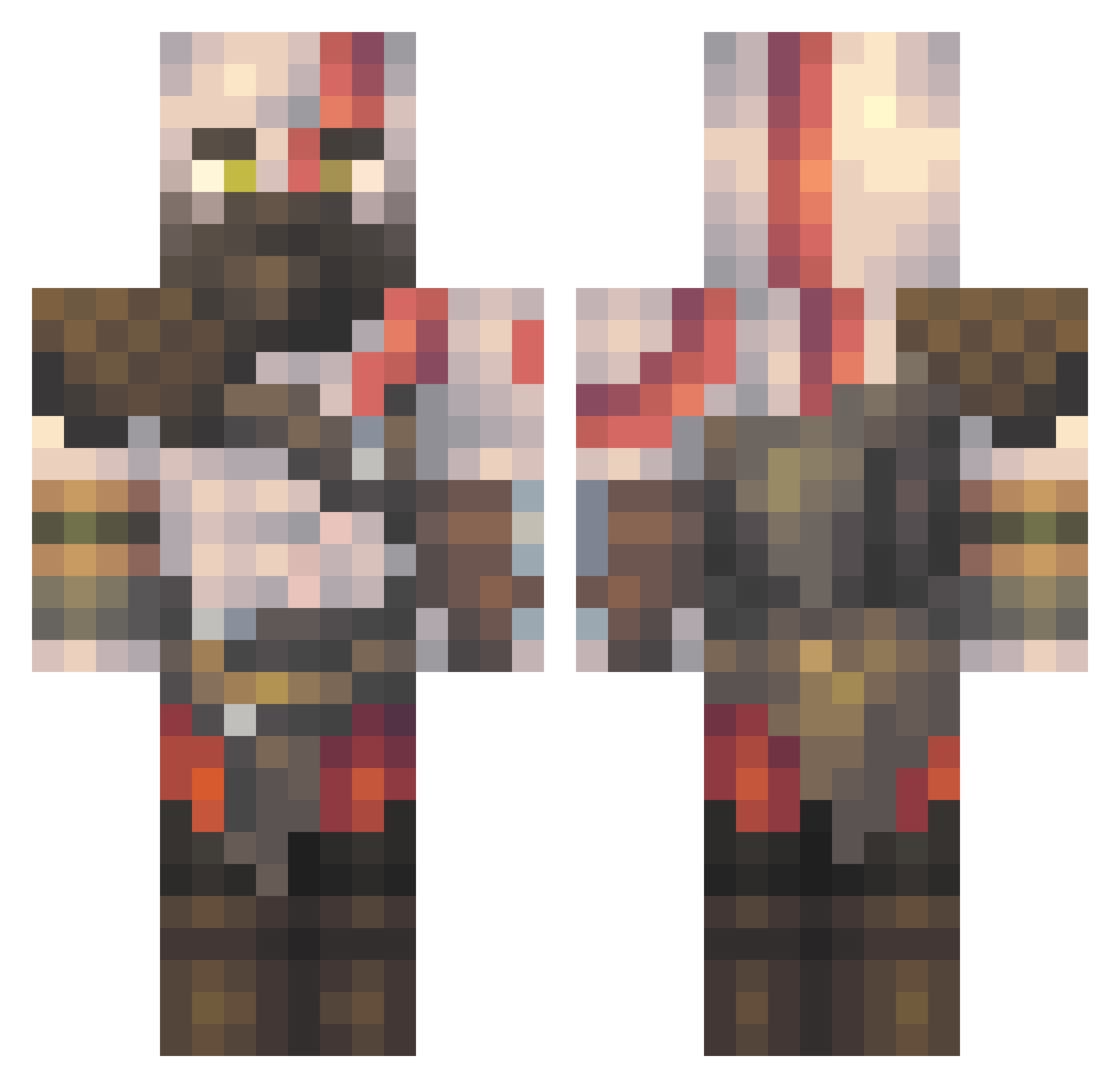
Current Minecraft skin of the player Mikolaich, loaded from the official Mojang API. Rotate the 3D model with your mouse or finger, then download the skin as a PNG file and use it in Minecraft: Bedrock Edition or Java Edition for free. When Mikolaich changes their skin, this page updates automatically and the old skin stays in the history below.
Other players with this skin (511)
Mikolaich was the 290th player we have seen with this skin, first spotted on 23.09.2026. The same skin was seen on these players. Open a nickname to see their current skin and skin history.
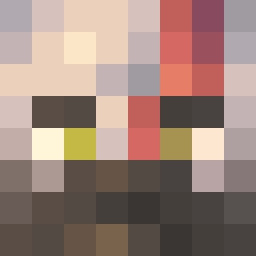 SBECK08 nvvuu ImChxll PAPIRATAHD RenielJui Jaifos LuccaJDN Hoopa102 Banshyds Sirspeid GansikFri bernle1 Ubersiyus FacelesssMan frFranta zeldoo EnderGame00 Slezx KhuroG MaxFT983 Playboy_Joshy PeeDrinker22 stunna4md MemOsar I_am_angry METiNKIRAN TrustMika Drovers_Wife KayoCrimson _Eryk__ Goge720 Naoxen Teggere BisKam Von_Stroheimm Lord_NicaF DrShadow_24 juzol Moither Vanjchinos SysGuy ANONo_o Nu_Gul_ Revezunds nnne4401 SRGALLO18 johnriv2002 Guidowisk God_Of_War_01 Jrax03 ABACHUGAMERPLUS RaZor1219 VtTheKing123 Bananik LaloG9 Agilando666 Rareshzt strobad AlexTheOne12 ausobipdnfnoiaps
More Kratos Minecraft skins
How to install the Mikolaich skin
- Press the Download button above to save the skin as a PNG file.
- Minecraft: Bedrock Edition (PE): open the Dressing Room from the main menu (or tap your character → Edit Character), go to Classic Skins → Owned, press the + (new skin) button, choose the downloaded PNG and pick the Classic (Steve) model. Works on PC and mobile; consoles cannot import custom skins.
- Minecraft: Java Edition: open the Minecraft Launcher, go to the Skins tab, click New Skin, load the PNG, pick the Classic (Steve) model and press Save & Use. You can also upload it at minecraft.net → Profile → Change Skin.
The skin does not show up after import - what should I do?
Restart Minecraft and open the Dressing Room again - imported skins sometimes appear only after a restart. Also make sure you selected the imported skin and picked the Classic (Steve) model.
Which model should I choose, Classic or Slim?
This skin is designed for the Classic (Steve) model. If you pick the wrong model, the arms of the skin will look stretched or squeezed.
Is the skin of Mikolaich free to download?
Yes. Press Download, save the PNG file and use it in Minecraft: Bedrock Edition or Java Edition - no payment or registration needed. The skin also works on multiplayer servers and Realms.
More skins
Looking for more? Go back to all Minecraft skins and check the top skins of the week, month and all time, or find any player's skin by nickname.