
MikaMesaros - Minecraft Skins & Skin History
Current Minecraft skin of the player MikaMesaros, loaded from the official Mojang API. Rotate the 3D model with your mouse or finger, then download the skin as a PNG file and use it in Minecraft: Bedrock Edition or Java Edition for free. When MikaMesaros changes their skin, this page updates automatically and the old skin stays in the history below.
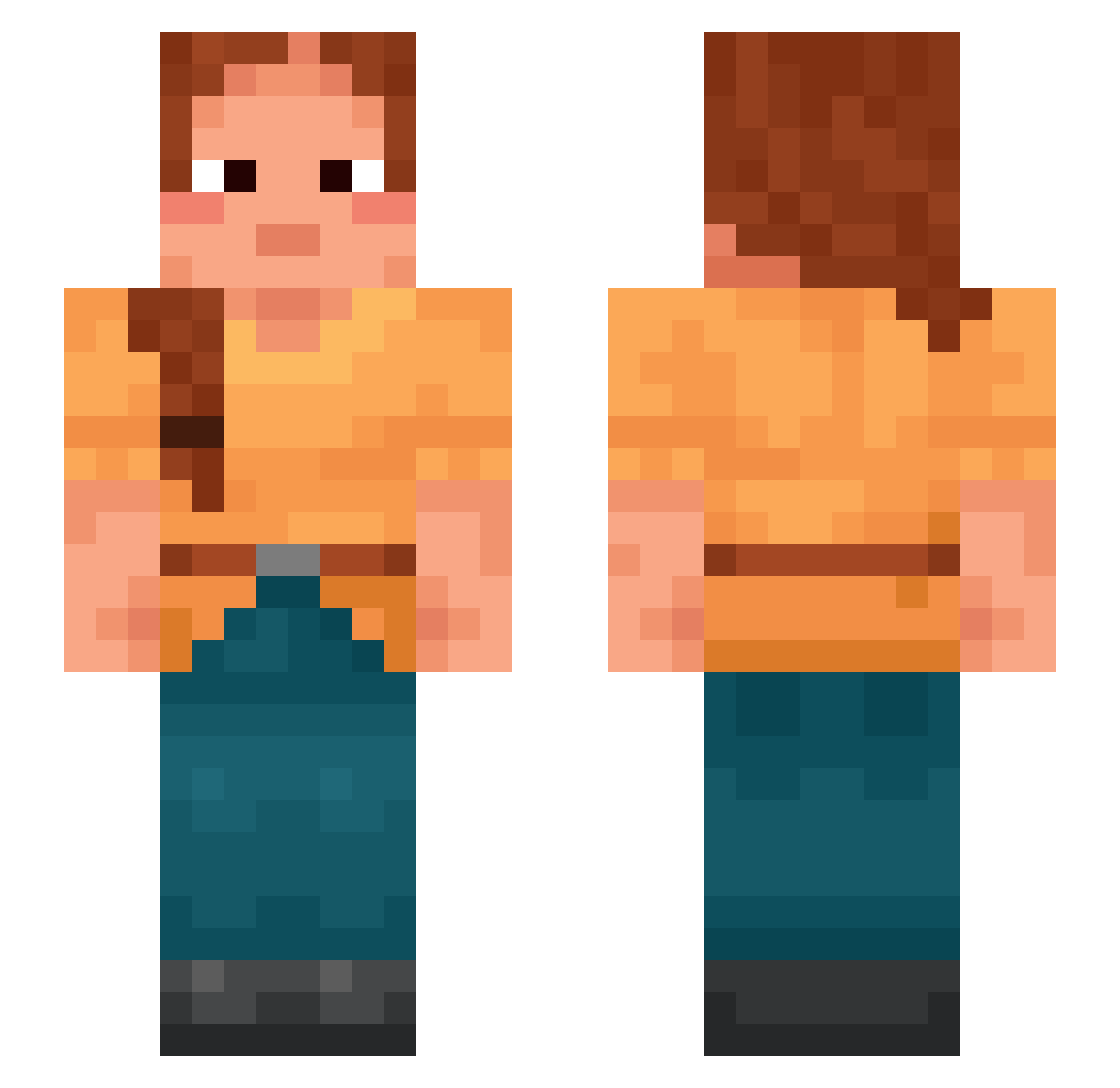
Other players with this skin (996)
MikaMesaros was the 321st player we have seen with this skin, first spotted on 31.08.2026. The same skin was seen on these players. Open a nickname to see their current skin and skin history.
 kitkattx1 Manis wayside illumed SwaggerDem0n IamOoDin Melodydu66 gundalow Uplay SnailSonic Meinegliedfliegt phantomchickain EnHazard Hendz_ Lloyd__Gross
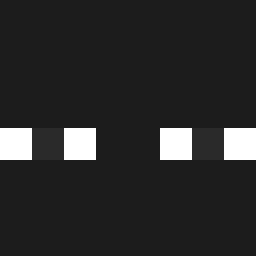 SlawkoWW taotaonl Sephir0th_ Enabler 157menoroodio33 Reflechi chiavi AlaP Robitronn Neuroleptic Keurboom Abbreviates Parodist PHANA_25K damienng95 24ID pumpernickel13 guitguit lemeloo
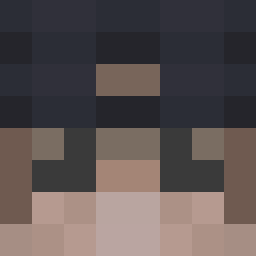 MasterLenny11 Smellers insculp Trocar bricc__ Kevaughuy iFrixo
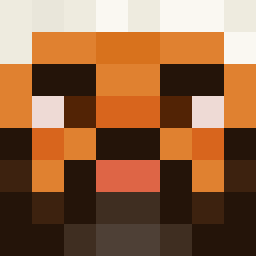 Ghandisflipflop4 Kaela frenchfries3 Faithless unhit AbsolutSlayN MrUbee Cypridina adaxlupin Barm neurogenic Avocational Mataveli xReach_123 wMakashiGODzin sumpt BuffaloFish michalyep BeWizard
More Braid Minecraft skins
How to install the MikaMesaros skin
- Press the Download button above to save the skin as a PNG file.
- Minecraft: Bedrock Edition (PE): open the Dressing Room from the main menu (or tap your character → Edit Character), go to Classic Skins → Owned, press the + (new skin) button, choose the downloaded PNG and pick the Slim (Alex) model. Works on PC and mobile; consoles cannot import custom skins.
- Minecraft: Java Edition: open the Minecraft Launcher, go to the Skins tab, click New Skin, load the PNG, pick the Slim (Alex) model and press Save & Use. You can also upload it at minecraft.net → Profile → Change Skin.
The skin does not show up after import - what should I do?
Restart Minecraft and open the Dressing Room again - imported skins sometimes appear only after a restart. Also make sure you selected the imported skin and picked the Slim (Alex) model.
Which model should I choose, Classic or Slim?
This skin is designed for the Slim (Alex) model. If you pick the wrong model, the arms of the skin will look stretched or squeezed.
Is the skin of MikaMesaros free to download?
Yes. Press Download, save the PNG file and use it in Minecraft: Bedrock Edition or Java Edition - no payment or registration needed. The skin also works on multiplayer servers and Realms.
More skins
Looking for more? Go back to all Minecraft skins and check the top skins of the week, month and all time, or find any player's skin by nickname.