
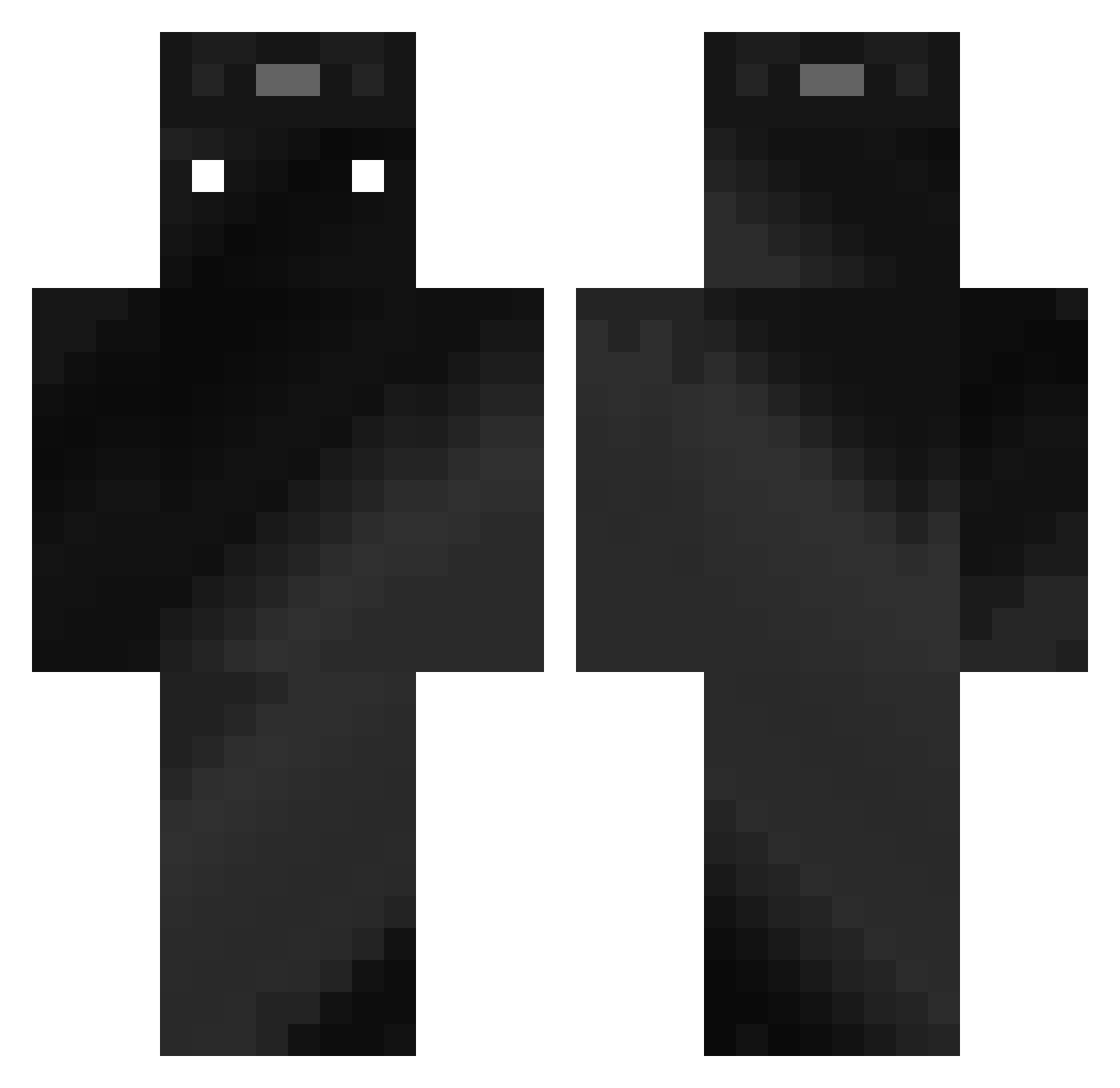
Current Minecraft skin of the player MikXu03, loaded from the official Mojang API. Rotate the 3D model with your mouse or finger, then download the skin as a PNG file and use it in Minecraft: Bedrock Edition or Java Edition for free. When MikXu03 changes their skin, this page updates automatically and the old skin stays in the history below.
Other players with this skin (313)
MikXu03 was the 128th player we have seen with this skin, first spotted on 30.08.2026. The same skin was seen on these players. Open a nickname to see their current skin and skin history.
 willian1031 _Zdd loumincraft Badtemper1529 mineboxgamer JoshuaP7879 Trojkat_Bermudzk Quickdragon89 BobFromTheHood Juanitoo09 sike86 MIGUELCM06 Scivil GALAXY7663 QuickClove MattYTlXlol Starplaze Smejky7 H8ze_ M4x1613 Mio_dev Bojangs24 polar3451 ImRNG_ABC Alexito200303 C0smicCamel BloxdyDemxn Remaster_12 JustD_og45 LucaMesaros patekoriginal pool0987 Papagei34 Ark_Warden BootyHurt roge_verstraate ovi2345 Anthuar22 Ycut_ DzulasX vine22 SEBBALKER Moffett_ alpar10 ineedmyfrags SYMKnull Killerhund11 mochachu916 WhiteRose691 FELIXUS0301 _MAFKJ_ Kuxet Gaspapach_0ff _Shiesuta titan123456778 LordJaca LOLO13_ TheLuckeyHD olibanius gutoguto13
How to install the MikXu03 skin
- Press the Download button above to save the skin as a PNG file.
- Minecraft: Bedrock Edition (PE): open the Dressing Room from the main menu (or tap your character → Edit Character), go to Classic Skins → Owned, press the + (new skin) button, choose the downloaded PNG and pick the Classic (Steve) model. Works on PC and mobile; consoles cannot import custom skins.
- Minecraft: Java Edition: open the Minecraft Launcher, go to the Skins tab, click New Skin, load the PNG, pick the Classic (Steve) model and press Save & Use. You can also upload it at minecraft.net → Profile → Change Skin.
The skin does not show up after import - what should I do?
Restart Minecraft and open the Dressing Room again - imported skins sometimes appear only after a restart. Also make sure you selected the imported skin and picked the Classic (Steve) model.
Which model should I choose, Classic or Slim?
This skin is designed for the Classic (Steve) model. If you pick the wrong model, the arms of the skin will look stretched or squeezed.
Is the skin of MikXu03 free to download?
Yes. Press Download, save the PNG file and use it in Minecraft: Bedrock Edition or Java Edition - no payment or registration needed. The skin also works on multiplayer servers and Realms.
More skins
Looking for more? Go back to all Minecraft skins and check the top skins of the week, month and all time, or find any player's skin by nickname.