
MightOne - Minecraft Skins & Skin History
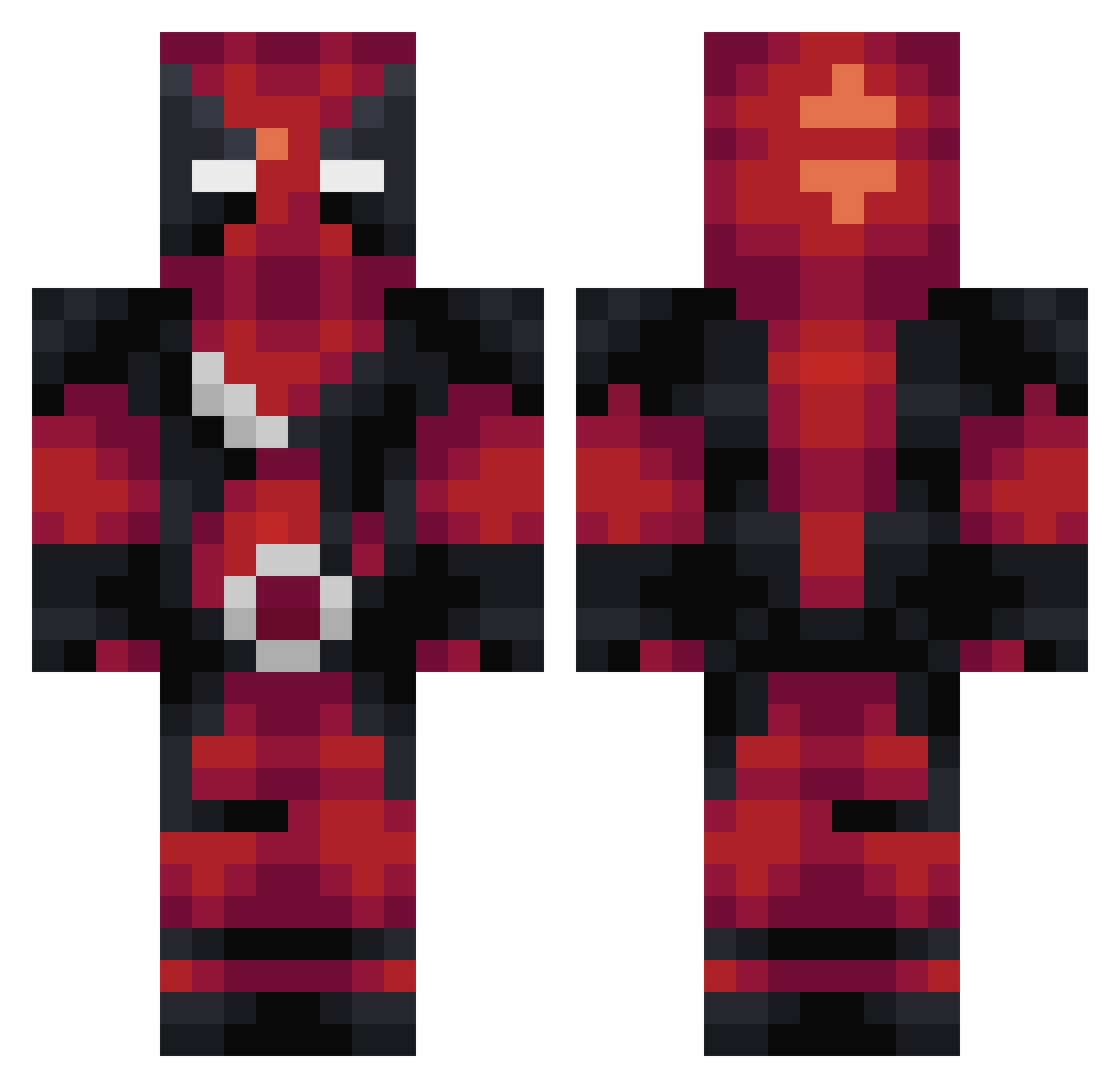
Current Minecraft skin of the player MightOne, loaded from the official Mojang API. Rotate the 3D model with your mouse or finger, then download the skin as a PNG file and use it in Minecraft: Bedrock Edition or Java Edition for free. When MightOne changes their skin, this page updates automatically and the old skin stays in the history below.
Other players with this skin (360)
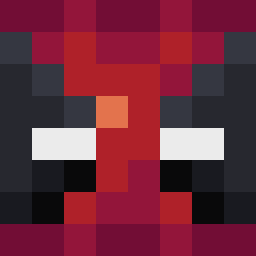
MightOne was the 316th player we have seen with this skin, first spotted on 29.10.2026. The same skin was seen on these players. Open a nickname to see their current skin and skin history.
 BenCapel123 ohbyul Pertimes NO_X QuenShir0 Velorous Gamilos rtj_00 Blozze rninrqm FacilNoSoy SlimSimey ohSwish Benevolent_Abyss AlexKnoth xVotolomx LGbriel dman3000 Jump4Life98 Andy4Leaf bofues Ragingbool Shrammed KanerBaby Fantasia1000 UltimateBoss26 Dez71200 6sitan EnzoAuditore ChaoticShadow92 Severain uyamaru SonicSam05 OscarRWD Dylbatros cutg Nitemerer SoldadoJohn Nutrl MiLiTaRy_JoNeS yoman4141 Saxela BamBam601 Demongade terrycrews2001 jackneale01 Crizpen Dragelioc SyroSate ir0schi Delt4Sky Stars_moy RodrigoCFA Teejerino rydogx oostlan malagucci jalanesquire Jujak04 s0me1315
More Deadpool Minecraft skins
How to install the MightOne skin
- Press the Download button above to save the skin as a PNG file.
- Minecraft: Bedrock Edition (PE): open the Dressing Room from the main menu (or tap your character → Edit Character), go to Classic Skins → Owned, press the + (new skin) button, choose the downloaded PNG and pick the Classic (Steve) model. Works on PC and mobile; consoles cannot import custom skins.
- Minecraft: Java Edition: open the Minecraft Launcher, go to the Skins tab, click New Skin, load the PNG, pick the Classic (Steve) model and press Save & Use. You can also upload it at minecraft.net → Profile → Change Skin.
The skin does not show up after import - what should I do?
Restart Minecraft and open the Dressing Room again - imported skins sometimes appear only after a restart. Also make sure you selected the imported skin and picked the Classic (Steve) model.
Which model should I choose, Classic or Slim?
This skin is designed for the Classic (Steve) model. If you pick the wrong model, the arms of the skin will look stretched or squeezed.
Is the skin of MightOne free to download?
Yes. Press Download, save the PNG file and use it in Minecraft: Bedrock Edition or Java Edition - no payment or registration needed. The skin also works on multiplayer servers and Realms.
More skins
Looking for more? Go back to all Minecraft skins and check the top skins of the week, month and all time, or find any player's skin by nickname.