
Mert_Efe - Minecraft Skins & Skin History
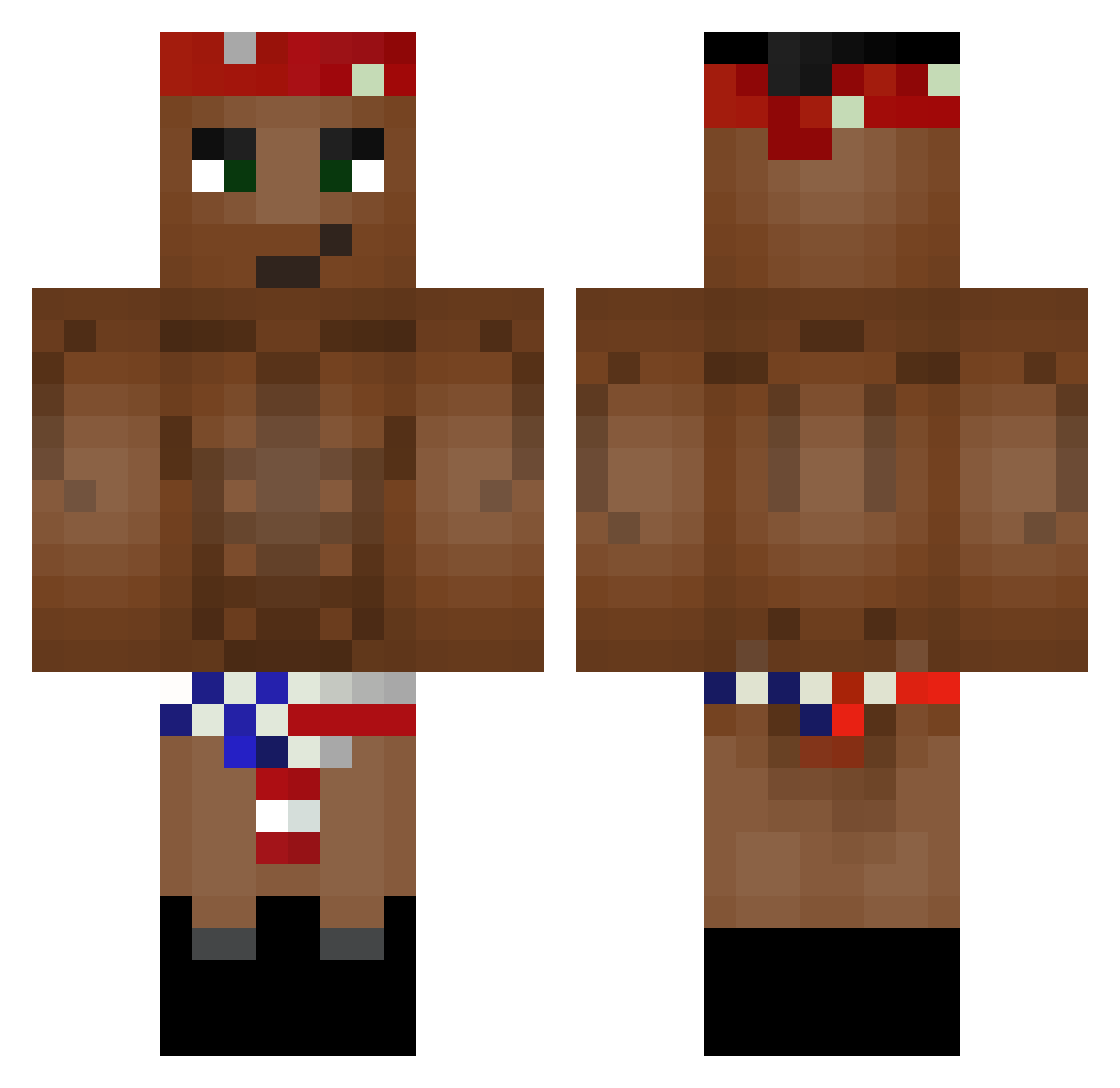
Current Minecraft skin of the player Mert_Efe, loaded from the official Mojang API. Rotate the 3D model with your mouse or finger, then download the skin as a PNG file and use it in Minecraft: Bedrock Edition or Java Edition for free. When Mert_Efe changes their skin, this page updates automatically and the old skin stays in the history below.
Other players with this skin (226)
Mert_Efe was the 182nd player we have seen with this skin, first spotted on 16.10.2026. The same skin was seen on these players. Open a nickname to see their current skin and skin history.
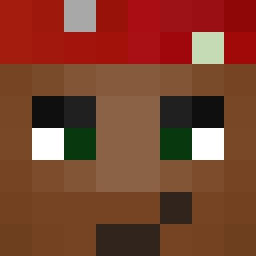 PGermanese Kukacek99 Salty_Roberto Ahitnids Boxierdrop83 AlphAbby Father_Ricardo llShadowAlexll Kingautero GibsonBiceps batle59 Ang3loo IuliasGaming JacobIsAMelt Bresyanka FlankerZeh Dark_XZKiLlEr marcello01024 Jolesh em0ti0nal1 Ev0is Stok WCNMPLLLL KaiserUrta babar2000 SKRRT_VONNEGUT AbunnyUwU dimidrroll Kikke2 Vova7russ SpiritLooper TuttiFrutti4321 W3lshm4n Igonyar musicalfish oOpsEe_ god2000 m1kha7lov chickenforyou69 DrxAvierT Sweets_ XxMatte0xX berryallen7 Ya4ik_420 Mantajsz SULLEE_ Josh55x Oriminal ascartoon RareCookie LuCaXy77 Faralost ScroopieNoopers Dutzuuuuu sakblood BootyConnoisseur xFruityLexia dzhin9 Beelze73 Onlyakuza
More Tupac Shakur Minecraft skins
See all 181 Tupac Shakur skins
How to install the Mert_Efe skin
- Press the Download button above to save the skin as a PNG file.
- Minecraft: Bedrock Edition (PE): open the Dressing Room from the main menu (or tap your character → Edit Character), go to Classic Skins → Owned, press the + (new skin) button, choose the downloaded PNG and pick the Classic (Steve) model. Works on PC and mobile; consoles cannot import custom skins.
- Minecraft: Java Edition: open the Minecraft Launcher, go to the Skins tab, click New Skin, load the PNG, pick the Classic (Steve) model and press Save & Use. You can also upload it at minecraft.net → Profile → Change Skin.
The skin does not show up after import - what should I do?
Restart Minecraft and open the Dressing Room again - imported skins sometimes appear only after a restart. Also make sure you selected the imported skin and picked the Classic (Steve) model.
Which model should I choose, Classic or Slim?
This skin is designed for the Classic (Steve) model. If you pick the wrong model, the arms of the skin will look stretched or squeezed.
Is the skin of Mert_Efe free to download?
Yes. Press Download, save the PNG file and use it in Minecraft: Bedrock Edition or Java Edition - no payment or registration needed. The skin also works on multiplayer servers and Realms.
More skins
Looking for more? Go back to all Minecraft skins and check the top skins of the week, month and all time, or find any player's skin by nickname.