
Mentur14 - Minecraft Skins & Skin History
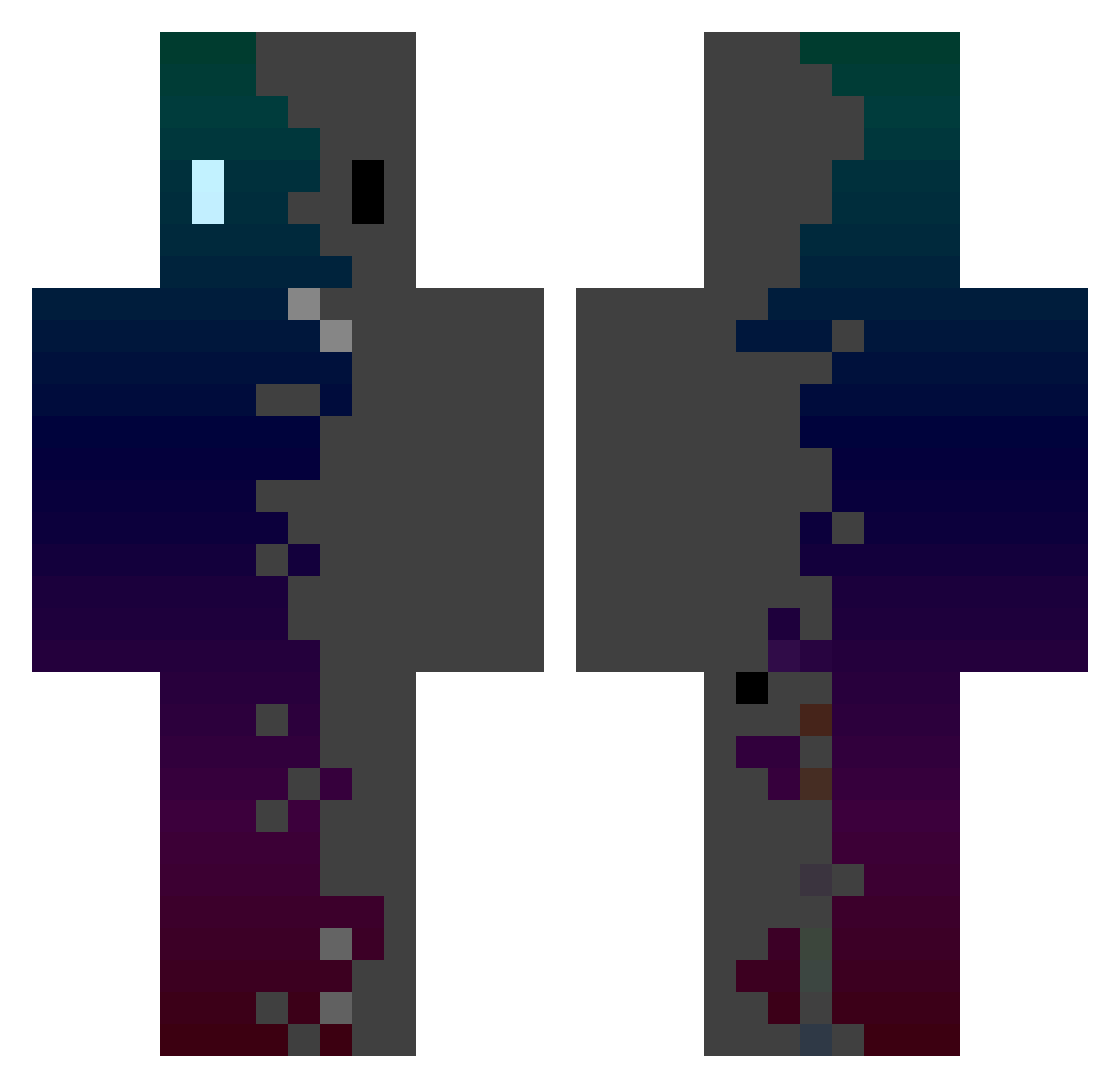
Current Minecraft skin of the player Mentur14, loaded from the official Mojang API. Rotate the 3D model with your mouse or finger, then download the skin as a PNG file and use it in Minecraft: Bedrock Edition or Java Edition for free. When Mentur14 changes their skin, this page updates automatically and the old skin stays in the history below.
Other players with this skin (471)
Mentur14 was the 448th player we have seen with this skin, first spotted on 13.11.2026. The same skin was seen on these players. Open a nickname to see their current skin and skin history.
 Obsidian0222 Baduli97 Lomba80 ythz_tHL0T_07_16 GXQQ LakatosBrendon44 qbwqbw LologamesXD huanyinghuanxing fran7565 Makakos17 PixelDigger49 gbl_hkoshiji ruangodkil LennoXeno kujacha NaOH_N04H Supanq 77vw Zweifaches_Viere Marcomega74 Delevver gabnec29 HKkazuma Gatopower15 Quili224 Sam_0605 minatos111 starpiece271 chordnyx_ PotassiumLith TezcatlipocaRT DaKrys1 TsukiHost_ Sprani_Bergi micerayake bald_Time Hatzor Sebci000 2IMT Autisim SukuneHermit jinzo_Jr HangingSouls ebliswu AndaaSeat FFFFARIS Chuk1es katoreru Ashley41 JIM___6 Dar00_14 lasan6 mariomario flankerzone Lufonix_09 konalsch56 SkyWalkerGkz Hakkaman2 Keysb
How to install the Mentur14 skin
- Press the Download button above to save the skin as a PNG file.
- Minecraft: Bedrock Edition (PE): open the Dressing Room from the main menu (or tap your character → Edit Character), go to Classic Skins → Owned, press the + (new skin) button, choose the downloaded PNG and pick the Classic (Steve) model. Works on PC and mobile; consoles cannot import custom skins.
- Minecraft: Java Edition: open the Minecraft Launcher, go to the Skins tab, click New Skin, load the PNG, pick the Classic (Steve) model and press Save & Use. You can also upload it at minecraft.net → Profile → Change Skin.
The skin does not show up after import - what should I do?
Restart Minecraft and open the Dressing Room again - imported skins sometimes appear only after a restart. Also make sure you selected the imported skin and picked the Classic (Steve) model.
Which model should I choose, Classic or Slim?
This skin is designed for the Classic (Steve) model. If you pick the wrong model, the arms of the skin will look stretched or squeezed.
Is the skin of Mentur14 free to download?
Yes. Press Download, save the PNG file and use it in Minecraft: Bedrock Edition or Java Edition - no payment or registration needed. The skin also works on multiplayer servers and Realms.
More skins
Looking for more? Go back to all Minecraft skins and check the top skins of the week, month and all time, or find any player's skin by nickname.