
Menoox - Minecraft Skins & Skin History
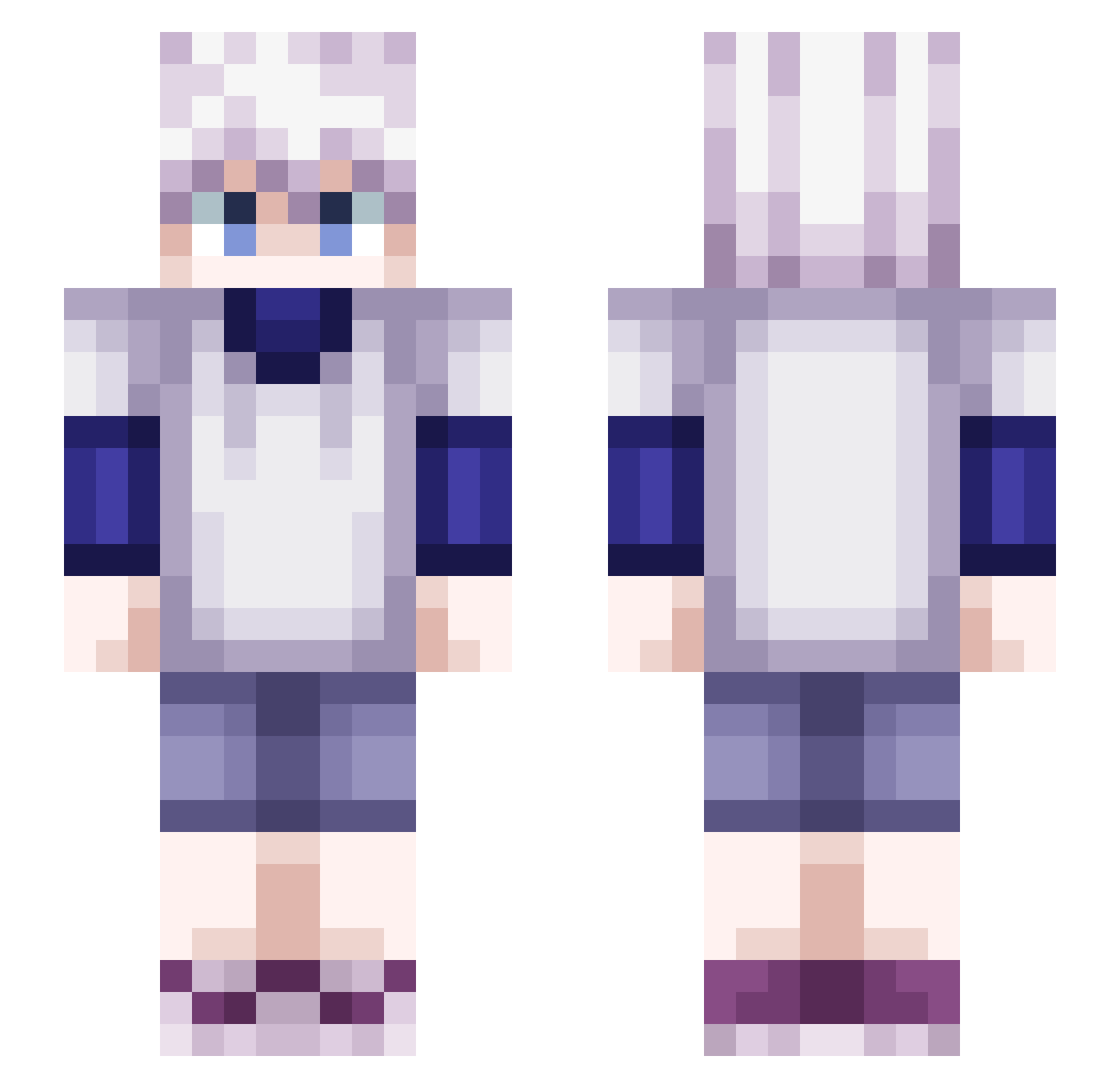
Current Minecraft skin of the player Menoox, loaded from the official Mojang API. Rotate the 3D model with your mouse or finger, then download the skin as a PNG file and use it in Minecraft: Bedrock Edition or Java Edition for free. When Menoox changes their skin, this page updates automatically and the old skin stays in the history below.
Other players with this skin (602)
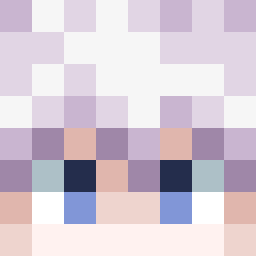
Menoox was the 578th player we have seen with this skin, first spotted on 15.11.2026. The same skin was seen on these players. Open a nickname to see their current skin and skin history.
 Killu4Zoldyck SuperMg24 YellowYoshi101 Mirukyy HeskeyFucksMums Thiara120 Moritz___Killua _Novciu Gorily BzHStorm marcelbk201 NongToon Killua1337 Loren258 lamzxxx Ziguidi dominatorDC Yoro_desu GhostsOfTabor MejiJon el_luvy arimakatuwara vstvnn HanakoKun1 LilPincho mf_fanta Moontr1pper blayyzR zspp Kaleman iHaveSecrets ZeroX3947 123DR_balans Ezik512 mukamalokinha Thunduu ittrue TsunxmiiTV chani_ee Reverberar Slaeyzer FengLingGan Lowaq TwiLightTR Jynora Selytra FeralTheks Ancielcs y4epo JunijuniYF sam1023 UltraMaskk Knotoplays chungleann Pungsapai KxitoKube J_White999 HaloArchive luffy165 Nitrox645300
More Killua Zoldyck Minecraft skins
See all 202 Killua Zoldyck skins
How to install the Menoox skin
- Press the Download button above to save the skin as a PNG file.
- Minecraft: Bedrock Edition (PE): open the Dressing Room from the main menu (or tap your character → Edit Character), go to Classic Skins → Owned, press the + (new skin) button, choose the downloaded PNG and pick the Slim (Alex) model. Works on PC and mobile; consoles cannot import custom skins.
- Minecraft: Java Edition: open the Minecraft Launcher, go to the Skins tab, click New Skin, load the PNG, pick the Slim (Alex) model and press Save & Use. You can also upload it at minecraft.net → Profile → Change Skin.
The skin does not show up after import - what should I do?
Restart Minecraft and open the Dressing Room again - imported skins sometimes appear only after a restart. Also make sure you selected the imported skin and picked the Slim (Alex) model.
Which model should I choose, Classic or Slim?
This skin is designed for the Slim (Alex) model. If you pick the wrong model, the arms of the skin will look stretched or squeezed.
Is the skin of Menoox free to download?
Yes. Press Download, save the PNG file and use it in Minecraft: Bedrock Edition or Java Edition - no payment or registration needed. The skin also works on multiplayer servers and Realms.
More skins
Looking for more? Go back to all Minecraft skins and check the top skins of the week, month and all time, or find any player's skin by nickname.