
Mekiu - Minecraft Skins & Skin History
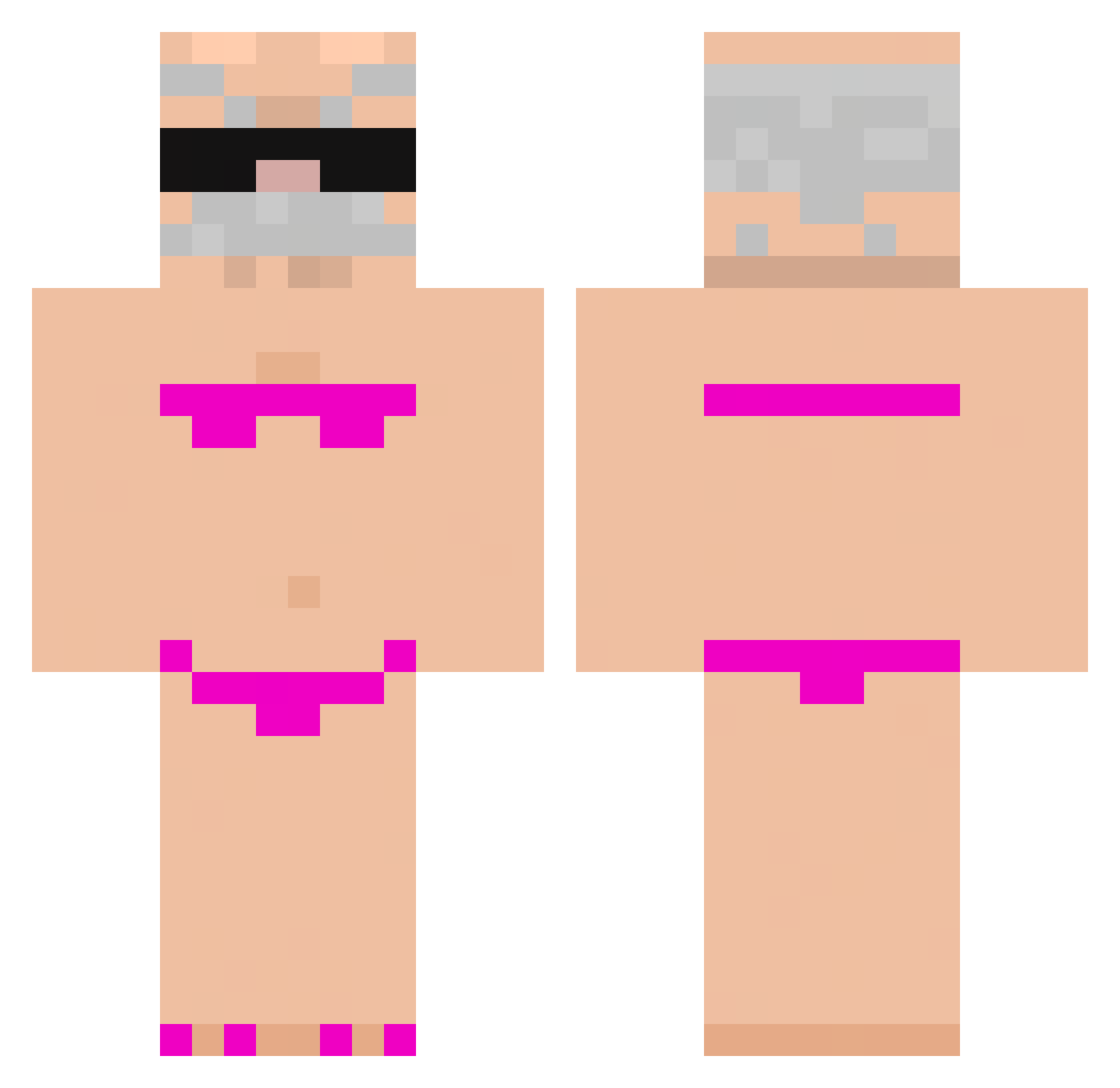
Current Minecraft skin of the player Mekiu, loaded from the official Mojang API. Rotate the 3D model with your mouse or finger, then download the skin as a PNG file and use it in Minecraft: Bedrock Edition or Java Edition for free. When Mekiu changes their skin, this page updates automatically and the old skin stays in the history below.
Other players with this skin (778)
Mekiu was the 300th player we have seen with this skin, first spotted on 31.08.2026. The same skin was seen on these players. Open a nickname to see their current skin and skin history.
 bodyman24 Toshiro145 gaming326142 YaGub Rizx187 Reabsorbs kaist65 Bosettiii pzxyz Zupersamsam adamowskin Lawerens twrz gabbo776 estherr0d firu_lais120 okome111 Trilatero Me5a CometCaptainalt Py_dd roe23004 Santzz007 XX_YYDS sexyuessr JeffDaes Ugo13009 Juanche2006 Harihaspeaked LidiaSieSzanuje Palmejosef Cachimbas10euros nviox YoshiK703 Noodle1472 BouchKbm Samukinha_kun Feddy158 Alobaddy Sherhx NeillX Recherd_hua fryburga Nio_12 Grzdyka_ WaffleWave_ Zozo13340 Lhuatou SH4RM0T4 yuubou0328 Punaney asdwug ThisDays doudou2038 foll4tron69 wakotis zuziabomba thomassie08 491_nicegen_spo Miwka12
More Karl Marx Minecraft skins
How to install the Mekiu skin
- Press the Download button above to save the skin as a PNG file.
- Minecraft: Bedrock Edition (PE): open the Dressing Room from the main menu (or tap your character → Edit Character), go to Classic Skins → Owned, press the + (new skin) button, choose the downloaded PNG and pick the Classic (Steve) model. Works on PC and mobile; consoles cannot import custom skins.
- Minecraft: Java Edition: open the Minecraft Launcher, go to the Skins tab, click New Skin, load the PNG, pick the Classic (Steve) model and press Save & Use. You can also upload it at minecraft.net → Profile → Change Skin.
The skin does not show up after import - what should I do?
Restart Minecraft and open the Dressing Room again - imported skins sometimes appear only after a restart. Also make sure you selected the imported skin and picked the Classic (Steve) model.
Which model should I choose, Classic or Slim?
This skin is designed for the Classic (Steve) model. If you pick the wrong model, the arms of the skin will look stretched or squeezed.
Is the skin of Mekiu free to download?
Yes. Press Download, save the PNG file and use it in Minecraft: Bedrock Edition or Java Edition - no payment or registration needed. The skin also works on multiplayer servers and Realms.
More skins
Looking for more? Go back to all Minecraft skins and check the top skins of the week, month and all time, or find any player's skin by nickname.