
Mehmeddahh - Minecraft Skins & Skin History
Current Minecraft skin of the player Mehmeddahh, loaded from the official Mojang API. Rotate the 3D model with your mouse or finger, then download the skin as a PNG file and use it in Minecraft: Bedrock Edition or Java Edition for free. When Mehmeddahh changes their skin, this page updates automatically and the old skin stays in the history below.
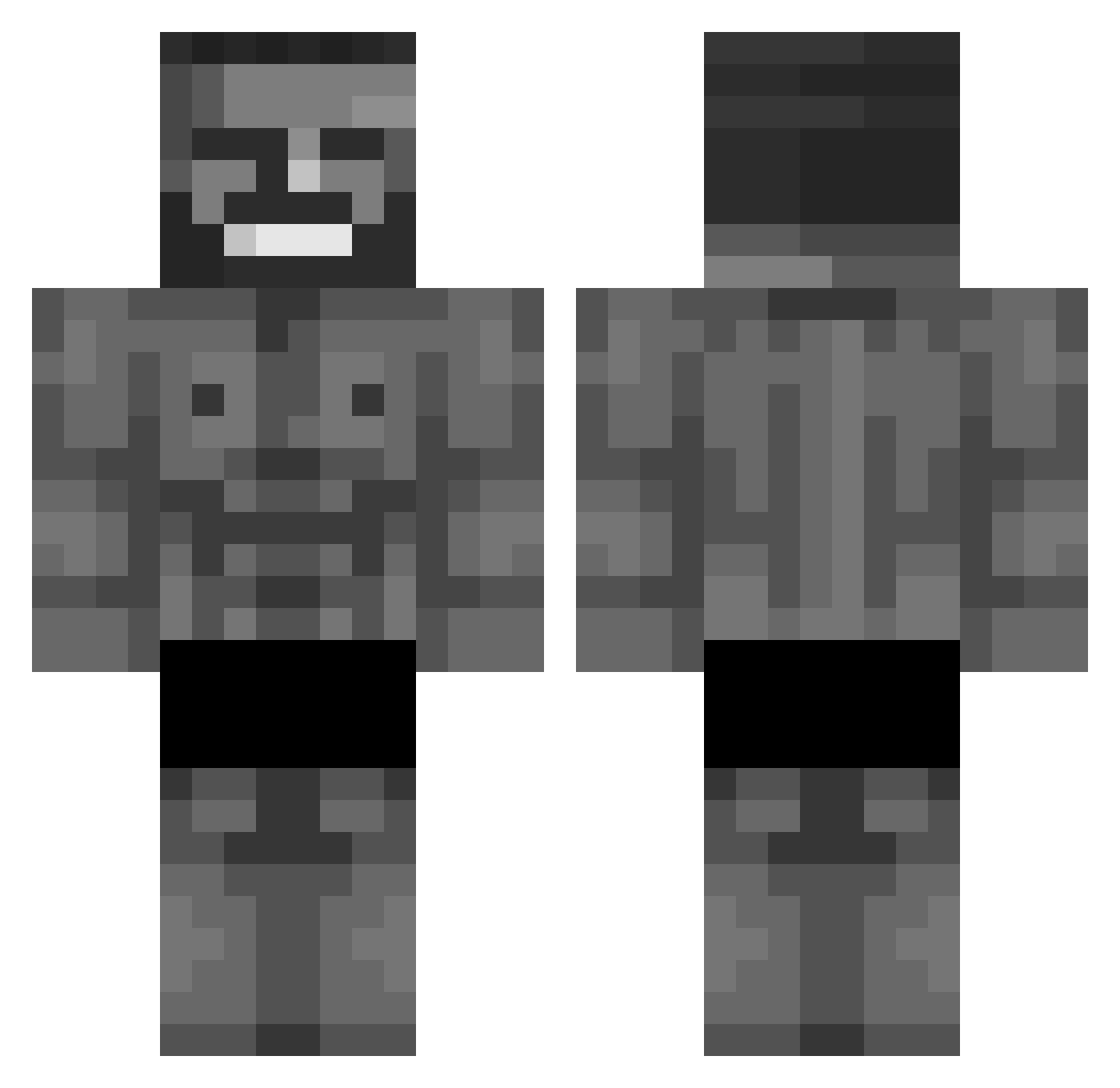
Other players with this skin (876)
Mehmeddahh was the 796th player we have seen with this skin, first spotted on 24.10.2026. The same skin was seen on these players. Open a nickname to see their current skin and skin history.
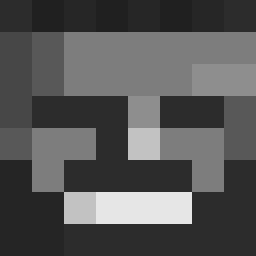 Myzixx iNKDHOBo bautixdkd hujhuj Akiruufx FostrideMC _Stasiu_ Zeth_UwU GreenID OwlCaller03 AraGonza ZohanDvir01 dirpysquid22 Quantum_Cake Elektro456 81zDp60K1n megaspa89 P0tionOfStrength mattebro104 JooJGoojii Hansiman343 dicee2 julesverhelle MrLestix MehmedV Eidolon999 gripnaldo VeryBigGigaChad BarteQ0 relac KERUBIN_Tao Six_Sigma iMCGamer suze_owo Soxxxxxx fumblgump Yang_Hu DanFiggleman ivon_uvk Ryan3745 KingTozzYT GnarlyTuff arthurferri hamed3 Melfar27 ioOwOoi ONIGIRI0312 Infinity11101 Exdras CoolShane3747 Deep_Sigh gmonroe44 Avvariice QLinglingDingle chxd_ mallu34 ChadModeAzure Kirs00 BadKevv Hurdarab
More Gigachad Minecraft skins
How to install the Mehmeddahh skin
- Press the Download button above to save the skin as a PNG file.
- Minecraft: Bedrock Edition (PE): open the Dressing Room from the main menu (or tap your character → Edit Character), go to Classic Skins → Owned, press the + (new skin) button, choose the downloaded PNG and pick the Classic (Steve) model. Works on PC and mobile; consoles cannot import custom skins.
- Minecraft: Java Edition: open the Minecraft Launcher, go to the Skins tab, click New Skin, load the PNG, pick the Classic (Steve) model and press Save & Use. You can also upload it at minecraft.net → Profile → Change Skin.
The skin does not show up after import - what should I do?
Restart Minecraft and open the Dressing Room again - imported skins sometimes appear only after a restart. Also make sure you selected the imported skin and picked the Classic (Steve) model.
Which model should I choose, Classic or Slim?
This skin is designed for the Classic (Steve) model. If you pick the wrong model, the arms of the skin will look stretched or squeezed.
Is the skin of Mehmeddahh free to download?
Yes. Press Download, save the PNG file and use it in Minecraft: Bedrock Edition or Java Edition - no payment or registration needed. The skin also works on multiplayer servers and Realms.
More skins
Looking for more? Go back to all Minecraft skins and check the top skins of the week, month and all time, or find any player's skin by nickname.