
MeanPro91YT - Minecraft Skins & Skin History
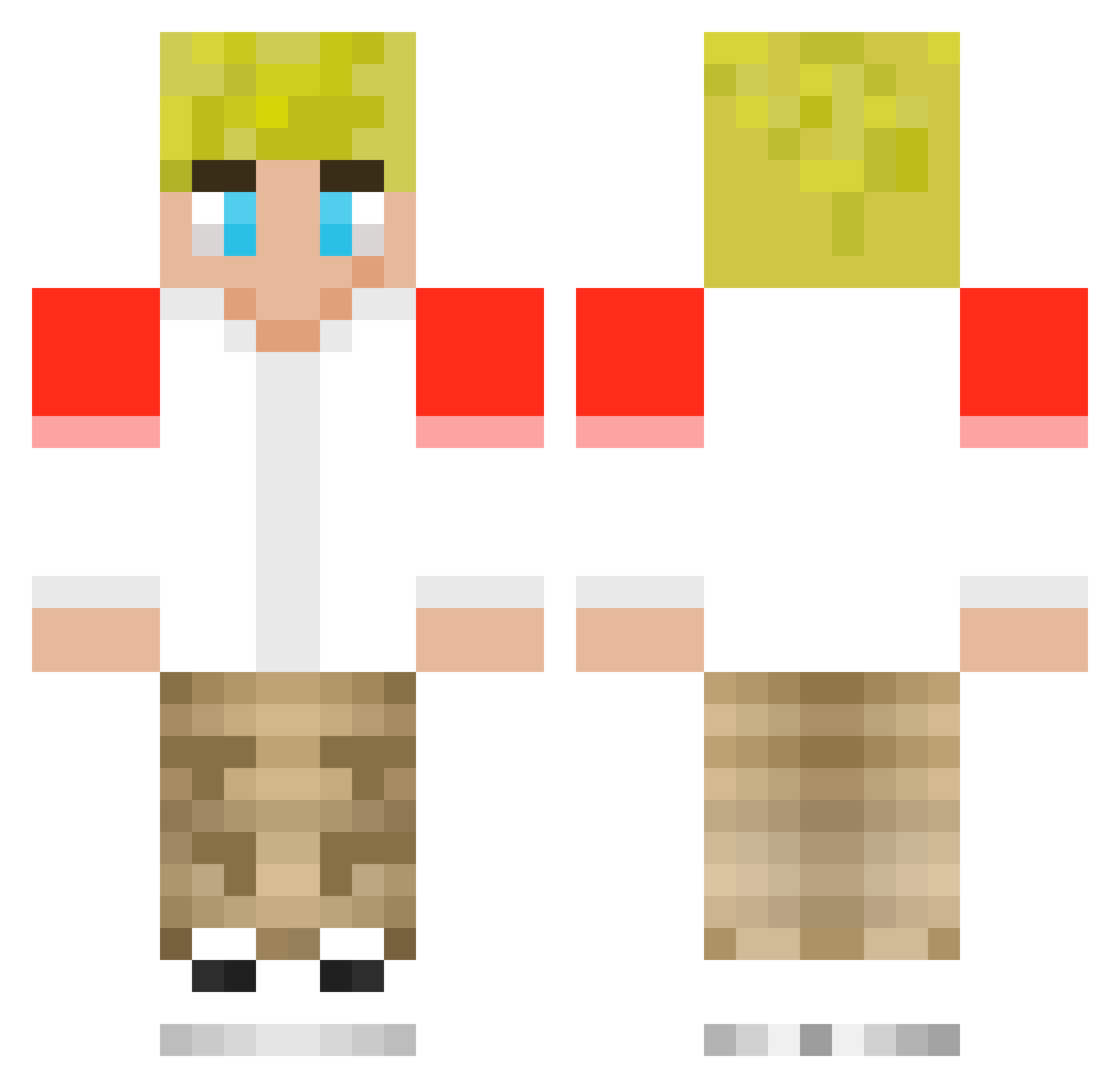
Current Minecraft skin of the player MeanPro91YT, loaded from the official Mojang API. Rotate the 3D model with your mouse or finger, then download the skin as a PNG file and use it in Minecraft: Bedrock Edition or Java Edition for free. When MeanPro91YT changes their skin, this page updates automatically and the old skin stays in the history below.
Other players with this skin (202)
MeanPro91YT was the 96th player we have seen with this skin, first spotted on 17.09.2026. The same skin was seen on these players. Open a nickname to see their current skin and skin history.
 Adyngotgames maxaspin _vrrv_ 1Evie1 Armanislit Bdog5134 alexiswasnther3 Jeyld REDER484 ayrebokmo MarshallDarcy tnmpk420 carlossanchez11 GUILY1512 VER1FR1EDD DBgamer50 TOMMGETOUTOFIT XAkselemilX8218 Peaceful_Popper BladeeKrueger deepblue94 Shmlack lozza007864 pfkrieg canem2211 AdrianLAI kyleross2009 thelastguest9142 wai12lok34choi56 SubToTommyOutit truckajo_yt wormcrows catinnit098 FaZeFish2998 PlushRelic85467 flames7787 Hecticmold Sebben09 xA1H 16bitwoodsy marikainit MarcB2009 zpile5 gdfh XxRealOliYTxX anger04 AzurianLG4L notjammy1 DemureKoala7056 Slapmeharder541 ty13r16 Drippy_yt Geryon726 rnc5 Fartsniffer21 revoomer ConkerBeat LittleCoast5717 Master_hunterz RAGEQUIT128
More Tommyinnit Minecraft skins
How to install the MeanPro91YT skin
- Press the Download button above to save the skin as a PNG file.
- Minecraft: Bedrock Edition (PE): open the Dressing Room from the main menu (or tap your character → Edit Character), go to Classic Skins → Owned, press the + (new skin) button, choose the downloaded PNG and pick the Classic (Steve) model. Works on PC and mobile; consoles cannot import custom skins.
- Minecraft: Java Edition: open the Minecraft Launcher, go to the Skins tab, click New Skin, load the PNG, pick the Classic (Steve) model and press Save & Use. You can also upload it at minecraft.net → Profile → Change Skin.
The skin does not show up after import - what should I do?
Restart Minecraft and open the Dressing Room again - imported skins sometimes appear only after a restart. Also make sure you selected the imported skin and picked the Classic (Steve) model.
Which model should I choose, Classic or Slim?
This skin is designed for the Classic (Steve) model. If you pick the wrong model, the arms of the skin will look stretched or squeezed.
Is the skin of MeanPro91YT free to download?
Yes. Press Download, save the PNG file and use it in Minecraft: Bedrock Edition or Java Edition - no payment or registration needed. The skin also works on multiplayer servers and Realms.
More skins
Looking for more? Go back to all Minecraft skins and check the top skins of the week, month and all time, or find any player's skin by nickname.