
Maziloo - Minecraft Skins & Skin History
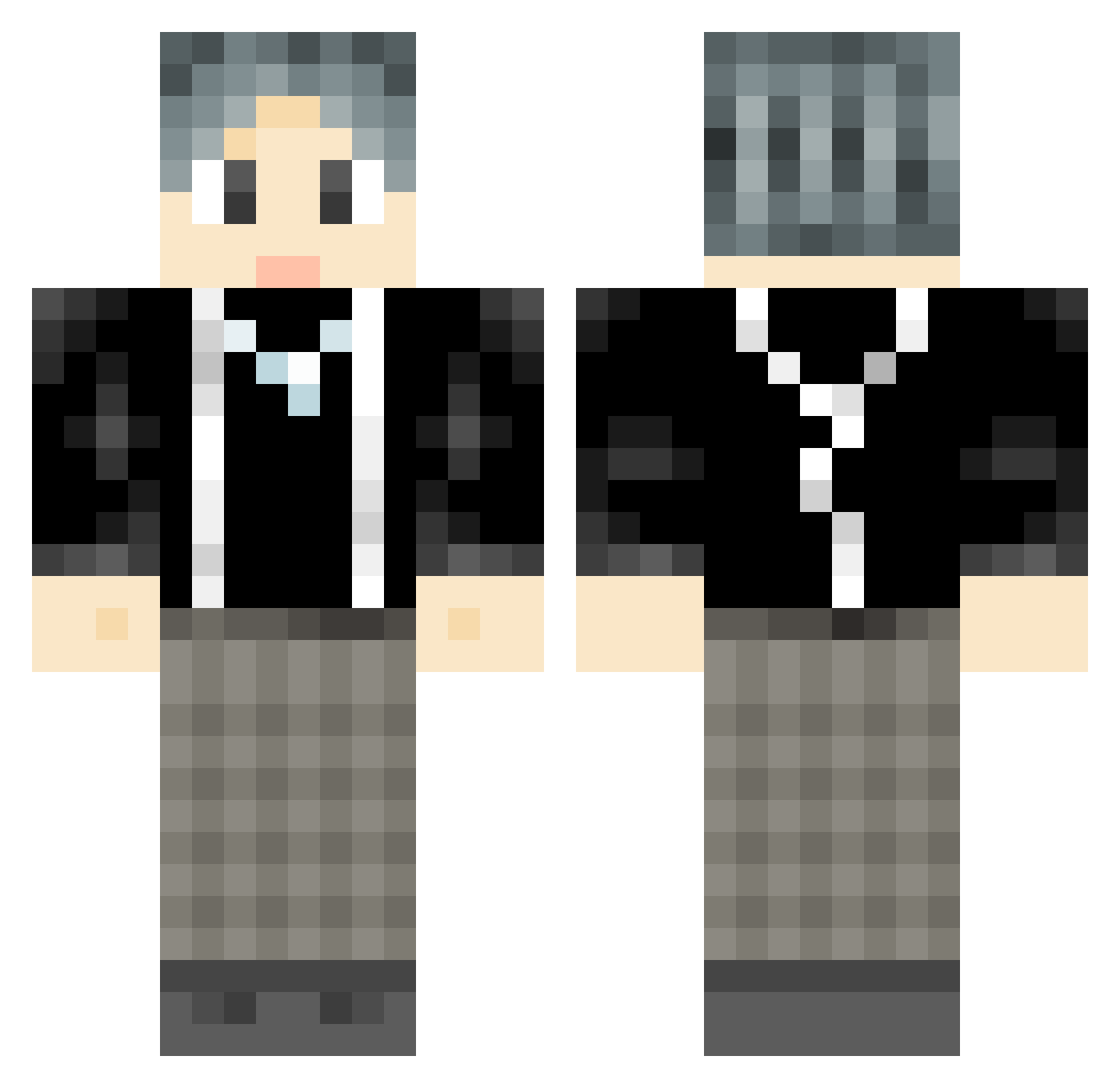
Current Minecraft skin of the player Maziloo, loaded from the official Mojang API. Rotate the 3D model with your mouse or finger, then download the skin as a PNG file and use it in Minecraft: Bedrock Edition or Java Edition for free. When Maziloo changes their skin, this page updates automatically and the old skin stays in the history below.
Other players with this skin (1061)
Maziloo was the 993rd player we have seen with this skin, first spotted on 12.11.2026. The same skin was seen on these players. Open a nickname to see their current skin and skin history.
 ixhao ErringBull24779 Prenda xiaoliuya3 Luxianzi shiyoubing StrongOx5723846 SSMMJAY OlivIndi XIXI0451 kenight8 sisujian Confidenxce Goodale XingYU_i L1ionxf spark1539 LTlitian Nanxuan Kewan ALIhans007 Doki_wei Rainbow_Y leegei IKUN004 XieGou IKUIN BigMelonBB ChasmFlower dogingo Rabbisher iulover PangHuu NightloseK Zing1kin QINLANG CHAOxuan9 Laolu_27 lake8207 chENJIaqI20 pangbai66 LiangT0222 Chengxiaomai liuyiaha YellowUp Zha_ji_zhu ling_hao233 Rertomo HarroYuz vansht star7470 Nueve879 XsrunX Iamveryverysmart Echo_na yeeeeiu sub2elitoyz17 qingxinguayu B1ka feixiangdefish
How to install the Maziloo skin
- Press the Download button above to save the skin as a PNG file.
- Minecraft: Bedrock Edition (PE): open the Dressing Room from the main menu (or tap your character → Edit Character), go to Classic Skins → Owned, press the + (new skin) button, choose the downloaded PNG and pick the Classic (Steve) model. Works on PC and mobile; consoles cannot import custom skins.
- Minecraft: Java Edition: open the Minecraft Launcher, go to the Skins tab, click New Skin, load the PNG, pick the Classic (Steve) model and press Save & Use. You can also upload it at minecraft.net → Profile → Change Skin.
The skin does not show up after import - what should I do?
Restart Minecraft and open the Dressing Room again - imported skins sometimes appear only after a restart. Also make sure you selected the imported skin and picked the Classic (Steve) model.
Which model should I choose, Classic or Slim?
This skin is designed for the Classic (Steve) model. If you pick the wrong model, the arms of the skin will look stretched or squeezed.
Is the skin of Maziloo free to download?
Yes. Press Download, save the PNG file and use it in Minecraft: Bedrock Edition or Java Edition - no payment or registration needed. The skin also works on multiplayer servers and Realms.
More skins
Looking for more? Go back to all Minecraft skins and check the top skins of the week, month and all time, or find any player's skin by nickname.