
MaxeHans1710 - Minecraft Skins & Skin History
Current Minecraft skin of the player MaxeHans1710, loaded from the official Mojang API. Rotate the 3D model with your mouse or finger, then download the skin as a PNG file and use it in Minecraft: Bedrock Edition or Java Edition for free. When MaxeHans1710 changes their skin, this page updates automatically and the old skin stays in the history below.
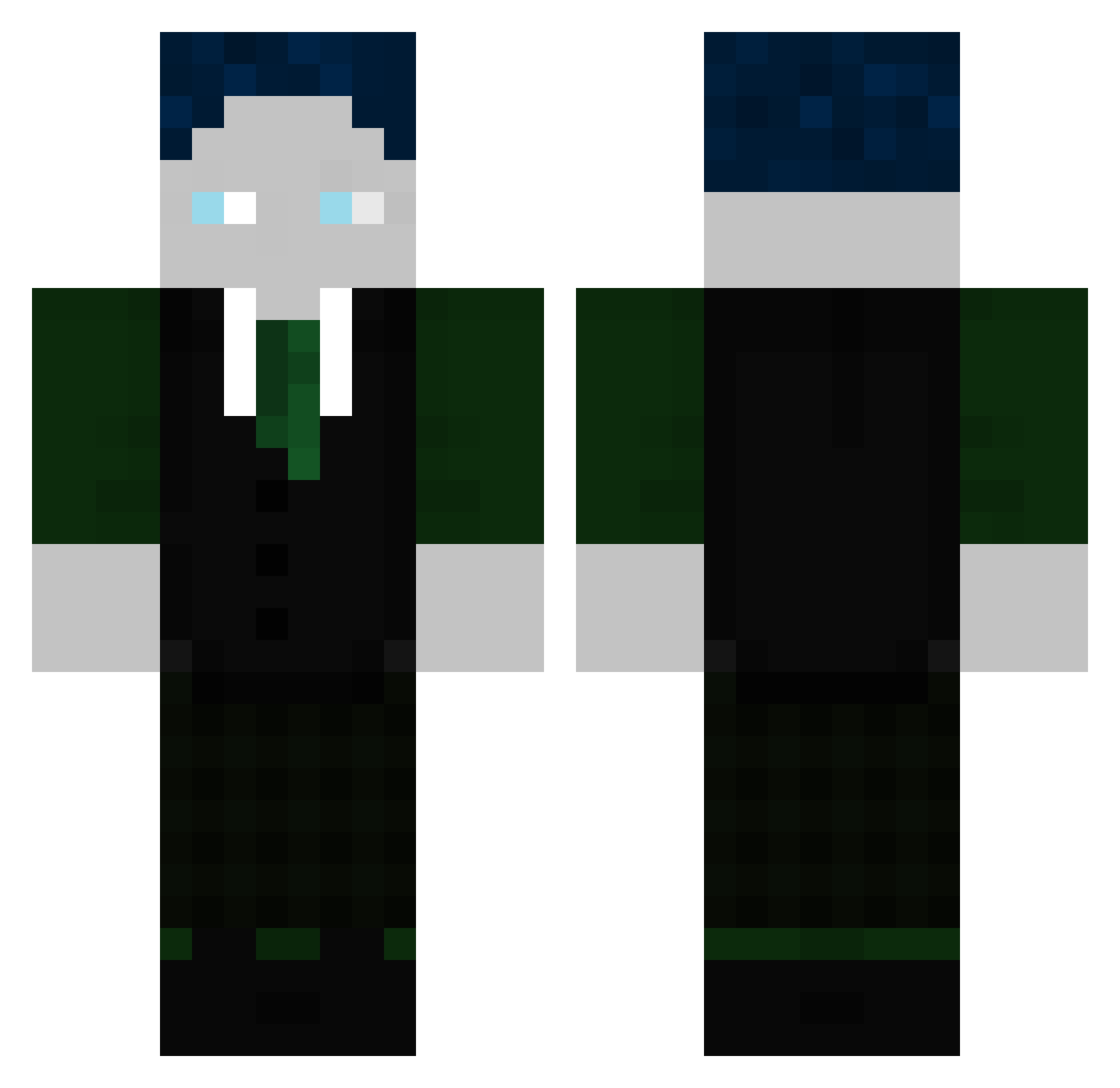
Other players with this skin (299)
MaxeHans1710 was the 117th player we have seen with this skin, first spotted on 01.09.2026. The same skin was seen on these players. Open a nickname to see their current skin and skin history.
 Tristan787 Wolverock1312 1410mike03 KesselFritz fxrdify FMABH ClapParzival sick0403 Flexx98 sammmmmmmmmyyy Shuffleman34 Fred220 Bblaukohl Svennemann05 BastiGHG31 Kaan1214 cemaI Fisch_HDLP Fischii087 Moritzhanna scc201 DerRiese49 slays123
 Lxxnn BastiGHG1411 Aualex275 Sibu23 derustige283 vziiv
 JayJay2909 Tommy01GHG clasher27
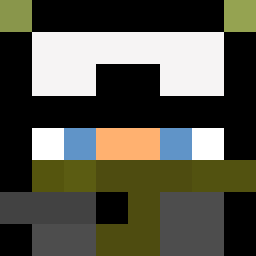 Wuschel110
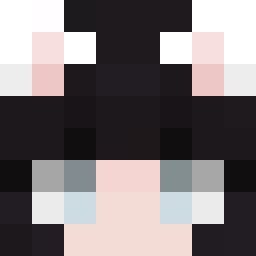 Am20 Gamerpro3797633 MarbleParrot673
 Night_Shadow03 Matteo143 EierTom2012x Halb_Motiviert nurHunni S1bu23 nastijpg Tim0GHG Tekskeig bel_SEB_ub ByStegiGHG Jojo139 DaffloS max123Minecraft marieGHG
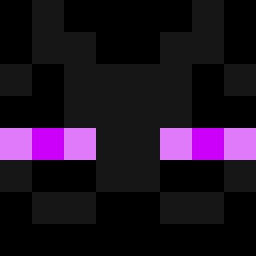 Raboss7 Scotsdragon27 CRUS1X PRIMEKO Jonifant DIeOrange1946
 double_d1 mroe crosfps
More Ender Dragon Minecraft skins
See all 649 Ender Dragon skins
How to install the MaxeHans1710 skin
- Press the Download button above to save the skin as a PNG file.
- Minecraft: Bedrock Edition (PE): open the Dressing Room from the main menu (or tap your character → Edit Character), go to Classic Skins → Owned, press the + (new skin) button, choose the downloaded PNG and pick the Classic (Steve) model. Works on PC and mobile; consoles cannot import custom skins.
- Minecraft: Java Edition: open the Minecraft Launcher, go to the Skins tab, click New Skin, load the PNG, pick the Classic (Steve) model and press Save & Use. You can also upload it at minecraft.net → Profile → Change Skin.
The skin does not show up after import - what should I do?
Restart Minecraft and open the Dressing Room again - imported skins sometimes appear only after a restart. Also make sure you selected the imported skin and picked the Classic (Steve) model.
Which model should I choose, Classic or Slim?
This skin is designed for the Classic (Steve) model. If you pick the wrong model, the arms of the skin will look stretched or squeezed.
Is the skin of MaxeHans1710 free to download?
Yes. Press Download, save the PNG file and use it in Minecraft: Bedrock Edition or Java Edition - no payment or registration needed. The skin also works on multiplayer servers and Realms.
More skins
Looking for more? Go back to all Minecraft skins and check the top skins of the week, month and all time, or find any player's skin by nickname.