
Matteoni_ - Minecraft Skins & Skin History
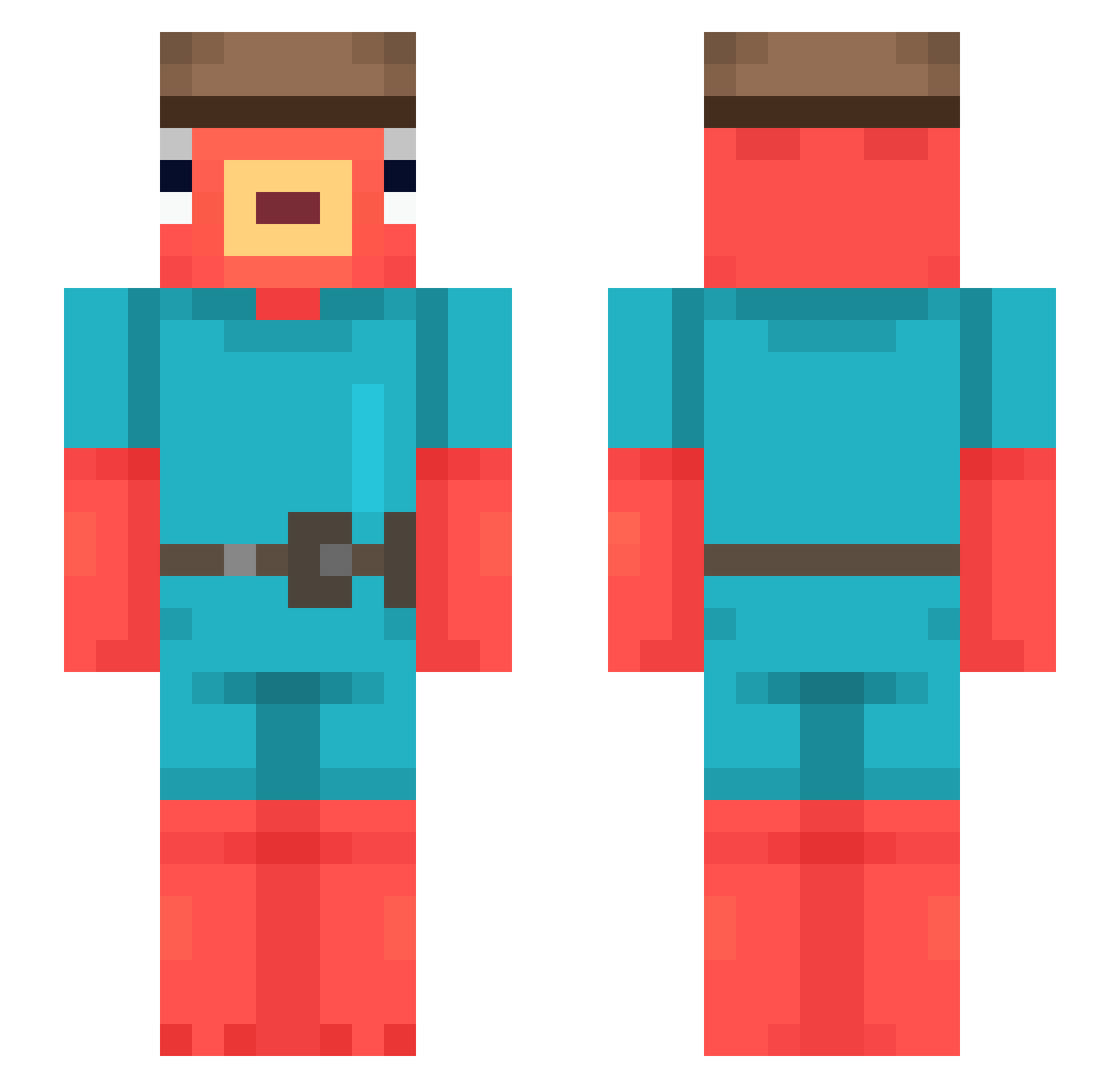
Current Minecraft skin of the player Matteoni_, loaded from the official Mojang API. Rotate the 3D model with your mouse or finger, then download the skin as a PNG file and use it in Minecraft: Bedrock Edition or Java Edition for free. When Matteoni_ changes their skin, this page updates automatically and the old skin stays in the history below.
Other players with this skin (545)
Matteoni_ was the 108th player we have seen with this skin, first spotted on 18.08.2026. The same skin was seen on these players. Open a nickname to see their current skin and skin history.
 13Regnar DoIphan IsacRIBAS VerticalLettuce
 MetalSquidKK DGABA chowter22 RTLploppe Sknil iubbel De_Pelos FasGab KK_0617 Fahdz JMJCZECH153 Nio9 oDaiCuCristi28 69Boludo slimszn Darkyfishy123 Kyle9536 stevethesufer Hmuahua666 TinoW NICKSKSK Troipuls BratLegita _JackyWacky_ Bjorrk Lanssssssss VillaDLO iuz23 christianesq9 Fakeneraida Kons__ Firedude32 NARTINO_ NekkuBruh TSwanDaGod Treeman555 Lucasr69 Maemungtai Preetww Nangy4 AwesomeSauce947 mirukamiruka Th3Volley153 Cadu_XM3 TheRuiThree n7hui maj0roff RamenOwner Sathira caccolaa nl32 Wachiman033 GuilleFlyZ hirokun0811 xShinyDragonx CaprisunCarti
More Fishstick Minecraft skins
How to install the Matteoni_ skin
- Press the Download button above to save the skin as a PNG file.
- Minecraft: Bedrock Edition (PE): open the Dressing Room from the main menu (or tap your character → Edit Character), go to Classic Skins → Owned, press the + (new skin) button, choose the downloaded PNG and pick the Slim (Alex) model. Works on PC and mobile; consoles cannot import custom skins.
- Minecraft: Java Edition: open the Minecraft Launcher, go to the Skins tab, click New Skin, load the PNG, pick the Slim (Alex) model and press Save & Use. You can also upload it at minecraft.net → Profile → Change Skin.
The skin does not show up after import - what should I do?
Restart Minecraft and open the Dressing Room again - imported skins sometimes appear only after a restart. Also make sure you selected the imported skin and picked the Slim (Alex) model.
Which model should I choose, Classic or Slim?
This skin is designed for the Slim (Alex) model. If you pick the wrong model, the arms of the skin will look stretched or squeezed.
Is the skin of Matteoni_ free to download?
Yes. Press Download, save the PNG file and use it in Minecraft: Bedrock Edition or Java Edition - no payment or registration needed. The skin also works on multiplayer servers and Realms.
More skins
Looking for more? Go back to all Minecraft skins and check the top skins of the week, month and all time, or find any player's skin by nickname.