
Mathias7779 - Minecraft Skins & Skin History
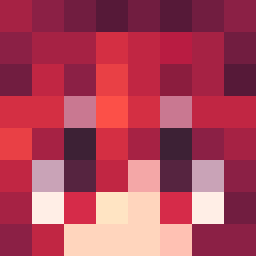
Current Minecraft skin of the player Mathias7779, loaded from the official Mojang API. Rotate the 3D model with your mouse or finger, then download the skin as a PNG file and use it in Minecraft: Bedrock Edition or Java Edition for free. When Mathias7779 changes their skin, this page updates automatically and the old skin stays in the history below.
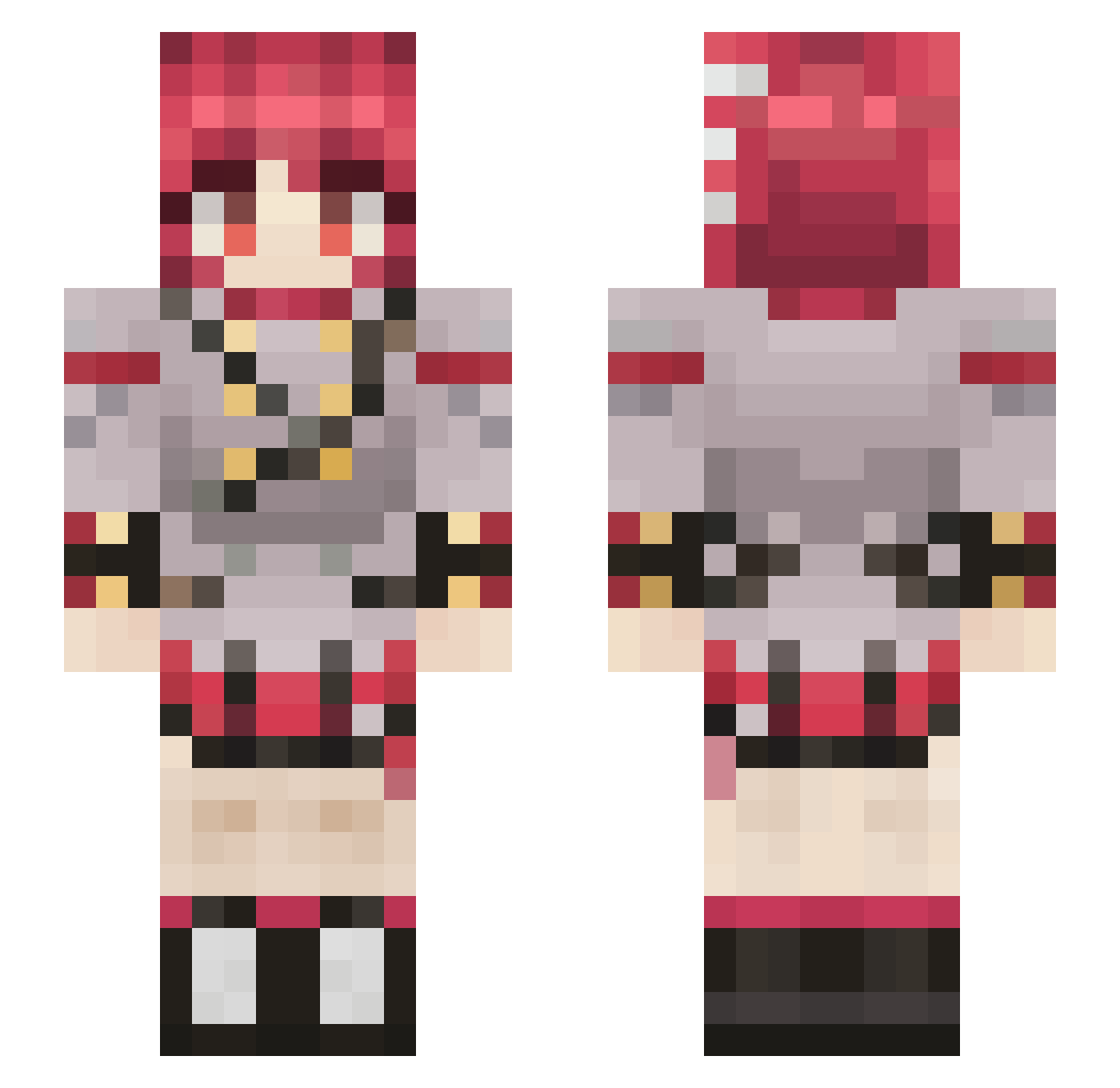
Other players with this skin (109)
Mathias7779 was the 30th player we have seen with this skin, first spotted on 19.08.2026. The same skin was seen on these players. Open a nickname to see their current skin and skin history.
 zMichisan
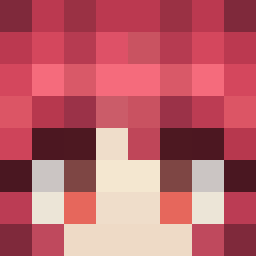 NotNickgamer Timmy_zhou KingGort coffee_crows
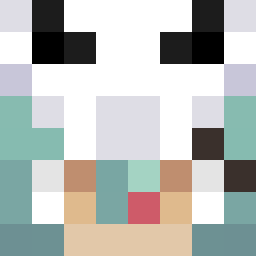 bxt740 BIRDIMAN
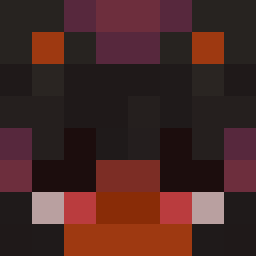 Geoxro ili02 eybekustan Darth_Matthew FonderC Maple_Bottle ISWO7 Rame956 wahorb Princess_Runa stunlockedirl toxicdoggo123 JustiCherry Bengggggg Ender4161 Somnia916 FrostyPZ
 Karma_79 Fund Tetofk MrTrick17 PenguinTheMyth zetaih jumpinjustice ___Teto___ Vieris Luckeyyy Kuruma404 aenima69 CheatosWarden lole3o HIWASAKI perdakdestroyer TheBautst_ Rebnoob Riuth158 Desdefed BUNDAHABBEBEEEE Lacario RogueGesus Doomtacoz TheZakolak Mr_miataman iceicles2 smartfridgeuser
 imthenoobdark DeadyCure earedrobot TofTofi nasussus YerikGo Neko690 bakbakman11
More Makima Minecraft skins
How to install the Mathias7779 skin
- Press the Download button above to save the skin as a PNG file.
- Minecraft: Bedrock Edition (PE): open the Dressing Room from the main menu (or tap your character → Edit Character), go to Classic Skins → Owned, press the + (new skin) button, choose the downloaded PNG and pick the Slim (Alex) model. Works on PC and mobile; consoles cannot import custom skins.
- Minecraft: Java Edition: open the Minecraft Launcher, go to the Skins tab, click New Skin, load the PNG, pick the Slim (Alex) model and press Save & Use. You can also upload it at minecraft.net → Profile → Change Skin.
The skin does not show up after import - what should I do?
Restart Minecraft and open the Dressing Room again - imported skins sometimes appear only after a restart. Also make sure you selected the imported skin and picked the Slim (Alex) model.
Which model should I choose, Classic or Slim?
This skin is designed for the Slim (Alex) model. If you pick the wrong model, the arms of the skin will look stretched or squeezed.
Is the skin of Mathias7779 free to download?
Yes. Press Download, save the PNG file and use it in Minecraft: Bedrock Edition or Java Edition - no payment or registration needed. The skin also works on multiplayer servers and Realms.
More skins
Looking for more? Go back to all Minecraft skins and check the top skins of the week, month and all time, or find any player's skin by nickname.