
Mason769 - Minecraft Skins & Skin History
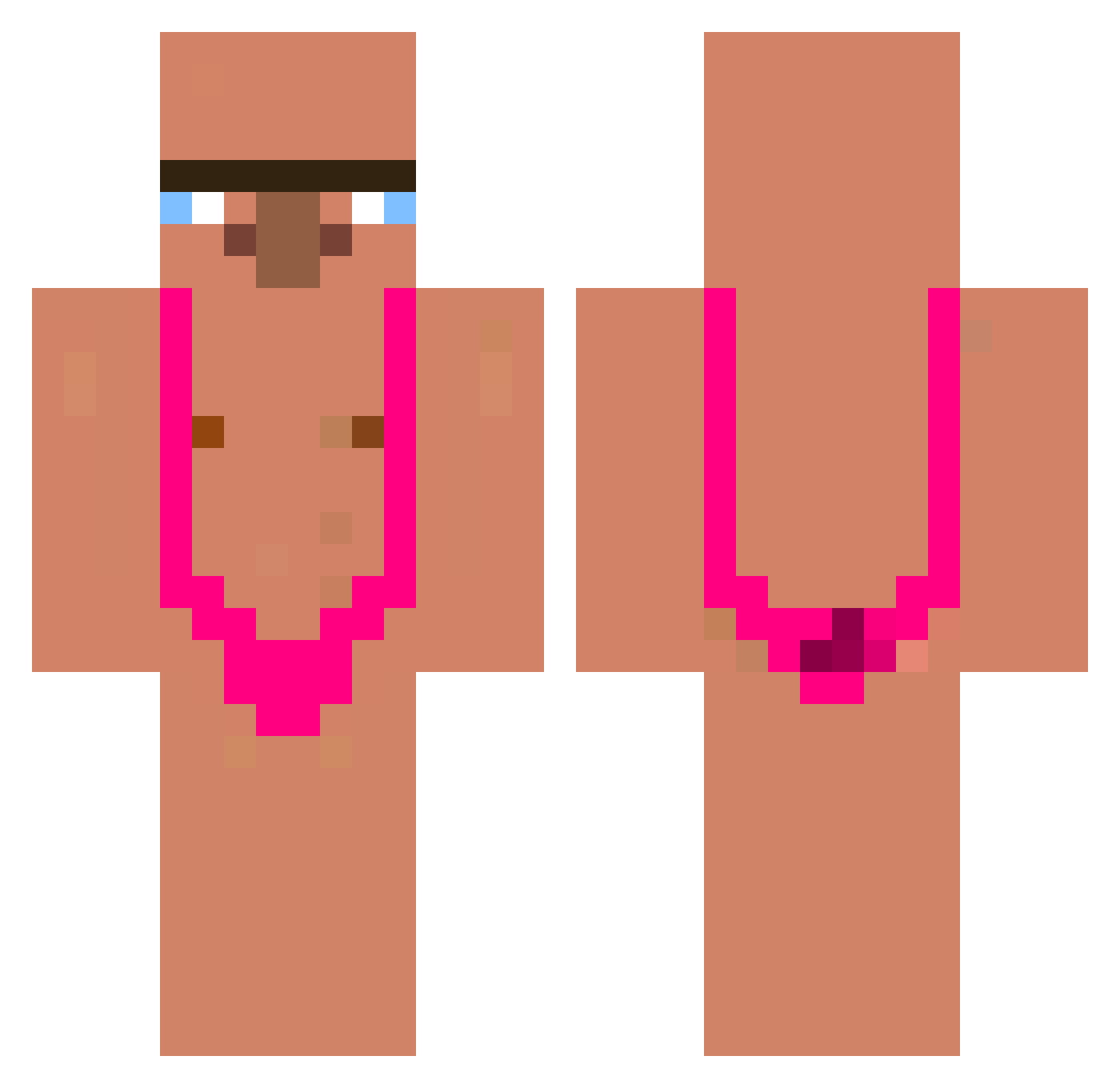
Current Minecraft skin of the player Mason769, loaded from the official Mojang API. Rotate the 3D model with your mouse or finger, then download the skin as a PNG file and use it in Minecraft: Bedrock Edition or Java Edition for free. When Mason769 changes their skin, this page updates automatically and the old skin stays in the history below.
Other players with this skin (339)
Mason769 was the 323rd player we have seen with this skin, first spotted on 28.10.2026. The same skin was seen on these players. Open a nickname to see their current skin and skin history.
 CREBZIK Dipiiii Alexsanz29 JesusChrist88 iota_gmg XDakanX Elsjuhh MasterJavi Kosutooo Cangrejo2 wdnmdb6 xxxiYouth CARRYMUSHIN johntherabbit1 raven381 Woodude 1CL0UD zgloszenie ongmu BigThiccPig Leader_Aexnr Ocoukile yakuboofficial okchoon2 Saftbox pinkyshrimp tpqktmcks pig367 wkddudwn Alex15Gascon cybock05 t0ekn3e korosjyo cheonsiyeol REDYUNYUN udtfirst pedra0o0 forevacalzon yashiek Gabrisansol DriSQuiS BigGirl49 madago22 emreoyunda31 kk_de_vaca ItssL1n fimmyy998 Geli2999 _Toudi_ GYZxxx Rickzxx011 IAmABozo Dragon_1430 izual1401 jaemo430 Demoxx31 Krisjendo Saucisse_Laser resolute_muffin ABA5ARiii
More Mankini Minecraft skins
How to install the Mason769 skin
- Press the Download button above to save the skin as a PNG file.
- Minecraft: Bedrock Edition (PE): open the Dressing Room from the main menu (or tap your character → Edit Character), go to Classic Skins → Owned, press the + (new skin) button, choose the downloaded PNG and pick the Classic (Steve) model. Works on PC and mobile; consoles cannot import custom skins.
- Minecraft: Java Edition: open the Minecraft Launcher, go to the Skins tab, click New Skin, load the PNG, pick the Classic (Steve) model and press Save & Use. You can also upload it at minecraft.net → Profile → Change Skin.
The skin does not show up after import - what should I do?
Restart Minecraft and open the Dressing Room again - imported skins sometimes appear only after a restart. Also make sure you selected the imported skin and picked the Classic (Steve) model.
Which model should I choose, Classic or Slim?
This skin is designed for the Classic (Steve) model. If you pick the wrong model, the arms of the skin will look stretched or squeezed.
Is the skin of Mason769 free to download?
Yes. Press Download, save the PNG file and use it in Minecraft: Bedrock Edition or Java Edition - no payment or registration needed. The skin also works on multiplayer servers and Realms.
More skins
Looking for more? Go back to all Minecraft skins and check the top skins of the week, month and all time, or find any player's skin by nickname.