
MarmeladenKiffer - Minecraft Skins & Skin History
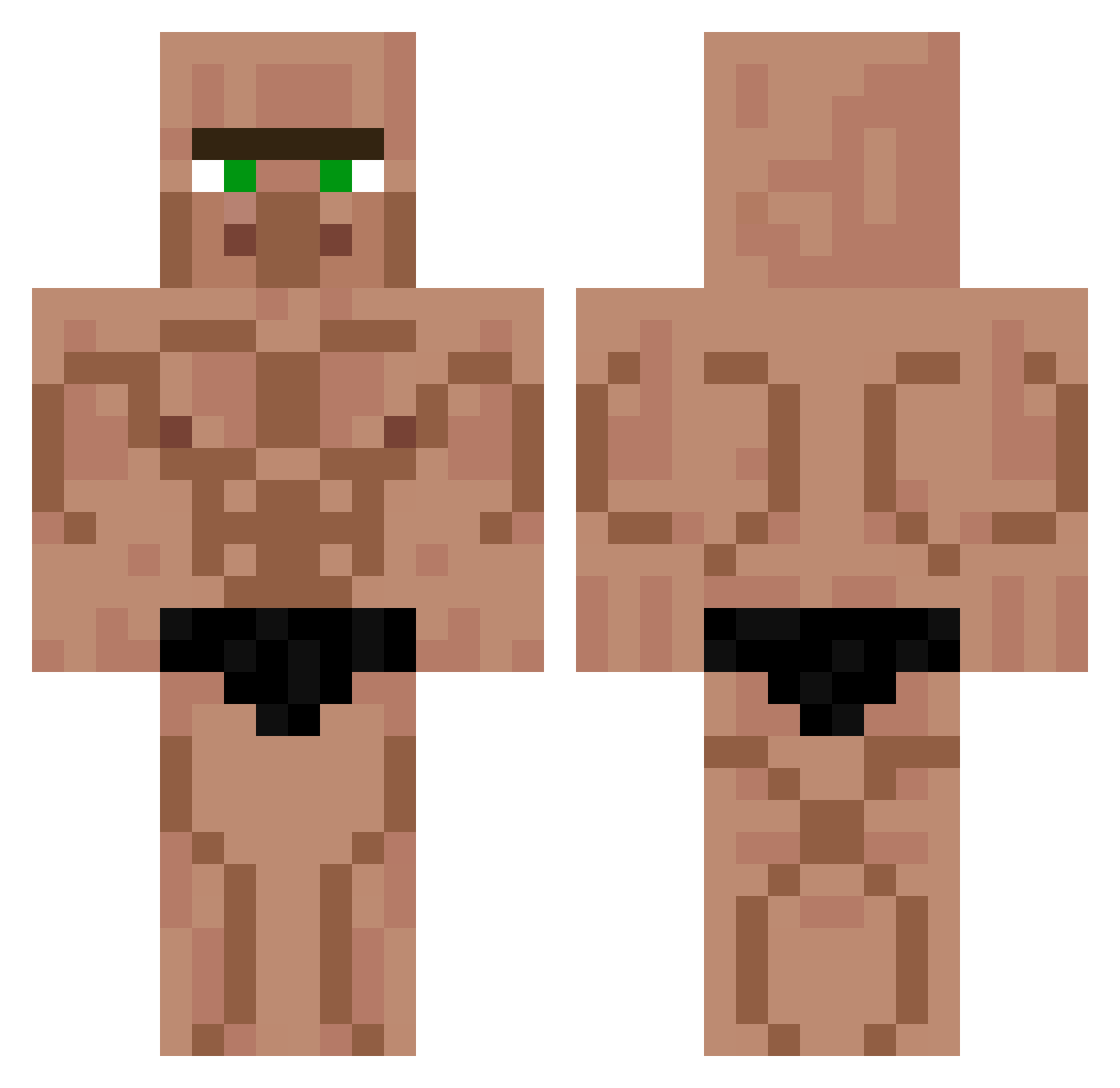
Current Minecraft skin of the player MarmeladenKiffer, loaded from the official Mojang API. Rotate the 3D model with your mouse or finger, then download the skin as a PNG file and use it in Minecraft: Bedrock Edition or Java Edition for free. When MarmeladenKiffer changes their skin, this page updates automatically and the old skin stays in the history below.
Other players with this skin (426)
MarmeladenKiffer was the 277th player we have seen with this skin, first spotted on 30.09.2026. The same skin was seen on these players. Open a nickname to see their current skin and skin history.
 GecksAlpha Roasted_Kale NDDiscoBro aacheri shun331 Not_Faisal Albersdorf07 Kiofcoklatsch Jarian trolek polocin BBackk dannybuzz Argentarius1 TrommelThorsten a_lphonsus guigui1199 JTEREKTTTTT DenseLad subtomrbeast2310 kotaro170 Mojee_ TheOleGoat Krisstoffel PEEKPERFORMANCE Dylbo_swagginz squilyy AiryPegasus3096 LostBacBan FurkanWhoTheFast Foxheart9 komet_sp LukFury BirdPoop1111111 DEREVEN12 kazuiko_ SnakeX_ Palmit0 WiskeyTangoBravo asqley Quenitum Majlog Vigo_0 SantielGOD fraximo alello Guirii98 JCRP Jacks_2004 xXDarKVenganceX Brian_Reyna sssssswook10 JL_BANN Crazedruler BigBrother649 Toppy88 blipblop124 Gloubiboulgax SamWang0421 LEEsjoon
More Muscle Minecraft skins
How to install the MarmeladenKiffer skin
- Press the Download button above to save the skin as a PNG file.
- Minecraft: Bedrock Edition (PE): open the Dressing Room from the main menu (or tap your character → Edit Character), go to Classic Skins → Owned, press the + (new skin) button, choose the downloaded PNG and pick the Classic (Steve) model. Works on PC and mobile; consoles cannot import custom skins.
- Minecraft: Java Edition: open the Minecraft Launcher, go to the Skins tab, click New Skin, load the PNG, pick the Classic (Steve) model and press Save & Use. You can also upload it at minecraft.net → Profile → Change Skin.
The skin does not show up after import - what should I do?
Restart Minecraft and open the Dressing Room again - imported skins sometimes appear only after a restart. Also make sure you selected the imported skin and picked the Classic (Steve) model.
Which model should I choose, Classic or Slim?
This skin is designed for the Classic (Steve) model. If you pick the wrong model, the arms of the skin will look stretched or squeezed.
Is the skin of MarmeladenKiffer free to download?
Yes. Press Download, save the PNG file and use it in Minecraft: Bedrock Edition or Java Edition - no payment or registration needed. The skin also works on multiplayer servers and Realms.
More skins
Looking for more? Go back to all Minecraft skins and check the top skins of the week, month and all time, or find any player's skin by nickname.