
Markssuh - Minecraft Skins & Skin History
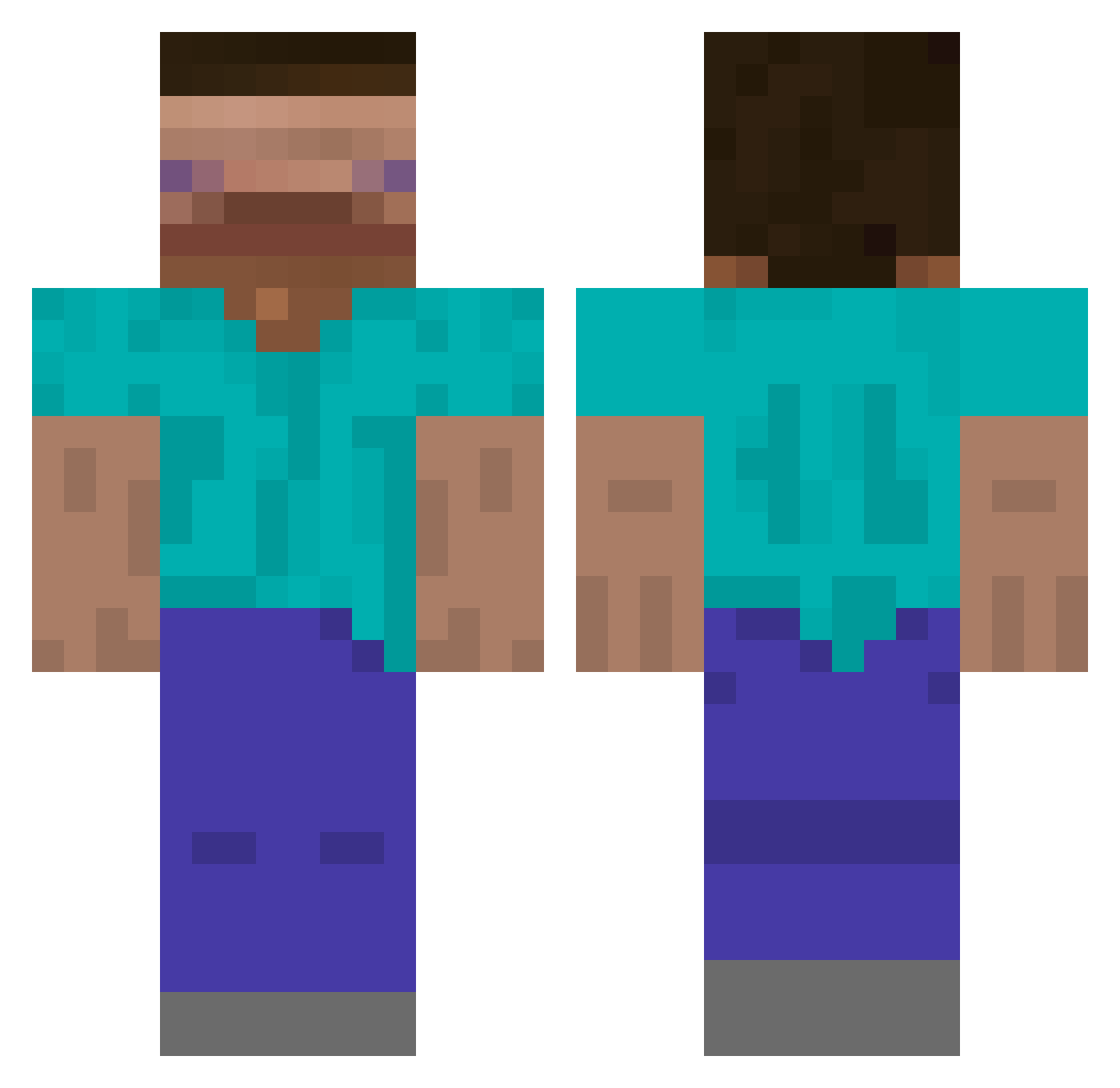
Current Minecraft skin of the player Markssuh, loaded from the official Mojang API. Rotate the 3D model with your mouse or finger, then download the skin as a PNG file and use it in Minecraft: Bedrock Edition or Java Edition for free. When Markssuh changes their skin, this page updates automatically and the old skin stays in the history below.
Other players with this skin (733)
Markssuh was the 614th player we have seen with this skin, first spotted on 02.11.2026. The same skin was seen on these players. Open a nickname to see their current skin and skin history.
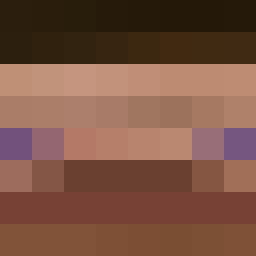 Schlomolackstein Yuriasa PlayerOW ZaiferZaifer Yongk1ss wjdwldndndn ArthurLDR PanSztorm 347Aidan_ gang_szczuruf dranthespider glaz_almaz patipati24 bamnui benhasanim Orange993 easyclaps360 WaHaHaru simo_mauti Torobinha Klonoh Pantoufle_ domjay PowerfulCamp608 22as LeoGCvalo Baekho_ Glandale123 skskskmt nipolunch 1017_ HiiliDioksidi crxshz redziak slipped_genius kodiaksolemn RedPapaSmurf Droppee wilson10xd Parabolek_pl pooksies LmaoBenjahmin hartsi Babennn obbelo Androcea Nenciolo MineUrBusiness2 BingChiling_DO El_diegin84 kraara Cavendish_123 1s_yuuun STITCH499 phillardbv LollieJDM 7Krim ISimp4Annabelle 0Justice Mchadd0
How to install the Markssuh skin
- Press the Download button above to save the skin as a PNG file.
- Minecraft: Bedrock Edition (PE): open the Dressing Room from the main menu (or tap your character → Edit Character), go to Classic Skins → Owned, press the + (new skin) button, choose the downloaded PNG and pick the Classic (Steve) model. Works on PC and mobile; consoles cannot import custom skins.
- Minecraft: Java Edition: open the Minecraft Launcher, go to the Skins tab, click New Skin, load the PNG, pick the Classic (Steve) model and press Save & Use. You can also upload it at minecraft.net → Profile → Change Skin.
The skin does not show up after import - what should I do?
Restart Minecraft and open the Dressing Room again - imported skins sometimes appear only after a restart. Also make sure you selected the imported skin and picked the Classic (Steve) model.
Which model should I choose, Classic or Slim?
This skin is designed for the Classic (Steve) model. If you pick the wrong model, the arms of the skin will look stretched or squeezed.
Is the skin of Markssuh free to download?
Yes. Press Download, save the PNG file and use it in Minecraft: Bedrock Edition or Java Edition - no payment or registration needed. The skin also works on multiplayer servers and Realms.
More skins
Looking for more? Go back to all Minecraft skins and check the top skins of the week, month and all time, or find any player's skin by nickname.