
MarcusDK105 - Minecraft Skins & Skin History
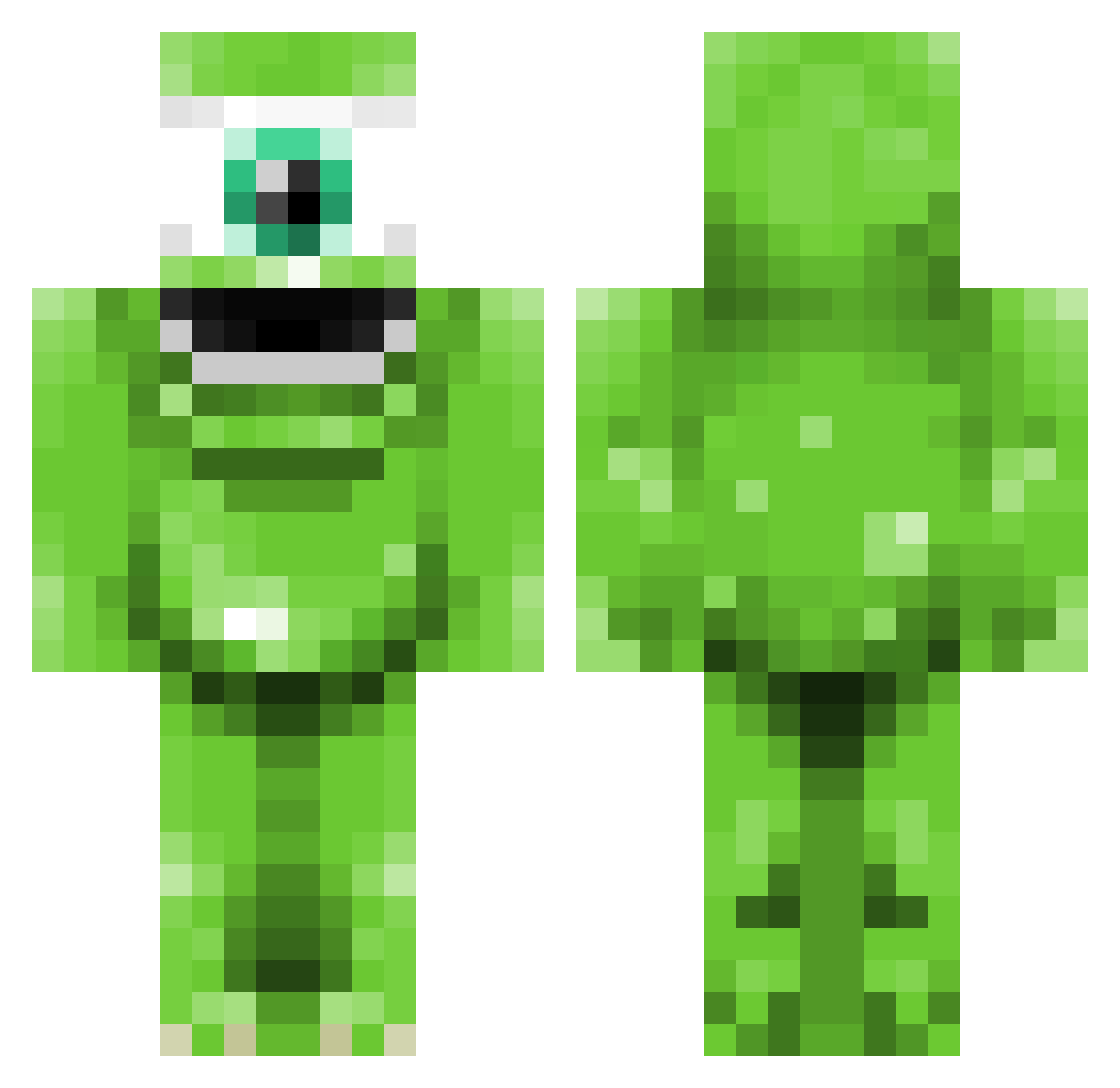
Current Minecraft skin of the player MarcusDK105, loaded from the official Mojang API. Rotate the 3D model with your mouse or finger, then download the skin as a PNG file and use it in Minecraft: Bedrock Edition or Java Edition for free. When MarcusDK105 changes their skin, this page updates automatically and the old skin stays in the history below.
Other players with this skin (344)
MarcusDK105 was the 305th player we have seen with this skin, first spotted on 22.10.2026. The same skin was seen on these players. Open a nickname to see their current skin and skin history.
 Pacman_II charlie474 ArgUtanKvarg mikwazouski CrazyCasualGamer slyzer97 Nosikaor Tumputin LeE454 swaggyp_99 dougesgaming258 bighead243 Utterba milannovice xXAndy123Xx It_Unknown Parkerj922 krazy_katie_123 halvardlea007 DeBowwws Brandon_Cook johgu02 adamhiggins65 Munia1 harryhood12 blacker3336 MangoBrawler peterheckman gateofdeath CallumSharples xUniiQz WillisJnr DA_PS3_GAMA99 czb7117 PeanutsMama GREG_legend456 WeWantEdge Reanna_Lynn Txiki97 SwegMester34 TakaDie tris0094 Deborah8300 exoticm0nkey michael_speed_84 GingieMinecraft kellerman iam_Oak Kaylynn757 Rabxorzz SunflowerLaura mitch_mufc01 UsaWarrior fearedcreeper99 primetime34 Dackou IrishTigger shoei_man Olivier111001 LauraGreenx
More Mike Wazowski Minecraft skins
See all 281 Mike Wazowski skins
How to install the MarcusDK105 skin
- Press the Download button above to save the skin as a PNG file.
- Minecraft: Bedrock Edition (PE): open the Dressing Room from the main menu (or tap your character → Edit Character), go to Classic Skins → Owned, press the + (new skin) button, choose the downloaded PNG and pick the Classic (Steve) model. Works on PC and mobile; consoles cannot import custom skins.
- Minecraft: Java Edition: open the Minecraft Launcher, go to the Skins tab, click New Skin, load the PNG, pick the Classic (Steve) model and press Save & Use. You can also upload it at minecraft.net → Profile → Change Skin.
The skin does not show up after import - what should I do?
Restart Minecraft and open the Dressing Room again - imported skins sometimes appear only after a restart. Also make sure you selected the imported skin and picked the Classic (Steve) model.
Which model should I choose, Classic or Slim?
This skin is designed for the Classic (Steve) model. If you pick the wrong model, the arms of the skin will look stretched or squeezed.
Is the skin of MarcusDK105 free to download?
Yes. Press Download, save the PNG file and use it in Minecraft: Bedrock Edition or Java Edition - no payment or registration needed. The skin also works on multiplayer servers and Realms.
More skins
Looking for more? Go back to all Minecraft skins and check the top skins of the week, month and all time, or find any player's skin by nickname.