
Marcel_181 - Minecraft Skins & Skin History
Current Minecraft skin of the player Marcel_181, loaded from the official Mojang API. Rotate the 3D model with your mouse or finger, then download the skin as a PNG file and use it in Minecraft: Bedrock Edition or Java Edition for free. When Marcel_181 changes their skin, this page updates automatically and the old skin stays in the history below.
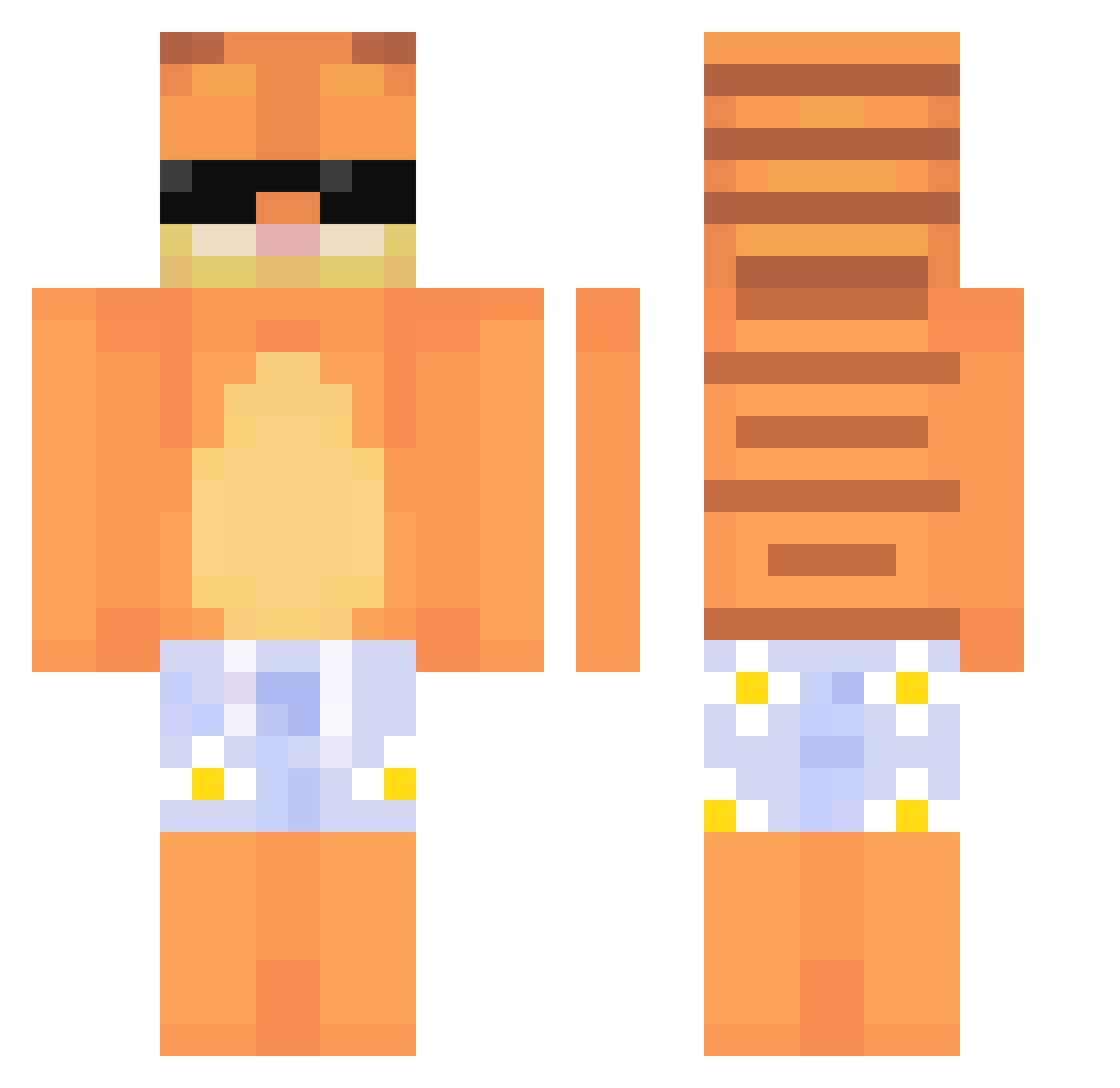
Other players with this skin (638)
Marcel_181 was the 552nd player we have seen with this skin, first spotted on 21.10.2026. The same skin was seen on these players. Open a nickname to see their current skin and skin history.
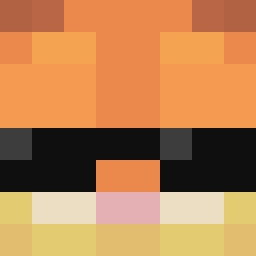 Ben873828 yuhyuny01 NA_joker king123122 BigGuy745 Jokerman4000 Otavio777 THEsSTRANGER JackJoseph6969 cyb111 QuackQ2 meilm woogi911 Vered_ Kawka15 Cosm1c9250 handsomesemin17 NinjaWalther sumcoffee vintepila ambientcouch_ flaxxyex Azzzoir Kangherong jeongwon321 PozitivSaiyan MrHydex Crooeqy elroko_ yasopro1905 CandleSaucesBF McjOt35 FABLEXXXXX Andreafr_ Donutil ArevaloSky GutenMitttag dug4or Brzyc FibiToKotlet a8tl SackkBoyy RealJostadBACKUP Roboth1n crw00 spacc123 MrJoe_Mango Orangmonky lentejaXDD Vcelka_Maja BlingBangBang tvotosan mauibs marktheshark514 DadaJayy SteveLock8 YouZhonger Firfstein Godzillaxy bbc69696969
More Garfield Minecraft skins
How to install the Marcel_181 skin
- Press the Download button above to save the skin as a PNG file.
- Minecraft: Bedrock Edition (PE): open the Dressing Room from the main menu (or tap your character → Edit Character), go to Classic Skins → Owned, press the + (new skin) button, choose the downloaded PNG and pick the Classic (Steve) model. Works on PC and mobile; consoles cannot import custom skins.
- Minecraft: Java Edition: open the Minecraft Launcher, go to the Skins tab, click New Skin, load the PNG, pick the Classic (Steve) model and press Save & Use. You can also upload it at minecraft.net → Profile → Change Skin.
The skin does not show up after import - what should I do?
Restart Minecraft and open the Dressing Room again - imported skins sometimes appear only after a restart. Also make sure you selected the imported skin and picked the Classic (Steve) model.
Which model should I choose, Classic or Slim?
This skin is designed for the Classic (Steve) model. If you pick the wrong model, the arms of the skin will look stretched or squeezed.
Is the skin of Marcel_181 free to download?
Yes. Press Download, save the PNG file and use it in Minecraft: Bedrock Edition or Java Edition - no payment or registration needed. The skin also works on multiplayer servers and Realms.
More skins
Looking for more? Go back to all Minecraft skins and check the top skins of the week, month and all time, or find any player's skin by nickname.