
MarbleMuffins - Minecraft Skins & Skin History
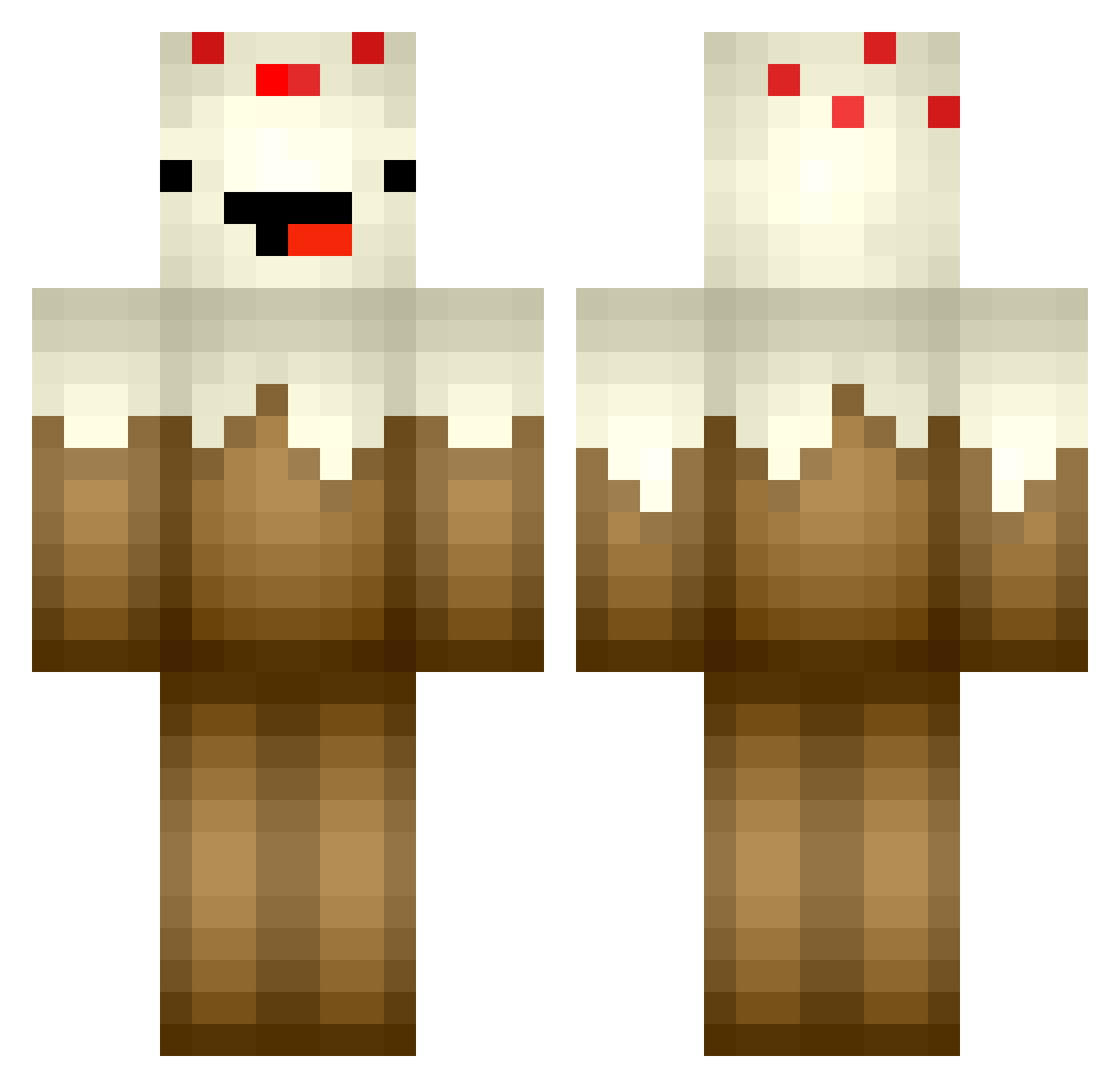
Current Minecraft skin of the player MarbleMuffins, loaded from the official Mojang API. Rotate the 3D model with your mouse or finger, then download the skin as a PNG file and use it in Minecraft: Bedrock Edition or Java Edition for free. When MarbleMuffins changes their skin, this page updates automatically and the old skin stays in the history below.
Other players with this skin (364)
MarbleMuffins was the 101st player we have seen with this skin, first spotted on 23.08.2026. The same skin was seen on these players. Open a nickname to see their current skin and skin history.
 marier0cks iCreeperr MrsMuffin9 supercece2 soccerstar562 SnacksOrRiot munchyman44 AmazingMrWilson Derpygamer909 HiItzMe lolsamiam JuicyLucy1 glitter4plaster TheChey_is_a_Lie RawrPikachu Dylancole229 FuZioNSam MourningCrow Sailoh SquareMiner55 WillyTheWhale18 Derpypancakes OMGitsMrGod theattack6677 lozo35 Dezerrr wyrokulicy Instincts_ cupcake123yolo twin_twist NotableWalrus MARIEKERVREN cutcake1 fudgehashbrown marlon1209 187er_Bande alex07gamer Alfiekeenan PHUTTO123 jburnham1 Mayonnasie Bqit lbspks888 tristyn23 Grfthunder renkotan Prixris ChickenFire360 Cakebacca Puremagicyt nox1992 ooey121 Wikkelsoee minecraftGod47 ew000 DeafinitelyDeaf Ottre2241 Khyour Zambartas vannalovesdance
More Cake Minecraft skins
How to install the MarbleMuffins skin
- Press the Download button above to save the skin as a PNG file.
- Minecraft: Bedrock Edition (PE): open the Dressing Room from the main menu (or tap your character → Edit Character), go to Classic Skins → Owned, press the + (new skin) button, choose the downloaded PNG and pick the Classic (Steve) model. Works on PC and mobile; consoles cannot import custom skins.
- Minecraft: Java Edition: open the Minecraft Launcher, go to the Skins tab, click New Skin, load the PNG, pick the Classic (Steve) model and press Save & Use. You can also upload it at minecraft.net → Profile → Change Skin.
The skin does not show up after import - what should I do?
Restart Minecraft and open the Dressing Room again - imported skins sometimes appear only after a restart. Also make sure you selected the imported skin and picked the Classic (Steve) model.
Which model should I choose, Classic or Slim?
This skin is designed for the Classic (Steve) model. If you pick the wrong model, the arms of the skin will look stretched or squeezed.
Is the skin of MarbleMuffins free to download?
Yes. Press Download, save the PNG file and use it in Minecraft: Bedrock Edition or Java Edition - no payment or registration needed. The skin also works on multiplayer servers and Realms.
More skins
Looking for more? Go back to all Minecraft skins and check the top skins of the week, month and all time, or find any player's skin by nickname.