
MaloG14 - Minecraft Skins & Skin History
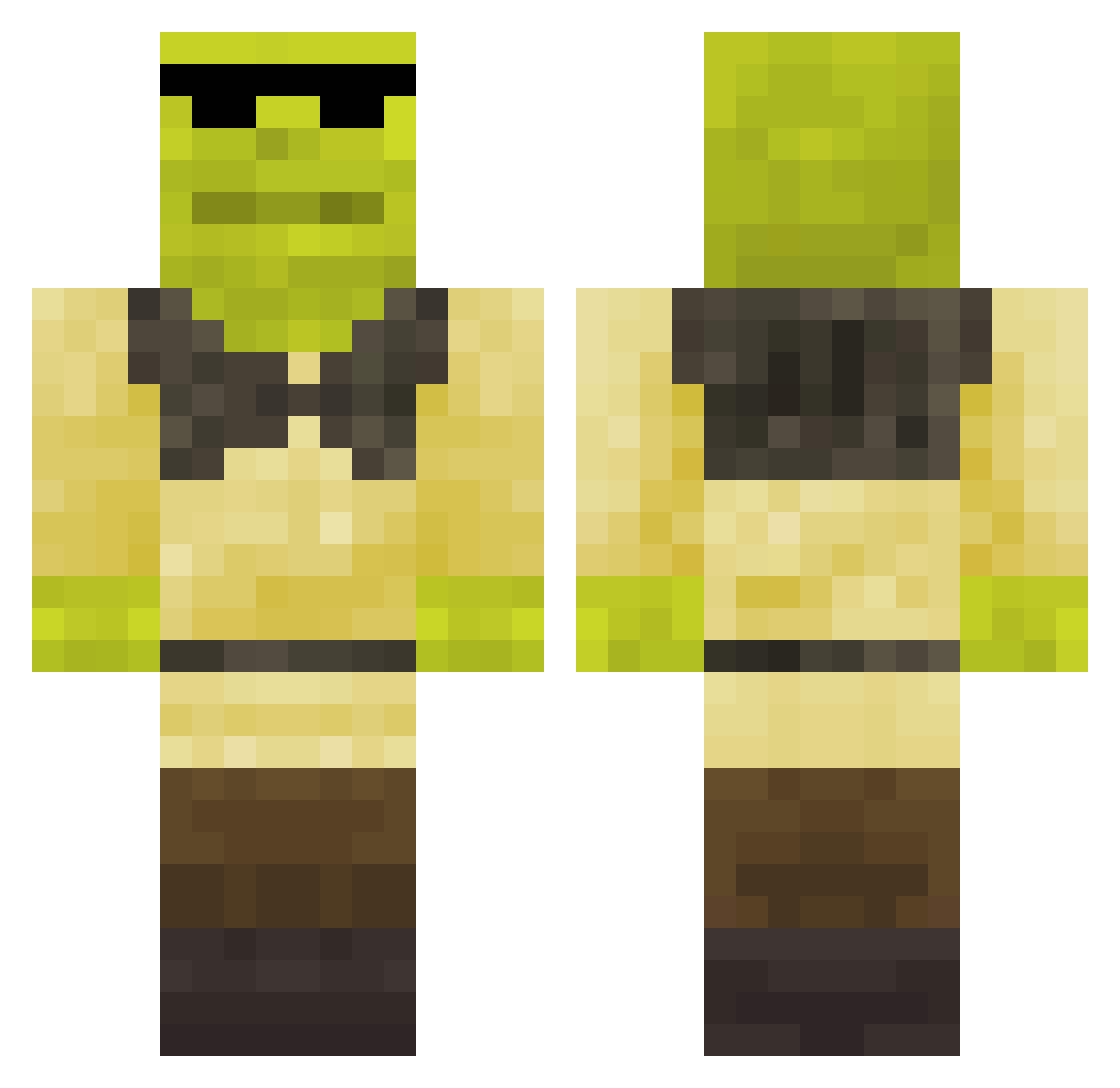
Current Minecraft skin of the player MaloG14, loaded from the official Mojang API. Rotate the 3D model with your mouse or finger, then download the skin as a PNG file and use it in Minecraft: Bedrock Edition or Java Edition for free. When MaloG14 changes their skin, this page updates automatically and the old skin stays in the history below.
Other players with this skin (148)
MaloG14 was the 46th player we have seen with this skin, first spotted on 28.08.2026. The same skin was seen on these players. Open a nickname to see their current skin and skin history.
 WahaAdnan Nanotron_800 ultramariok AVL2111
 Goldenfps owlisz yung_nutter Steve_Is_C00L GilbertIsUrDad13 Lanai56 not_work xzkw jakobkl xuwee1337 szhln
 R106 PepsterV _matitik10 XkingdogoX La_Sota_10 Kliyon SourBeee Nescau77_ Milaninia RodriusPlay
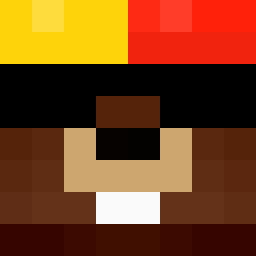 hixico Myc0211 MagicWifi Waxxypoo DeadSKrull07 Tynibrogoli
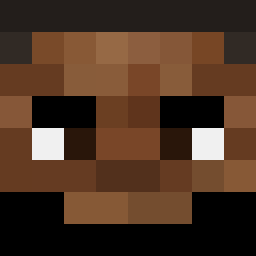 MChogriderMC
 vendedordesofa CzopOporowy Daniel9342857 I_AmJesusChrist elpoleto gonzales211
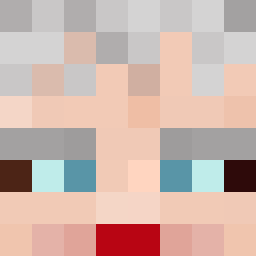 donat_trap allpython adolf_rizzer777 4realman ZIOBENNY85 KILODEBARETA junga56 MRGINOGATTINO Skyness073 Martino20 DerBroeselDieb
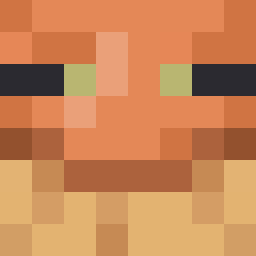 Tmaster2455Java YumNum67 _LUXX__ Pan_Con_Huev0 koksczarni69 larryguyman69 elvei MateLekk atackpros TechDany Caderade_
More Shrek Minecraft skins
How to install the MaloG14 skin
- Press the Download button above to save the skin as a PNG file.
- Minecraft: Bedrock Edition (PE): open the Dressing Room from the main menu (or tap your character → Edit Character), go to Classic Skins → Owned, press the + (new skin) button, choose the downloaded PNG and pick the Classic (Steve) model. Works on PC and mobile; consoles cannot import custom skins.
- Minecraft: Java Edition: open the Minecraft Launcher, go to the Skins tab, click New Skin, load the PNG, pick the Classic (Steve) model and press Save & Use. You can also upload it at minecraft.net → Profile → Change Skin.
The skin does not show up after import - what should I do?
Restart Minecraft and open the Dressing Room again - imported skins sometimes appear only after a restart. Also make sure you selected the imported skin and picked the Classic (Steve) model.
Which model should I choose, Classic or Slim?
This skin is designed for the Classic (Steve) model. If you pick the wrong model, the arms of the skin will look stretched or squeezed.
Is the skin of MaloG14 free to download?
Yes. Press Download, save the PNG file and use it in Minecraft: Bedrock Edition or Java Edition - no payment or registration needed. The skin also works on multiplayer servers and Realms.
More skins
Looking for more? Go back to all Minecraft skins and check the top skins of the week, month and all time, or find any player's skin by nickname.