
Magnificus81 - Minecraft Skins & Skin History
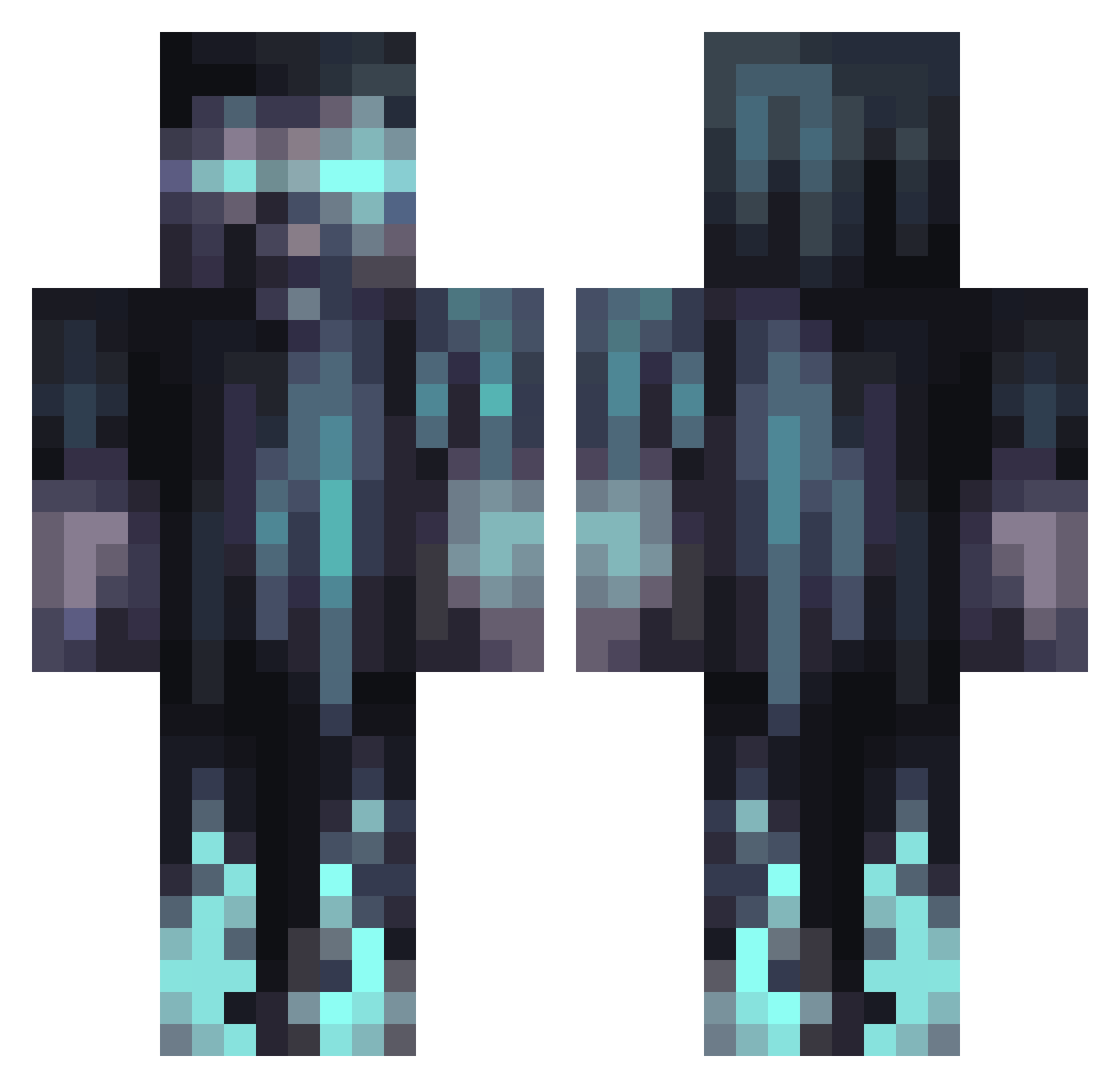
Current Minecraft skin of the player Magnificus81, loaded from the official Mojang API. Rotate the 3D model with your mouse or finger, then download the skin as a PNG file and use it in Minecraft: Bedrock Edition or Java Edition for free. When Magnificus81 changes their skin, this page updates automatically and the old skin stays in the history below.
Other players with this skin (1068)
Magnificus81 was the 391st player we have seen with this skin, first spotted on 31.08.2026. The same skin was seen on these players. Open a nickname to see their current skin and skin history.
 Boogieman505630 Evil_Raccoon Argumentw warzone10 Zieyan DaLoib3 Hurleyburley14 TMTR faisal64 luukievg calebyanglamb Atomic_Neutron Backwo0ds77 EndifKing xunxia Arzenjhell crazyhunter58 elmegil OrphanFuneral RXXZ Somczi Willy_Wonka281 WetSoupy BigSnowyMonkey Will0w7 Azukox1x supramk6 KryptonI NF2N HuddledBat75780 ThinGolem9 KebabAlex1337 Twiggera Lucas2402W 00lolilol00 OLDIRONSIDES96 Wookie333 TameZombie510 Nathan1819 EhrenMangoLP LazerFighter99 Ju9434 m3an_b3ean luuui98 Everettgg Alpha100412 Acrylyx galaxyDuco MidgePlayzGamest AllGoodThings72 LutenXedarian moinsen99 hash_tag123 0vll DarkNiss73 zachhhhhh SavtaBasalon FraxinusWhite ZMan_2300 Julsn_3
More Warden Minecraft skins
How to install the Magnificus81 skin
- Press the Download button above to save the skin as a PNG file.
- Minecraft: Bedrock Edition (PE): open the Dressing Room from the main menu (or tap your character → Edit Character), go to Classic Skins → Owned, press the + (new skin) button, choose the downloaded PNG and pick the Classic (Steve) model. Works on PC and mobile; consoles cannot import custom skins.
- Minecraft: Java Edition: open the Minecraft Launcher, go to the Skins tab, click New Skin, load the PNG, pick the Classic (Steve) model and press Save & Use. You can also upload it at minecraft.net → Profile → Change Skin.
The skin does not show up after import - what should I do?
Restart Minecraft and open the Dressing Room again - imported skins sometimes appear only after a restart. Also make sure you selected the imported skin and picked the Classic (Steve) model.
Which model should I choose, Classic or Slim?
This skin is designed for the Classic (Steve) model. If you pick the wrong model, the arms of the skin will look stretched or squeezed.
Is the skin of Magnificus81 free to download?
Yes. Press Download, save the PNG file and use it in Minecraft: Bedrock Edition or Java Edition - no payment or registration needed. The skin also works on multiplayer servers and Realms.
More skins
Looking for more? Go back to all Minecraft skins and check the top skins of the week, month and all time, or find any player's skin by nickname.