
Magnett - Minecraft Skins & Skin History
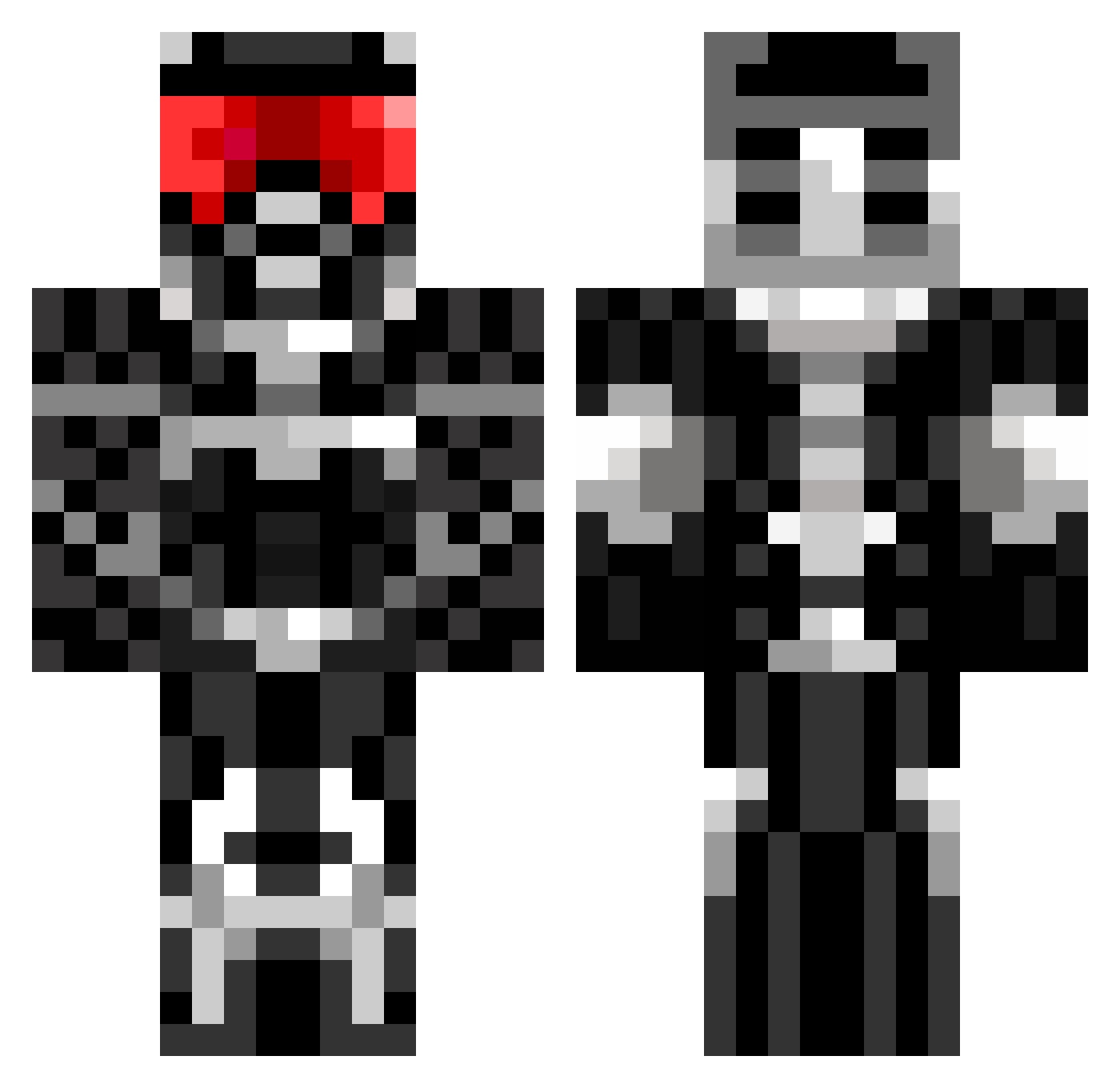
Current Minecraft skin of the player Magnett, loaded from the official Mojang API. Rotate the 3D model with your mouse or finger, then download the skin as a PNG file and use it in Minecraft: Bedrock Edition or Java Edition for free. When Magnett changes their skin, this page updates automatically and the old skin stays in the history below.
Other players with this skin (675)
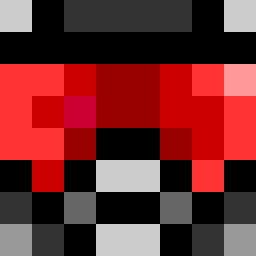
Magnett was the 131st player we have seen with this skin, first spotted on 15.08.2026. The same skin was seen on these players. Open a nickname to see their current skin and skin history.
 kifara123 TacoIsland TheSkyCloud mjt1993 Ditti123 Enugor Bendark74 RadioStrafe sizzler320 Avinci jlwoody nelsonDB mfswimmer SoarinSparky Roman_Man SplitterSandwich ZippedMango MD49 TJReevo spasserdk adrianalbin Ikillyou009 zeniXistc sandy_bobbins_21 TJGraef Ahvex runinmullet chunkermunkers rayzamich yayawar5 HaloUniverse99 aidan0409 ReigningBlood82 sharpshooter2012 harv29 BiG_BoZz_ Sengenbjerg wonderboy4589 luke9011 howie7733 StreetSmarts Phohunnid Jesus16816 decapp declementi3 sadisadou DrFloof lolKBLlol JacksDaniel90 KronosMaximus1 basti0902 DiamondHunter001 cory9000 Ghost_Assassin14 MadSerb nicholas_q eldorado15 Proximo9939 DeadlySnypr cannonball_dude
More Sci Fi Armor Minecraft skins
How to install the Magnett skin
- Press the Download button above to save the skin as a PNG file.
- Minecraft: Bedrock Edition (PE): open the Dressing Room from the main menu (or tap your character → Edit Character), go to Classic Skins → Owned, press the + (new skin) button, choose the downloaded PNG and pick the Classic (Steve) model. Works on PC and mobile; consoles cannot import custom skins.
- Minecraft: Java Edition: open the Minecraft Launcher, go to the Skins tab, click New Skin, load the PNG, pick the Classic (Steve) model and press Save & Use. You can also upload it at minecraft.net → Profile → Change Skin.
The skin does not show up after import - what should I do?
Restart Minecraft and open the Dressing Room again - imported skins sometimes appear only after a restart. Also make sure you selected the imported skin and picked the Classic (Steve) model.
Which model should I choose, Classic or Slim?
This skin is designed for the Classic (Steve) model. If you pick the wrong model, the arms of the skin will look stretched or squeezed.
Is the skin of Magnett free to download?
Yes. Press Download, save the PNG file and use it in Minecraft: Bedrock Edition or Java Edition - no payment or registration needed. The skin also works on multiplayer servers and Realms.
More skins
Looking for more? Go back to all Minecraft skins and check the top skins of the week, month and all time, or find any player's skin by nickname.