
Madidus - Minecraft Skins & Skin History
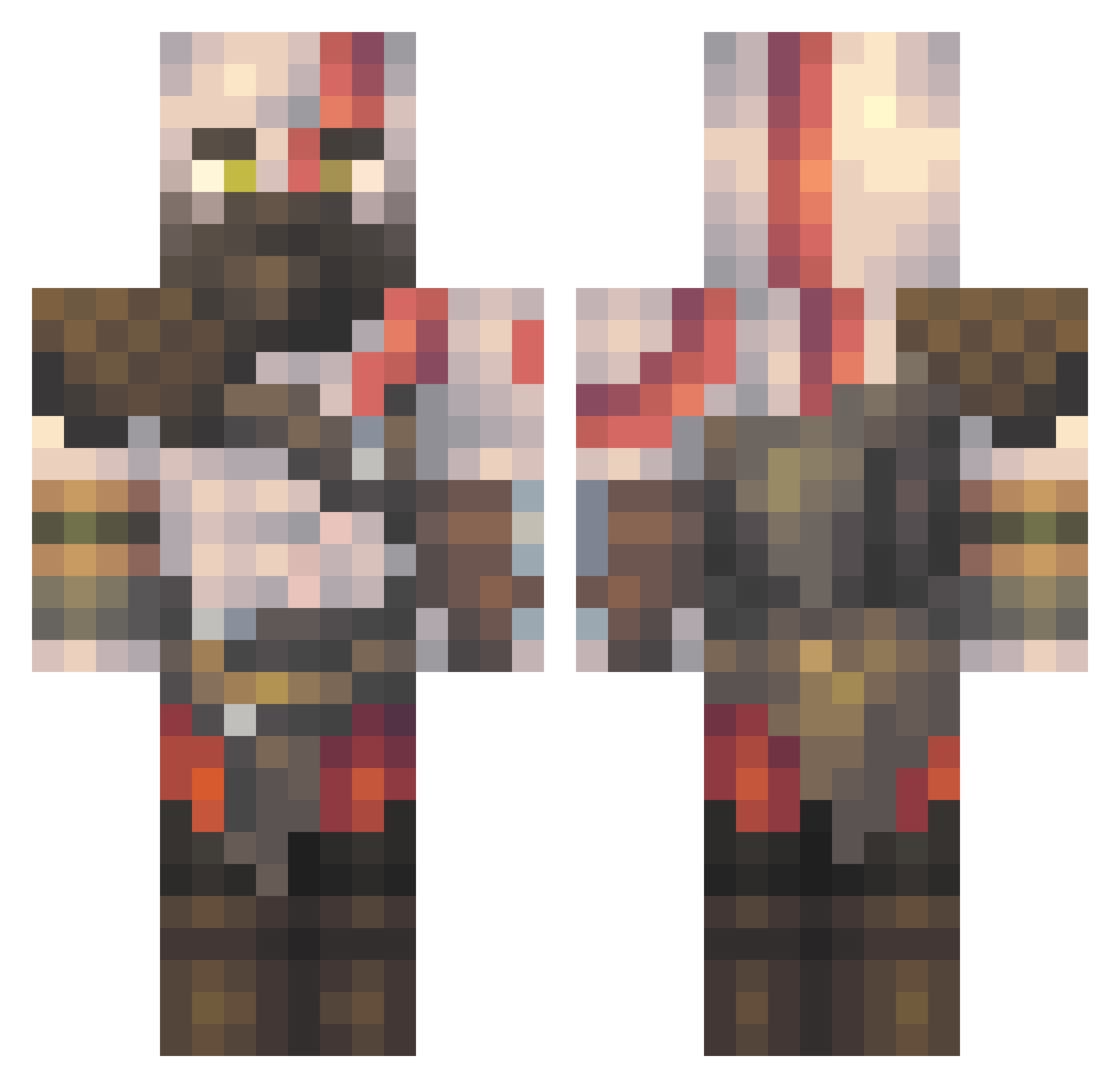
Current Minecraft skin of the player Madidus, loaded from the official Mojang API. Rotate the 3D model with your mouse or finger, then download the skin as a PNG file and use it in Minecraft: Bedrock Edition or Java Edition for free. When Madidus changes their skin, this page updates automatically and the old skin stays in the history below.
Other players with this skin (511)
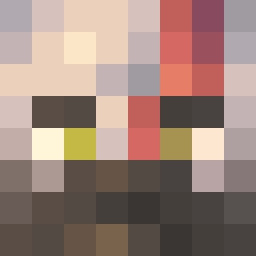
Madidus was the 500th player we have seen with this skin, first spotted on 30.10.2026. The same skin was seen on these players. Open a nickname to see their current skin and skin history.
 FutureArrow MMcFreeman NeteroSama84 Amaroxo Scorpion_MK_ Kuroichiiii Kamilowski123 Mamboisoffline gDrums omanLOL will_rob0 Mugenfit MottinhaClub DRAGONKING821 barex_x Zabatron_ FaccoMan24 moah325 Arman2_ Tu_Onichan_UwU thefifalegend272 NachoDaCosta YuahVi Kronium03 ZJBaldwin Yugirohanma AngryRoar13 Angelru YalnizKowboy5859 CoupDeGrace132 BenjitaDios Jupitris1 Gamerositywasbad schnneidr BoothBos TheMuffinMan244 Louscast CrumplyPit15 KratosMessi_45 Pepikos JuniorS7 _Kartoshka_32 BlackaiserX Angron06 Salsory AdrianMontiel kainalu5 EricAlm013 PanaRabbit11 labichenter WarpedPlace FireLord___ el_diegote SuffleX FanaticAtom4898 Monomerquero KilledByBart1991 Mithical456 ShaanMaster badtasty1
More Kratos Minecraft skins
How to install the Madidus skin
- Press the Download button above to save the skin as a PNG file.
- Minecraft: Bedrock Edition (PE): open the Dressing Room from the main menu (or tap your character → Edit Character), go to Classic Skins → Owned, press the + (new skin) button, choose the downloaded PNG and pick the Classic (Steve) model. Works on PC and mobile; consoles cannot import custom skins.
- Minecraft: Java Edition: open the Minecraft Launcher, go to the Skins tab, click New Skin, load the PNG, pick the Classic (Steve) model and press Save & Use. You can also upload it at minecraft.net → Profile → Change Skin.
The skin does not show up after import - what should I do?
Restart Minecraft and open the Dressing Room again - imported skins sometimes appear only after a restart. Also make sure you selected the imported skin and picked the Classic (Steve) model.
Which model should I choose, Classic or Slim?
This skin is designed for the Classic (Steve) model. If you pick the wrong model, the arms of the skin will look stretched or squeezed.
Is the skin of Madidus free to download?
Yes. Press Download, save the PNG file and use it in Minecraft: Bedrock Edition or Java Edition - no payment or registration needed. The skin also works on multiplayer servers and Realms.
More skins
Looking for more? Go back to all Minecraft skins and check the top skins of the week, month and all time, or find any player's skin by nickname.