
MadJoy99 - Minecraft Skins & Skin History
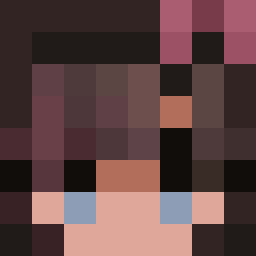
Current Minecraft skin of the player MadJoy99, loaded from the official Mojang API. Rotate the 3D model with your mouse or finger, then download the skin as a PNG file and use it in Minecraft: Bedrock Edition or Java Edition for free. When MadJoy99 changes their skin, this page updates automatically and the old skin stays in the history below.
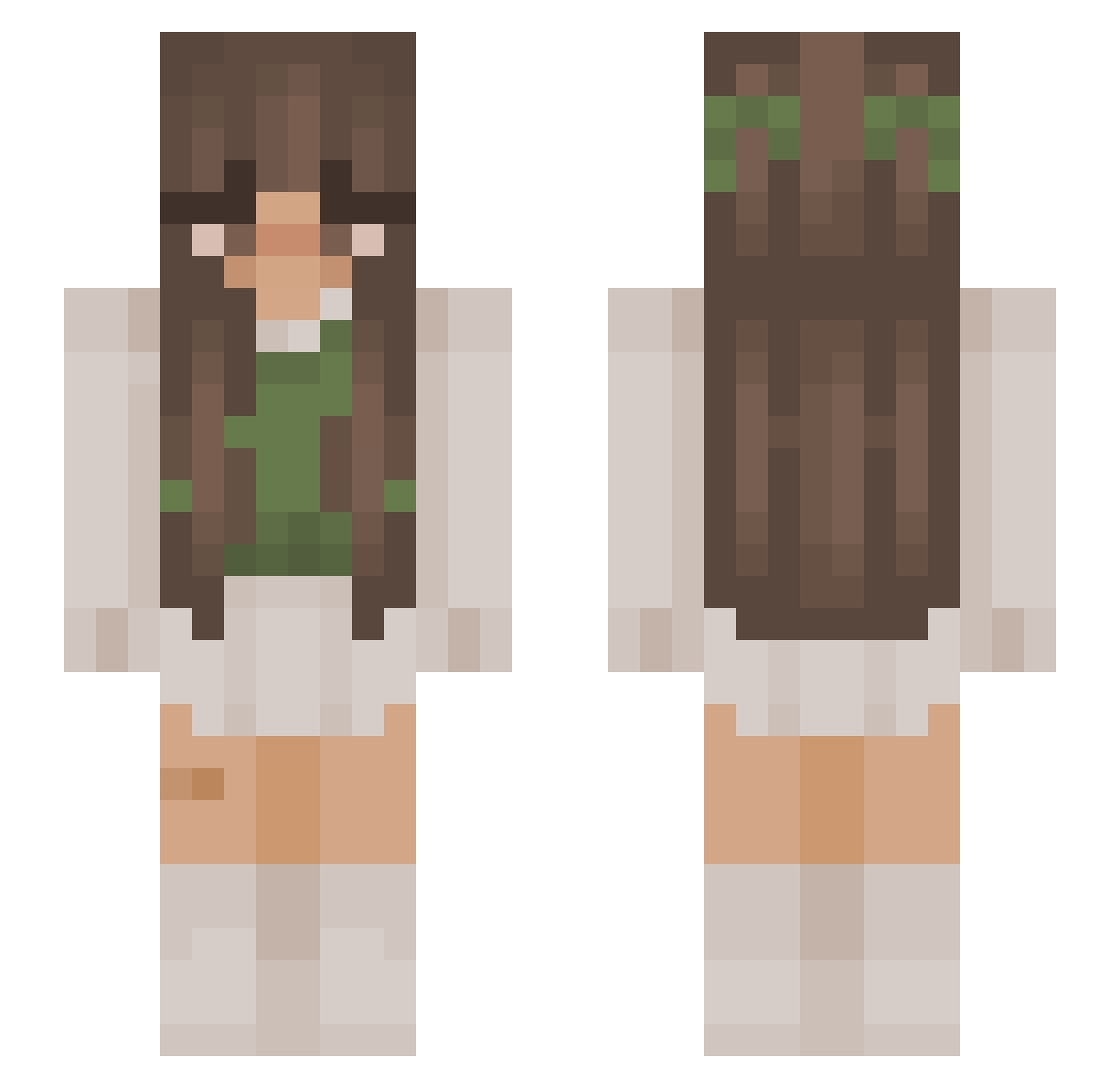
Other players with this skin (876)
MadJoy99 was the 52nd player we have seen with this skin, first spotted on 29.07.2026. The same skin was seen on these players. Open a nickname to see their current skin and skin history.
 MSMUS3 EdenDays Blesiaczek lama_luna julkox9 GoodUmka Doflegty2 Lisantjee MarcheseG Addyyy92 xPontaPVP Nova_0902 ughem wrlddom
 mOmMy_shReK itzzronnie17 DlYA Ratzumi IWouldEat NATALE91 HOT_peruvian gmv05 Niezg0dna AbbyHeart07 ZuzaToska sarafern
 Kseya Borkez LubieNieCiebie19 MaoMao__ mxvqop em8lyy queenbecee
 ClaudyClawdz minimorris9 Miisu_ SnowflakeMaster Rebelgirly ItsElisabeth swaggierbrunette L1ttleKunk m1nbl annie314 Nutellaxs BeeSoMayo Pyper_HD emvxy le0norr Lorenabsw ZeIkraKa Laceylou12 bugleboyd AlorraCat little_boy_blue ivyyb55 Karshka kurenai_iii EwwJess Orbit2791 liligoat
More Cottagecore Minecraft skins
See all 5810 Cottagecore skins
How to install the MadJoy99 skin
- Press the Download button above to save the skin as a PNG file.
- Minecraft: Bedrock Edition (PE): open the Dressing Room from the main menu (or tap your character → Edit Character), go to Classic Skins → Owned, press the + (new skin) button, choose the downloaded PNG and pick the Slim (Alex) model. Works on PC and mobile; consoles cannot import custom skins.
- Minecraft: Java Edition: open the Minecraft Launcher, go to the Skins tab, click New Skin, load the PNG, pick the Slim (Alex) model and press Save & Use. You can also upload it at minecraft.net → Profile → Change Skin.
The skin does not show up after import - what should I do?
Restart Minecraft and open the Dressing Room again - imported skins sometimes appear only after a restart. Also make sure you selected the imported skin and picked the Slim (Alex) model.
Which model should I choose, Classic or Slim?
This skin is designed for the Slim (Alex) model. If you pick the wrong model, the arms of the skin will look stretched or squeezed.
Is the skin of MadJoy99 free to download?
Yes. Press Download, save the PNG file and use it in Minecraft: Bedrock Edition or Java Edition - no payment or registration needed. The skin also works on multiplayer servers and Realms.
More skins
Looking for more? Go back to all Minecraft skins and check the top skins of the week, month and all time, or find any player's skin by nickname.