
MacawMassacre - Minecraft Skins & Skin History
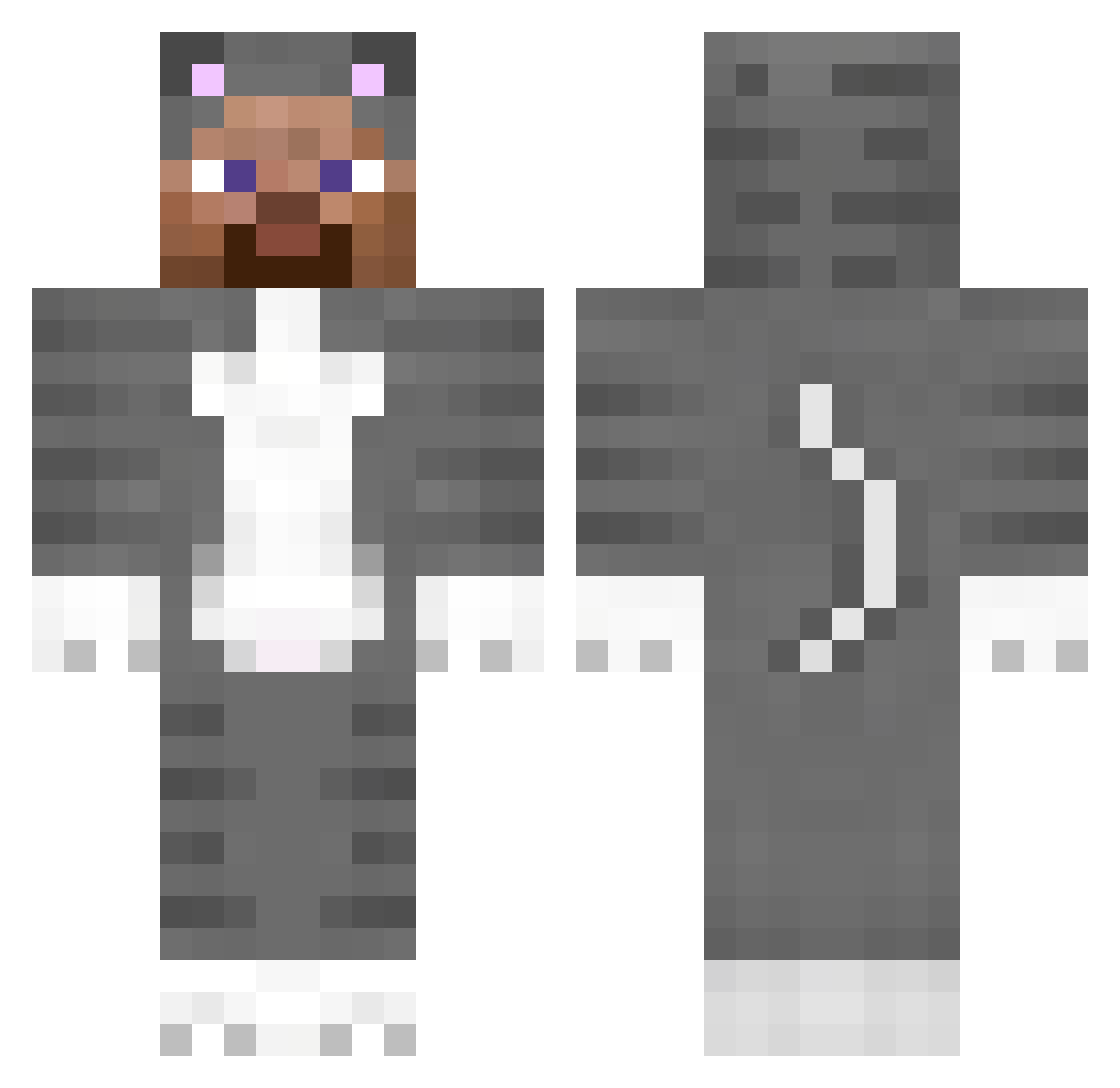
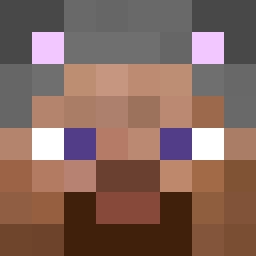
Current Minecraft skin of the player MacawMassacre, loaded from the official Mojang API. Rotate the 3D model with your mouse or finger, then download the skin as a PNG file and use it in Minecraft: Bedrock Edition or Java Edition for free. When MacawMassacre changes their skin, this page updates automatically and the old skin stays in the history below.
Other players with this skin (151)
MacawMassacre was the 116th player we have seen with this skin, first spotted on 09.10.2026. The same skin was seen on these players. Open a nickname to see their current skin and skin history.
 Maxmariomaio AxiomSL5 percyGOD dadaragy0909 wakeon20fps GothGirlsRCool Nitroyrae ArchAngel82441 SibaLsteve Marshaaa straymacream DrugMaxxing banguu_ chunkloaderdlc jayintheflesh notlewis01 P5X4 cic0_ Adeptness xlebadayte Maizemanager838 wizard747 BlackGenjjing Muurilo1227 bark4daddy gigglecat123 goray123 Shingjk turtynhoo payors francisng Homophones blackdaon tags335is Sarchel cacacup SplitzsMC mistadrifta idkhowtocommit Passworld Ema0907 SpeedingTickets _vyrn_ HF_Techno Swap arkie DhaRWomanN TheGreatSuccubus B1ayz3_ SViseZzz maze232 omaro_dodododo vvwn 3amal whyrip Scorp00o sweetkittenmeow Block Smugglers nixek
More Animal Onesie Minecraft skins
See all 2100 Animal Onesie skins
How to install the MacawMassacre skin
- Press the Download button above to save the skin as a PNG file.
- Minecraft: Bedrock Edition (PE): open the Dressing Room from the main menu (or tap your character → Edit Character), go to Classic Skins → Owned, press the + (new skin) button, choose the downloaded PNG and pick the Classic (Steve) model. Works on PC and mobile; consoles cannot import custom skins.
- Minecraft: Java Edition: open the Minecraft Launcher, go to the Skins tab, click New Skin, load the PNG, pick the Classic (Steve) model and press Save & Use. You can also upload it at minecraft.net → Profile → Change Skin.
The skin does not show up after import - what should I do?
Restart Minecraft and open the Dressing Room again - imported skins sometimes appear only after a restart. Also make sure you selected the imported skin and picked the Classic (Steve) model.
Which model should I choose, Classic or Slim?
This skin is designed for the Classic (Steve) model. If you pick the wrong model, the arms of the skin will look stretched or squeezed.
Is the skin of MacawMassacre free to download?
Yes. Press Download, save the PNG file and use it in Minecraft: Bedrock Edition or Java Edition - no payment or registration needed. The skin also works on multiplayer servers and Realms.
More skins
Looking for more? Go back to all Minecraft skins and check the top skins of the week, month and all time, or find any player's skin by nickname.