
MaaaaxonWii - Minecraft Skins & Skin History
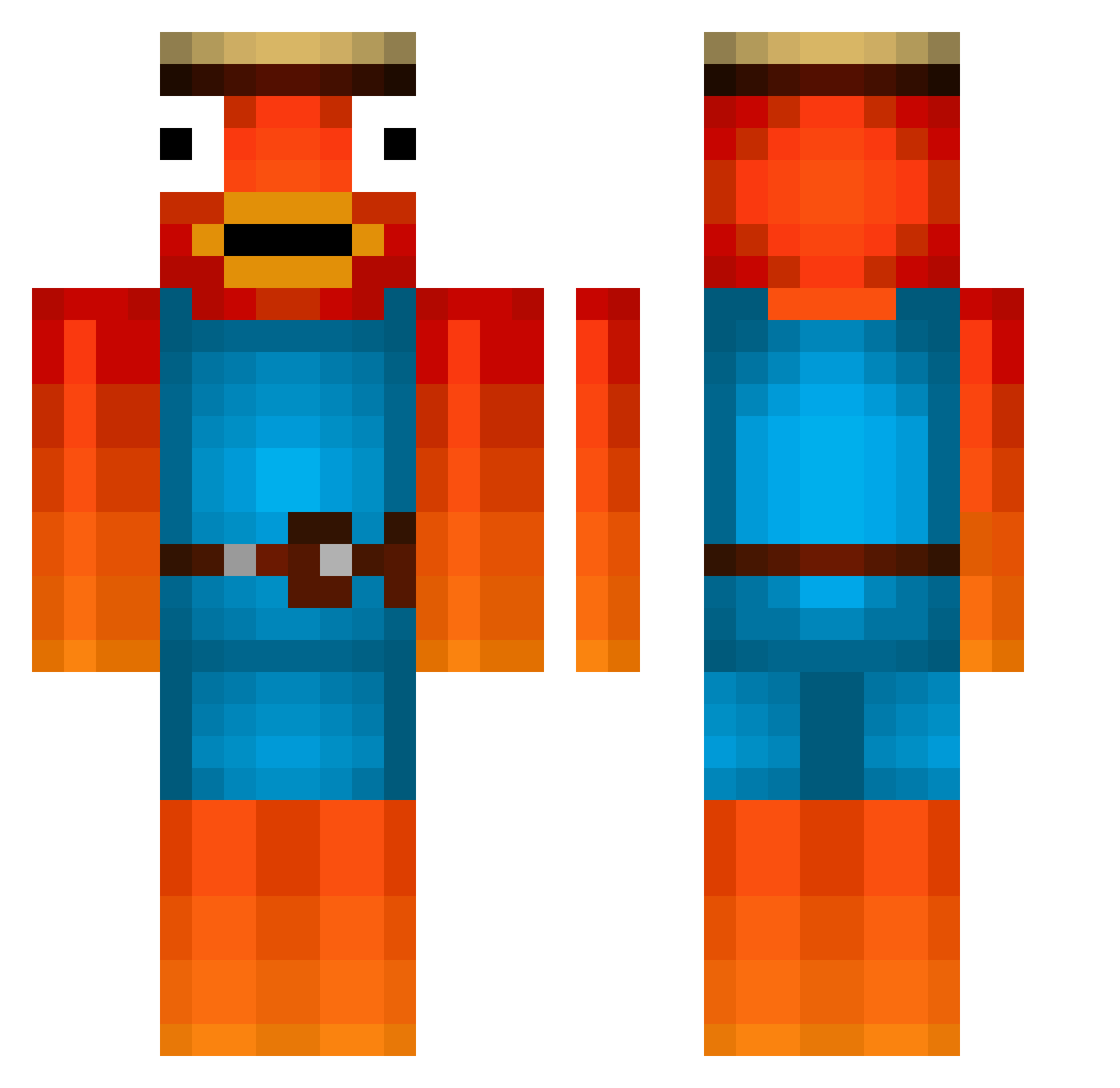
Current Minecraft skin of the player MaaaaxonWii, loaded from the official Mojang API. Rotate the 3D model with your mouse or finger, then download the skin as a PNG file and use it in Minecraft: Bedrock Edition or Java Edition for free. When MaaaaxonWii changes their skin, this page updates automatically and the old skin stays in the history below.
Other players with this skin (476)
MaaaaxonWii was the 311th player we have seen with this skin, first spotted on 01.10.2026. The same skin was seen on these players. Open a nickname to see their current skin and skin history.
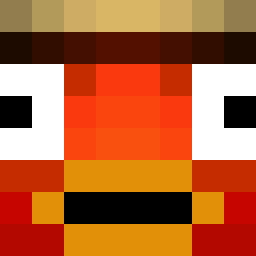 xenzoo777 Chalan62 TimderKrasse 5MAXI5 GianniM711 Naruto845YT Ghost_Aron_ shadow_rf rainman1011 Minernonk CrayXiMFG jonathan304 NotLeomaX CXLLUM2K thinknyash jimyb89 Niceblacky buubionpc J222L Luca65123 MikuGFX FRIJOLONWHEELS Marv123 Raul_1703_ Hyhm priceak Colin_20 Luki0810 xXleonbXx pojeh WilliNotFound trism_11 Zittern4ever besameeltrasero Youtube_vCiox LennyForty Flapito fuuufu_mani thatboy_sus leonlion_25 ToyotaPaseo KappaSmacka Logischer_Iven MineceraftMaster KeinLiebeslied HAVERIKO41 Schnitzel_HD123 EstebanMoya hendrik_btw Stranzler Mc3Wm DavidTost Noodlecrucher UltraGigaFish AkaAlexG Janko412 Maxlfischi Melissa220 Masomanos PelleYT
More Fishstick Minecraft skins
How to install the MaaaaxonWii skin
- Press the Download button above to save the skin as a PNG file.
- Minecraft: Bedrock Edition (PE): open the Dressing Room from the main menu (or tap your character → Edit Character), go to Classic Skins → Owned, press the + (new skin) button, choose the downloaded PNG and pick the Classic (Steve) model. Works on PC and mobile; consoles cannot import custom skins.
- Minecraft: Java Edition: open the Minecraft Launcher, go to the Skins tab, click New Skin, load the PNG, pick the Classic (Steve) model and press Save & Use. You can also upload it at minecraft.net → Profile → Change Skin.
The skin does not show up after import - what should I do?
Restart Minecraft and open the Dressing Room again - imported skins sometimes appear only after a restart. Also make sure you selected the imported skin and picked the Classic (Steve) model.
Which model should I choose, Classic or Slim?
This skin is designed for the Classic (Steve) model. If you pick the wrong model, the arms of the skin will look stretched or squeezed.
Is the skin of MaaaaxonWii free to download?
Yes. Press Download, save the PNG file and use it in Minecraft: Bedrock Edition or Java Edition - no payment or registration needed. The skin also works on multiplayer servers and Realms.
More skins
Looking for more? Go back to all Minecraft skins and check the top skins of the week, month and all time, or find any player's skin by nickname.