
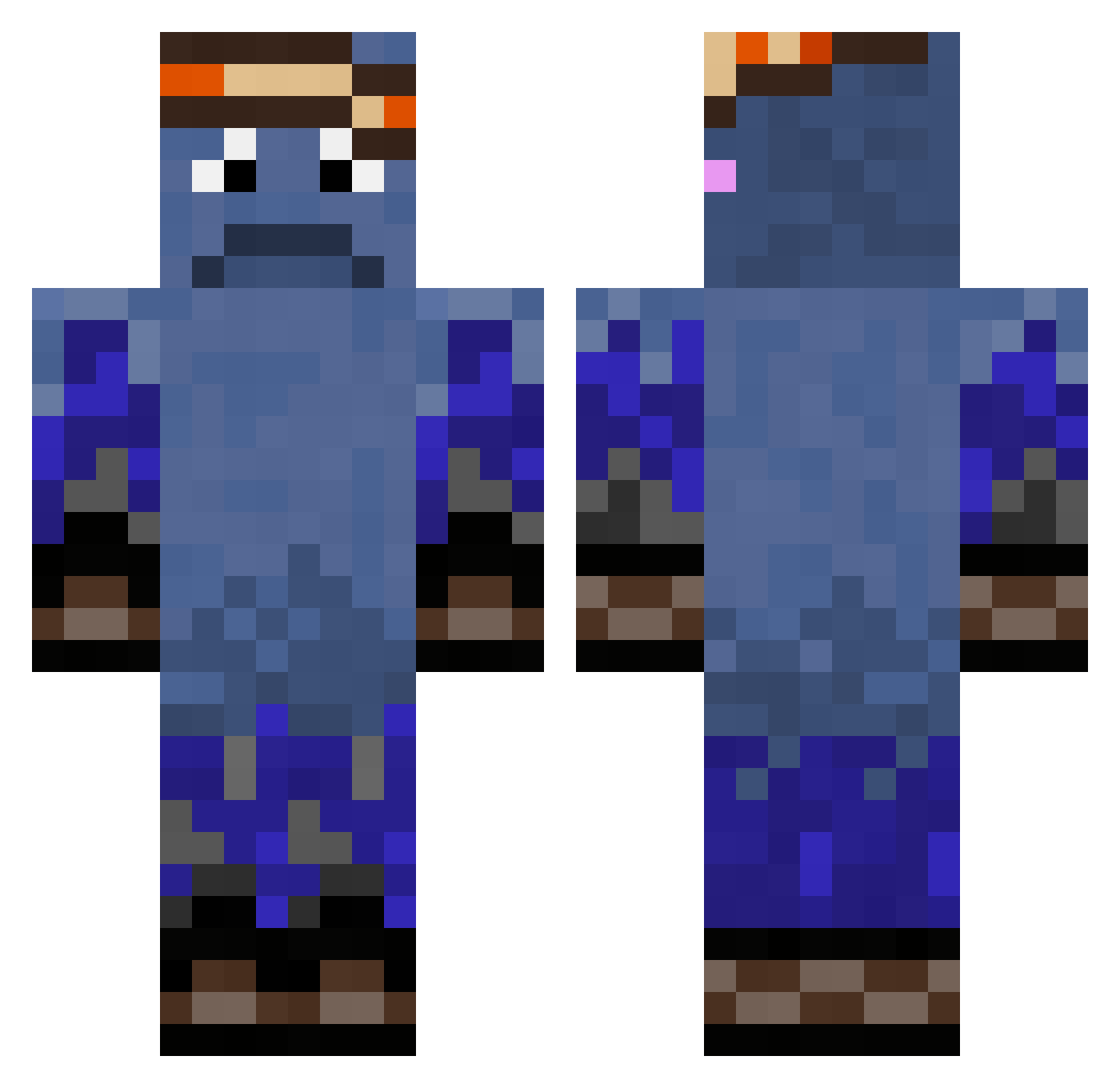
Current Minecraft skin of the player MRDOBBELTA, loaded from the official Mojang API. Rotate the 3D model with your mouse or finger, then download the skin as a PNG file and use it in Minecraft: Bedrock Edition or Java Edition for free. When MRDOBBELTA changes their skin, this page updates automatically and the old skin stays in the history below.
Other players with this skin (252)
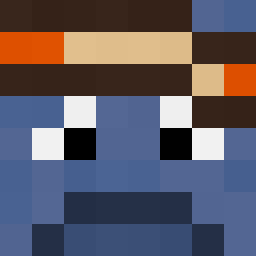
MRDOBBELTA was the 52nd player we have seen with this skin, first spotted on 09.08.2026. The same skin was seen on these players. Open a nickname to see their current skin and skin history.
 spelarsten21 Radar876
 GAMINSTARWARS bernas15 jo_zxy22 Federico3112 joseph5498 Toast_Man2114 Szk0lim KlyRow anorraks minseong46 vorheute rubeMC egerchillya MAGICLOSTT C2AR33K breackfast OliXT19 ImHabi_ VRGx224 Leon018 sixxxten AndreySL Niklas240218 _Freddy44 SicreXx Skysup777 Bigmaciscool Toast_man21 rezims_ Shahab_ jomjom2005 ZuGutFuerGomme nickname7713 Bean54321 Quintinlius RoBoRoX_BoBoX ENEDERIN SnoozyPotato alstjd3282 kocham_zlasteq Abood_29k Lost123223 ShadyMCShadesen NotSouly harleyglademyr Snakers_z chase6789 stormblabla joninator2711 JoshWick007 ming1115 xdeath1352 SLO_DON Helgi_11 Blaidd3 Papa_squeeely CrystallineWave Rbomb99
How to install the MRDOBBELTA skin
- Press the Download button above to save the skin as a PNG file.
- Minecraft: Bedrock Edition (PE): open the Dressing Room from the main menu (or tap your character → Edit Character), go to Classic Skins → Owned, press the + (new skin) button, choose the downloaded PNG and pick the Classic (Steve) model. Works on PC and mobile; consoles cannot import custom skins.
- Minecraft: Java Edition: open the Minecraft Launcher, go to the Skins tab, click New Skin, load the PNG, pick the Classic (Steve) model and press Save & Use. You can also upload it at minecraft.net → Profile → Change Skin.
The skin does not show up after import - what should I do?
Restart Minecraft and open the Dressing Room again - imported skins sometimes appear only after a restart. Also make sure you selected the imported skin and picked the Classic (Steve) model.
Which model should I choose, Classic or Slim?
This skin is designed for the Classic (Steve) model. If you pick the wrong model, the arms of the skin will look stretched or squeezed.
Is the skin of MRDOBBELTA free to download?
Yes. Press Download, save the PNG file and use it in Minecraft: Bedrock Edition or Java Edition - no payment or registration needed. The skin also works on multiplayer servers and Realms.
More skins
Looking for more? Go back to all Minecraft skins and check the top skins of the week, month and all time, or find any player's skin by nickname.