
MRBOLTON - Minecraft Skins & Skin History
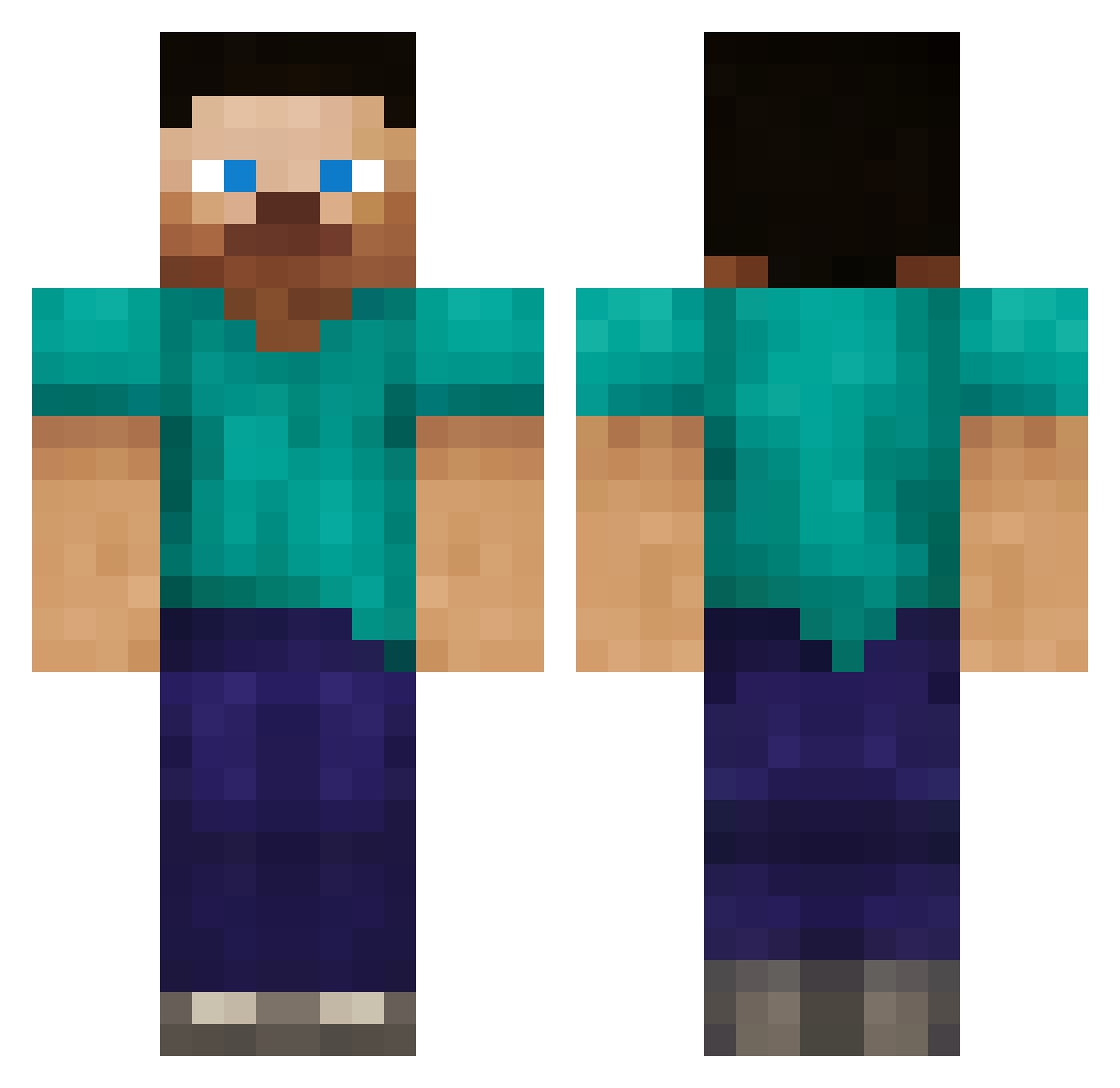
Current Minecraft skin of the player MRBOLTON, loaded from the official Mojang API. Rotate the 3D model with your mouse or finger, then download the skin as a PNG file and use it in Minecraft: Bedrock Edition or Java Edition for free. When MRBOLTON changes their skin, this page updates automatically and the old skin stays in the history below.
Other players with this skin (387)
MRBOLTON was the 294th player we have seen with this skin, first spotted on 21.10.2026. The same skin was seen on these players. Open a nickname to see their current skin and skin history.
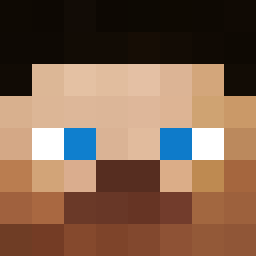 olliecash LegoLover1225 fader91 DONGOON technon1 eizze ISnim VestySweaters dannstein rbell2923 salmonkicker shadow_blade23 Tobias_kul FieryEnding Squares21 elimpeg kevinhuynh jarusk davido999 drgreat15 simonzwedberj Graywarrior Mettkeks RobertKillEms Emiel387 Tedde97 montauk27 jmkilthau BrandeMae Doomstone42 spencerturley Elementri atixheadhunter brettvieth 3008alex PlaNemos southbank08 The_Tree_Smasher Emilenvy JackieMW Larve PartyPig_ macdude44 99oscar99 chrisnickols ETHANATOR_X awesomesauce12 elefjohn Monkyman1940 kniklas spidermanvs ach321 Raymond7586 ajmalediction B41der Fra388 kawai2548 JRBeard streethobo313 RODRIGO64
How to install the MRBOLTON skin
- Press the Download button above to save the skin as a PNG file.
- Minecraft: Bedrock Edition (PE): open the Dressing Room from the main menu (or tap your character → Edit Character), go to Classic Skins → Owned, press the + (new skin) button, choose the downloaded PNG and pick the Classic (Steve) model. Works on PC and mobile; consoles cannot import custom skins.
- Minecraft: Java Edition: open the Minecraft Launcher, go to the Skins tab, click New Skin, load the PNG, pick the Classic (Steve) model and press Save & Use. You can also upload it at minecraft.net → Profile → Change Skin.
The skin does not show up after import - what should I do?
Restart Minecraft and open the Dressing Room again - imported skins sometimes appear only after a restart. Also make sure you selected the imported skin and picked the Classic (Steve) model.
Which model should I choose, Classic or Slim?
This skin is designed for the Classic (Steve) model. If you pick the wrong model, the arms of the skin will look stretched or squeezed.
Is the skin of MRBOLTON free to download?
Yes. Press Download, save the PNG file and use it in Minecraft: Bedrock Edition or Java Edition - no payment or registration needed. The skin also works on multiplayer servers and Realms.
More skins
Looking for more? Go back to all Minecraft skins and check the top skins of the week, month and all time, or find any player's skin by nickname.